
An attachment property stores files on an element, such as a report, a presentation, or a data sheet. The files stay with the element, so everyone who opens it finds them in one place.
Files on an element
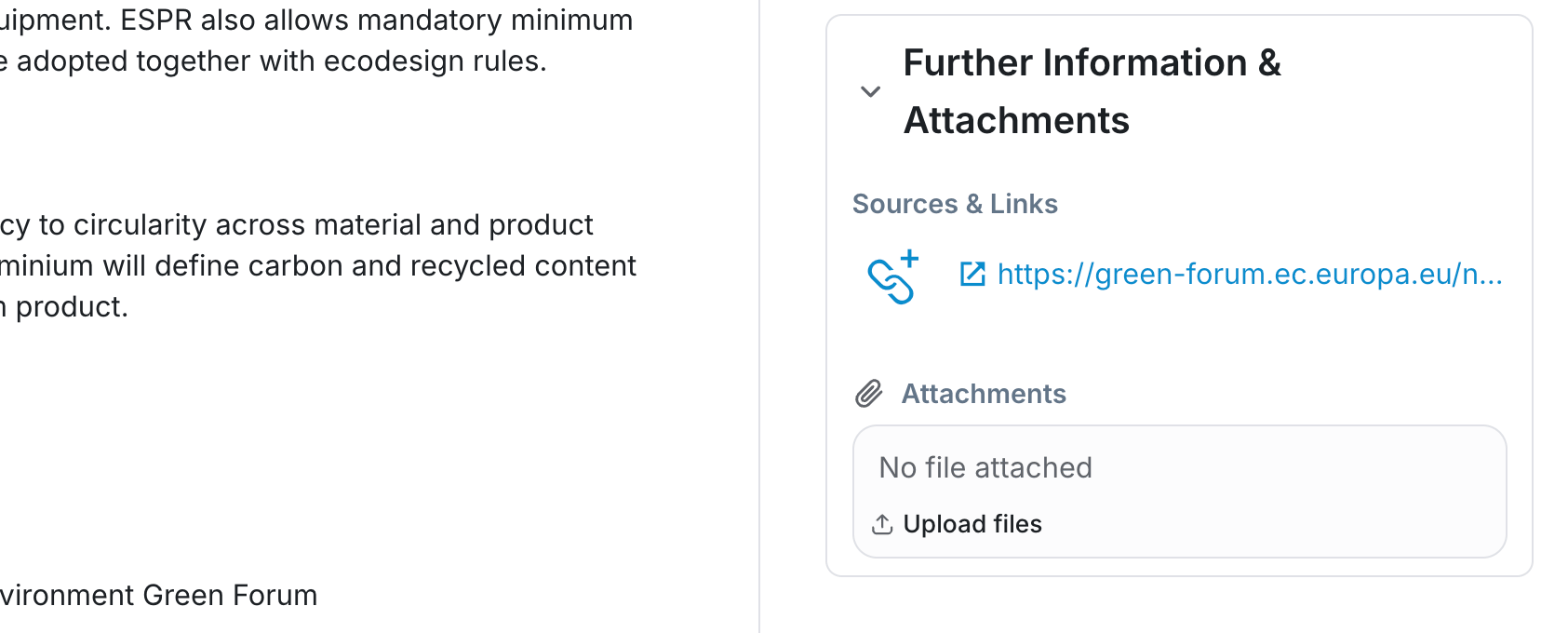
On an element's details page, an attachment property lists the attached files, or shows that no file is attached yet. Upload files adds files from your computer, and you can pick several at once.
Settings
Besides its name and an optional description, an attachment property has one setting: Multiple values, which lets it hold several files and is on by default. It can't be set to always require a value.
File formats and sizes
Each file can be up to 100 MB. Some file types can't be uploaded for security reasons. For the full list, see Supported file formats and sizes.