
Create several elements of the same type one after another without reopening the create dialog. To import many elements at once from a spreadsheet, see Import data via Excel.
Create elements in bulk
In the sidebar, click Create and select the element type.
Enter the title and the summary of the first element.
Select Create Another.
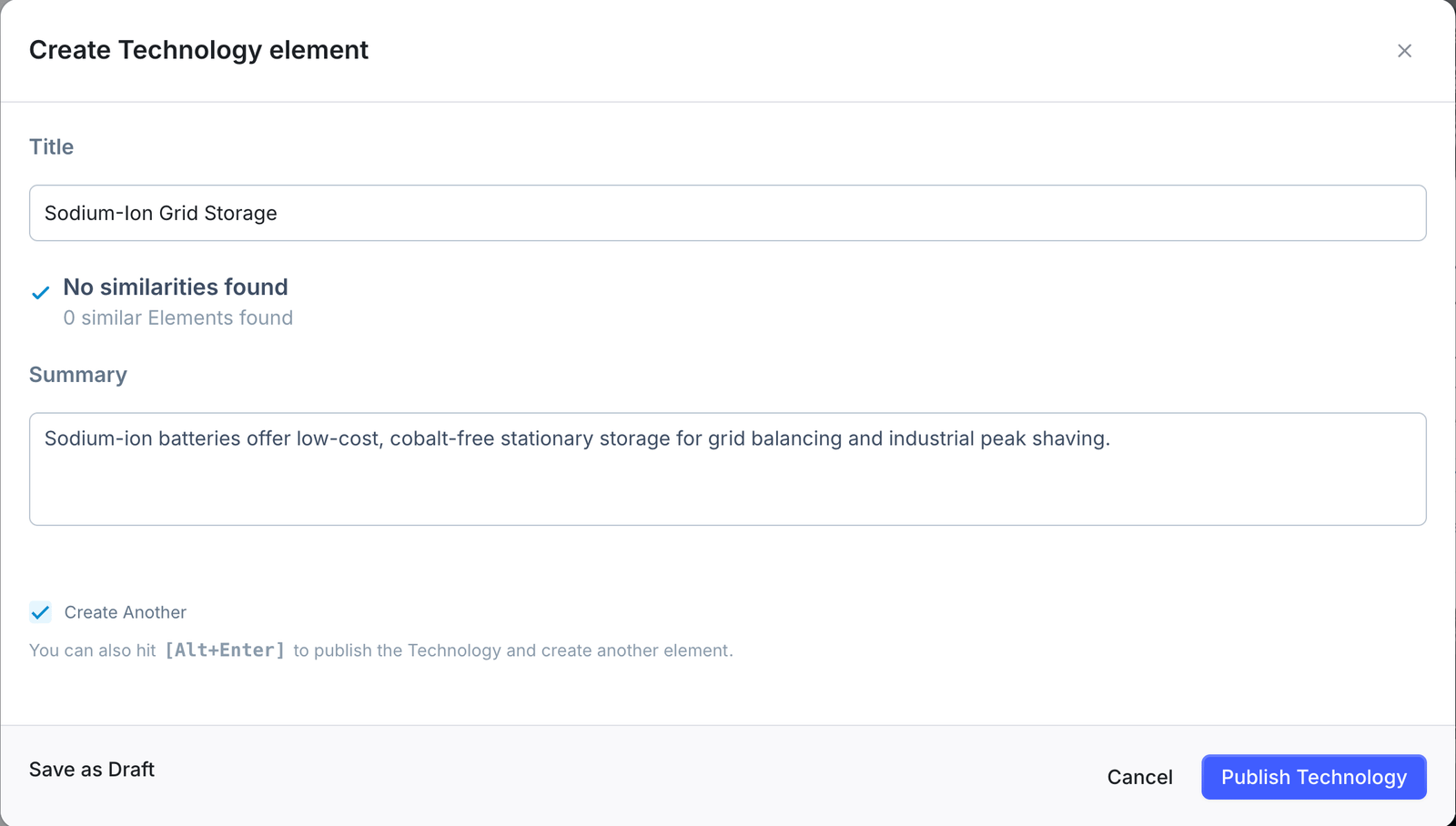
Click the publish button, for example Publish Technology.
The element is published, and an empty create dialog for the same element type opens.
Repeat steps 2 to 4 for each element. For the last one, clear Create Another before you publish.
Tip: Alt+Enter publishes the element and opens a new create dialog in one step, so you don't need to select Create Another.
Result
Each element is published in the workspace as soon as you publish it. To add more information, open an element and edit it. See Edit an element.