
Available by default to
Change many elements at once: export them to Excel, edit the file, and import it again. The exported file has the same columns as the Excel import template, plus the ID of each element.
Before you start
You need the permissions to export and to import from Excel. By default, only Workspace Admins can import. For the export, see Export elements to Excel.
Update elements via Excel
Export the elements you want to change.
Edit the values in the file and keep the ID/URI column unchanged.
ITONICS uses the ID to find the element. A row without an ID creates a new element. The import ignores the rating, formula, and rollup columns of the export.
In the sidebar, click Create and select Import from Excel.
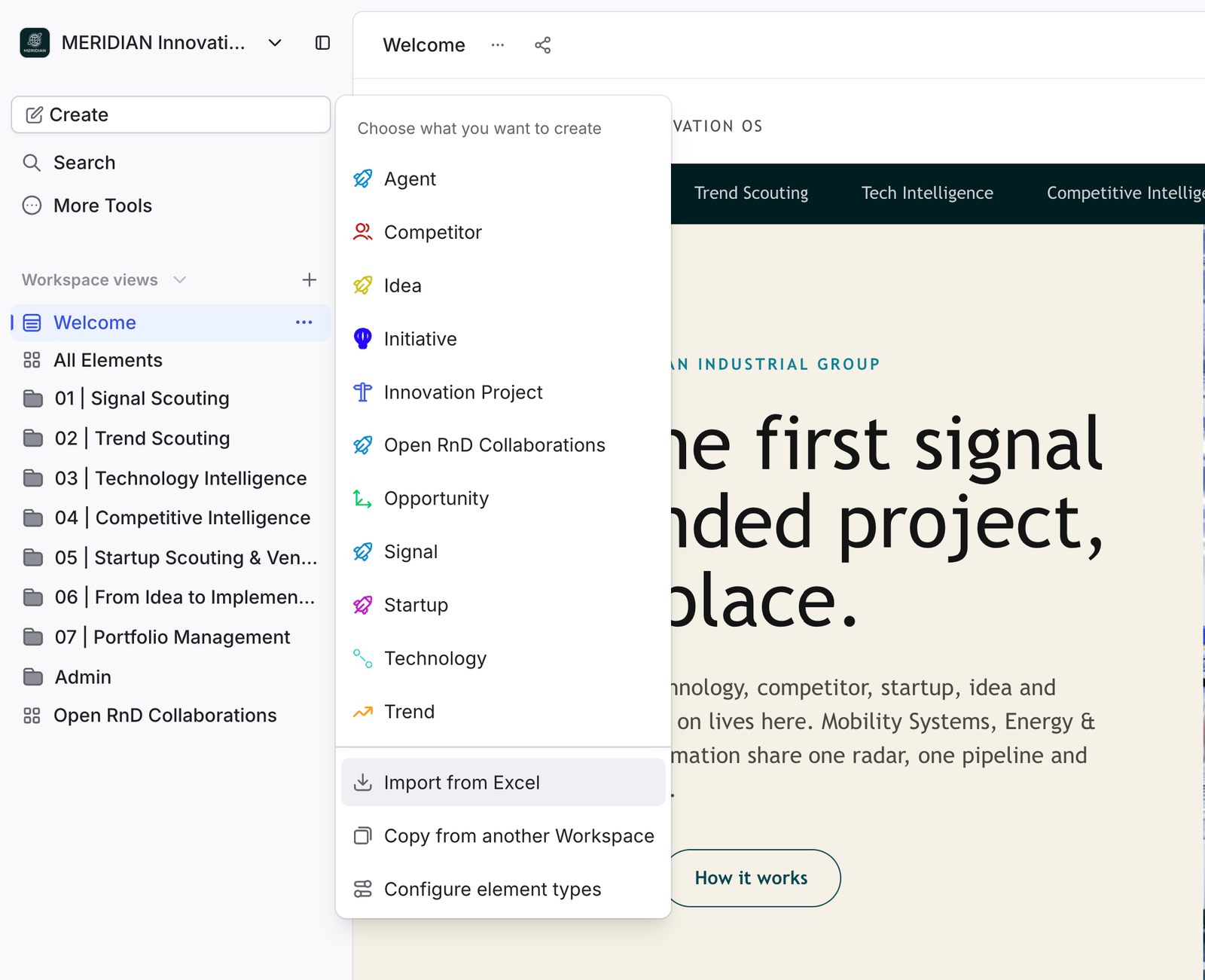
Select the element type of the file, upload the file, and click Check file.
The dialog shows how many elements are ready to update.
To update rich text properties too, select the option to import rich text as plain text.
The rich text is then imported as plain text and replaces formatted content. If you leave the option cleared, rich text properties keep their current content.
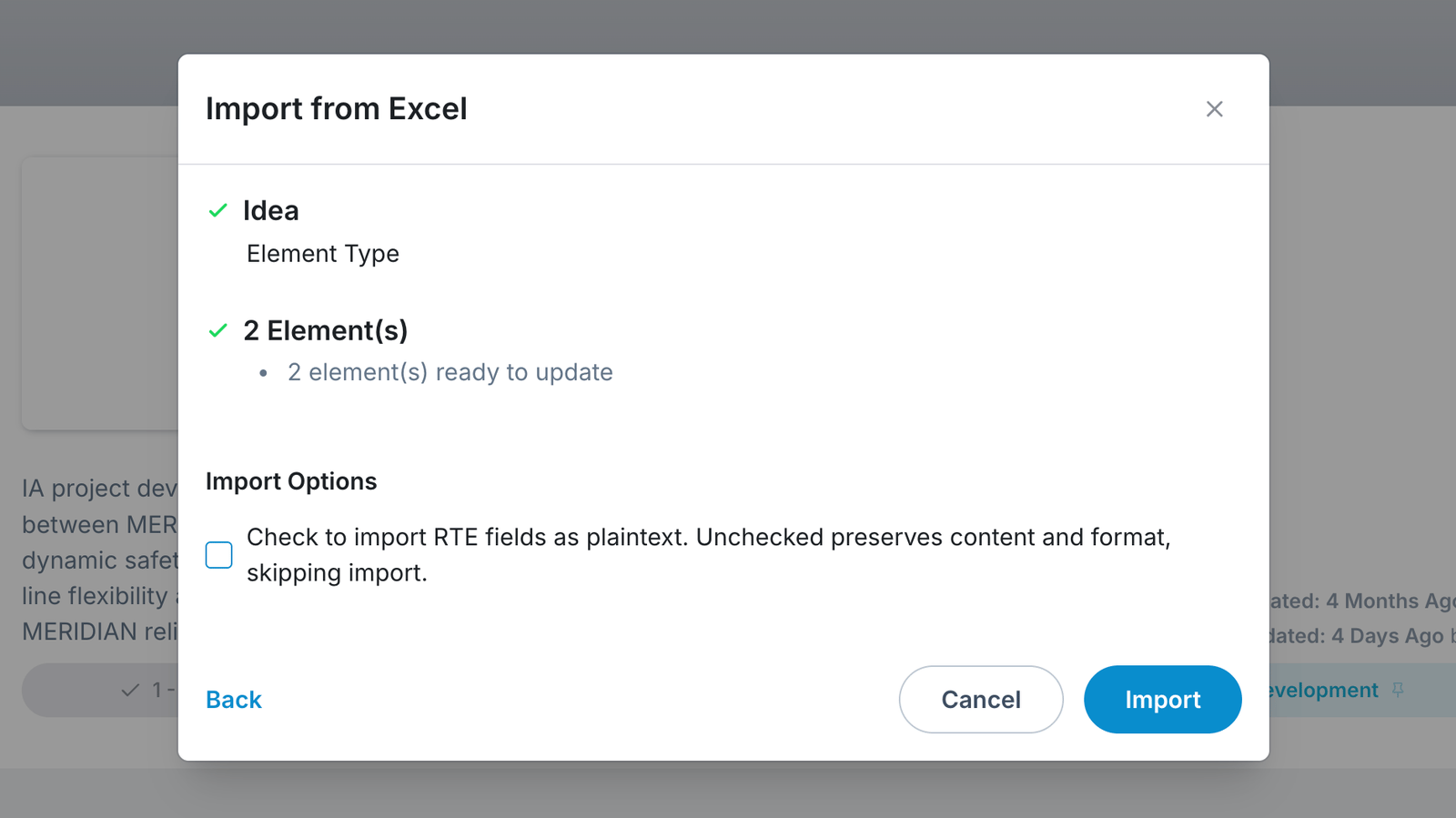
Click Import.
Result
The elements show the new values. An empty cell keeps the current value, so to clear a value, edit the element in ITONICS.
Updated At is set to the import date and Updated By to you, and the changes don't appear on the element's Activities tab. To keep an earlier Updated At date, delete the element and import it as a new element. This also removes the element's change history.