
When something in ITONICS doesn't work as expected, look for an answer in the help center first, then ask your admin or ITONICS Support.
Get help with ITONICS
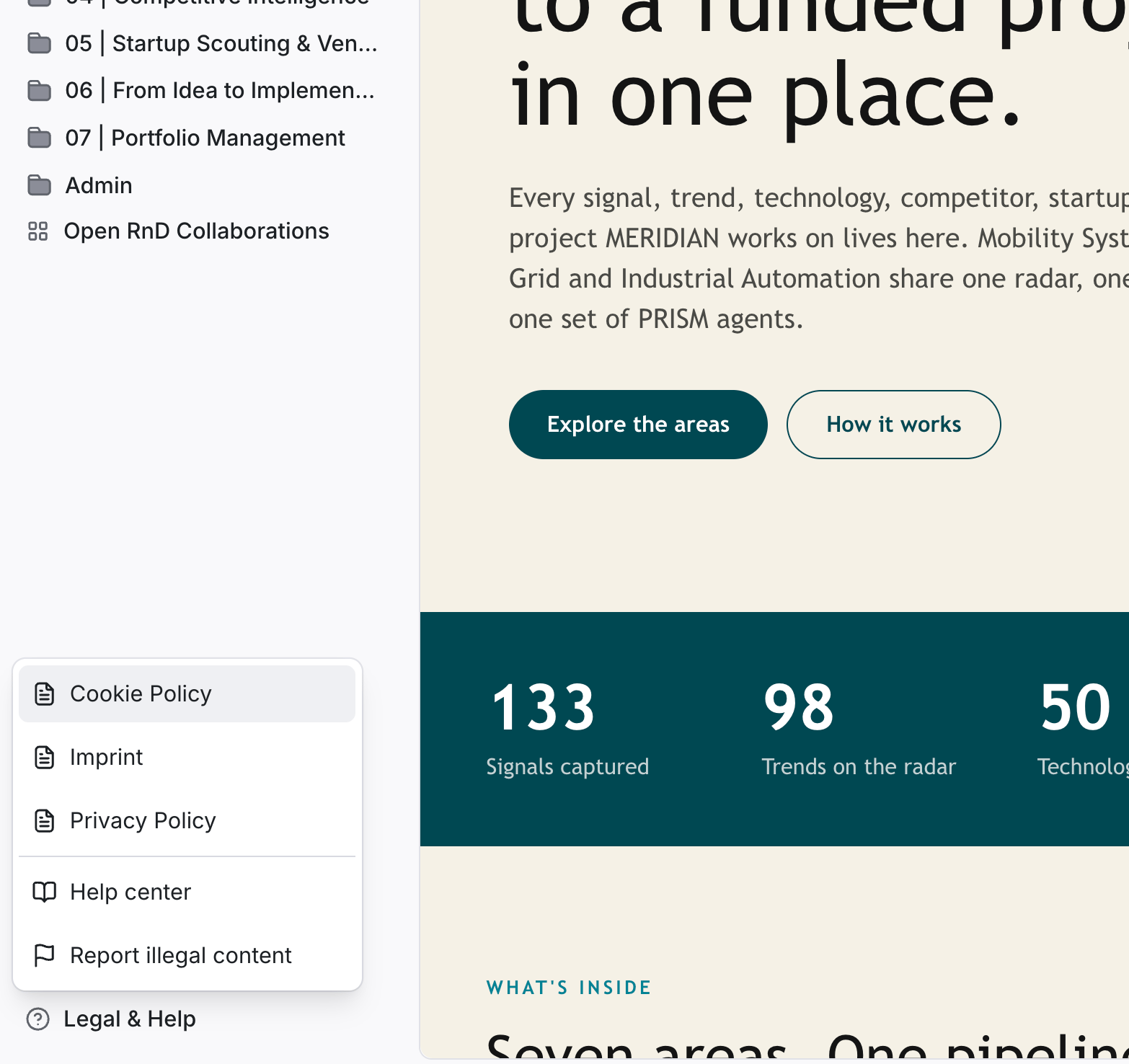
Go to Legal & Help > Help center.
The ITONICS knowledge base opens in another tab. Search it for your question.
If you don't find an answer, ask your Workspace Admin.
They know how ITONICS is set up in your organization and contact ITONICS Support for you if needed.
For a technical problem or a question about the software, email
support@itonics.io.Describe the steps that led to the problem and add the links to the pages it concerns. If you followed a knowledge base article, add its link. Say what you already tried. To report a bug or illegal content, see Report a bug or give feedback.
Note: For feedback, billing questions, add-on features, or consulting, email your account manager at account_manager@itonics-innovation.com.