
A date property stores a calendar date, such as a start date, an end date, or the date a source was published. It holds one date per element, without a time.
Picking a date
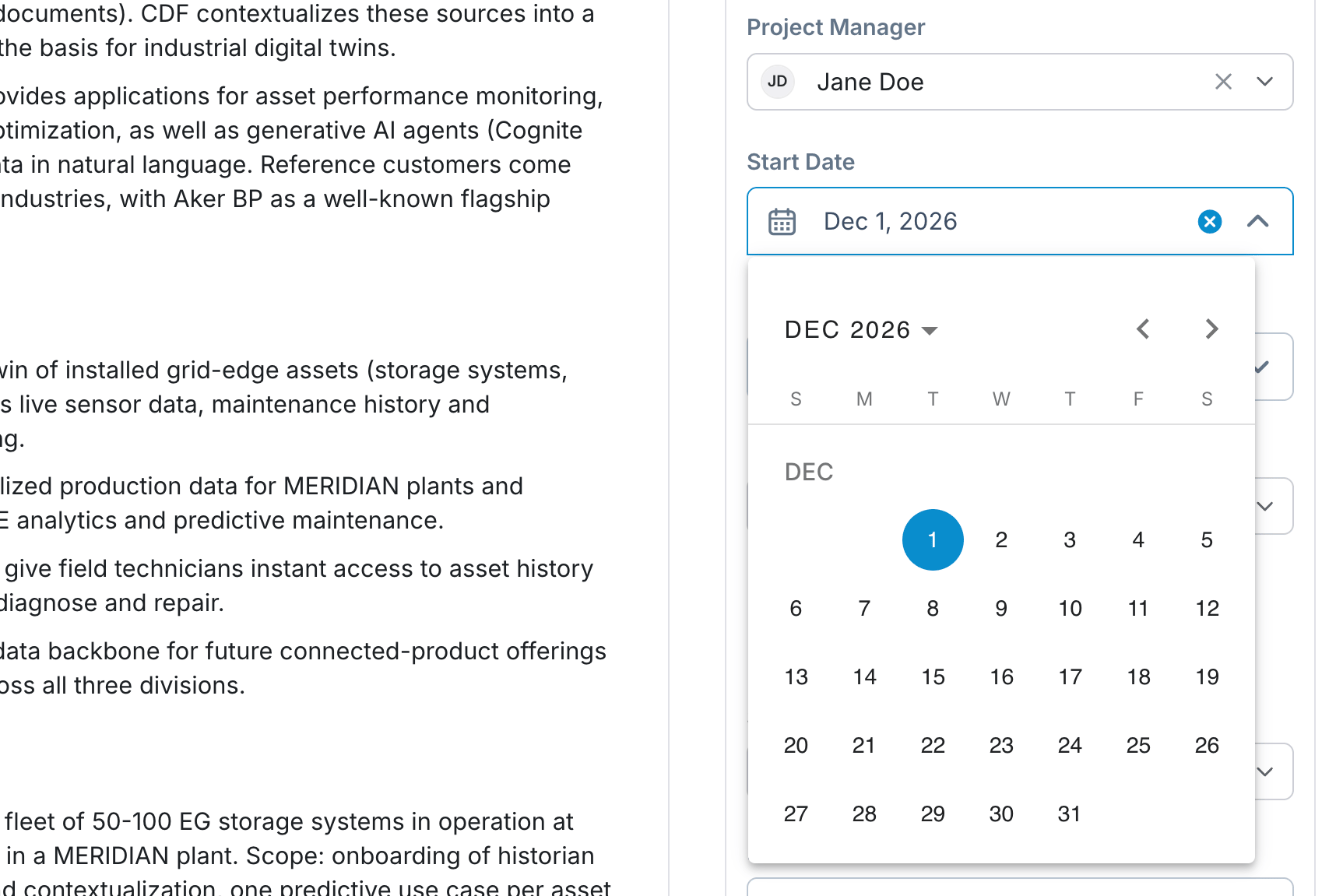
On an element's details page, a date property opens a calendar. Use the arrows to change the month, or the month and year menu to jump further. The clear button next to the date removes it.
Settings
Besides its name and an optional description, a date property has one setting: Always require a value, which makes the date required on every element of the element type.
Dates in other features
- A formula property can calculate with dates, for example the days left until an end date.
- A rollup property can show the earliest or latest date of related elements.
- Date properties aren't offered as filters in views.