
A hyperlink property stores links to web pages, such as the sources of a signal or a company's website. Each link shows as the address of the page, and clicking it opens the page.
Links on an element
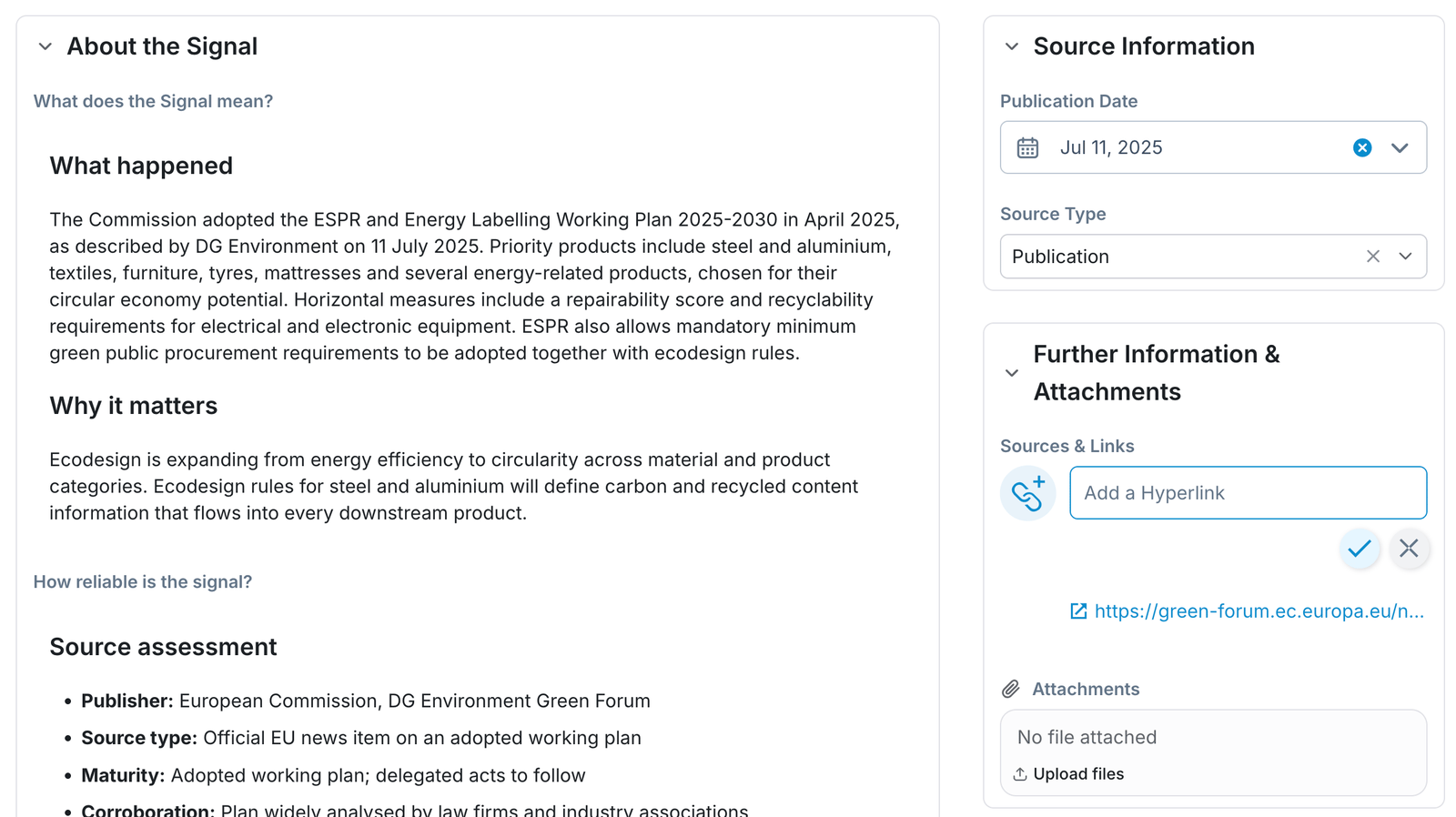
On an element's details page, the link icon next to a hyperlink property adds a link: paste the address and confirm it with the check mark. Hover over a link to edit or delete it.
Settings
| Setting | What it does |
|---|---|
| Multiple values | Lets the property hold several links. It's on by default and can't be changed after the property is created. |
| Always require a value | Every element of the element type must have a link. |
You can filter elements by their links. To show links within longer text, use a rich text property instead.