
A rich text property holds formatted text, such as a description, a problem statement, or a project plan. Besides headings and lists, it can hold tables, images, videos, files, and embedded content, so it often carries the main content of an element.
Editing rich text
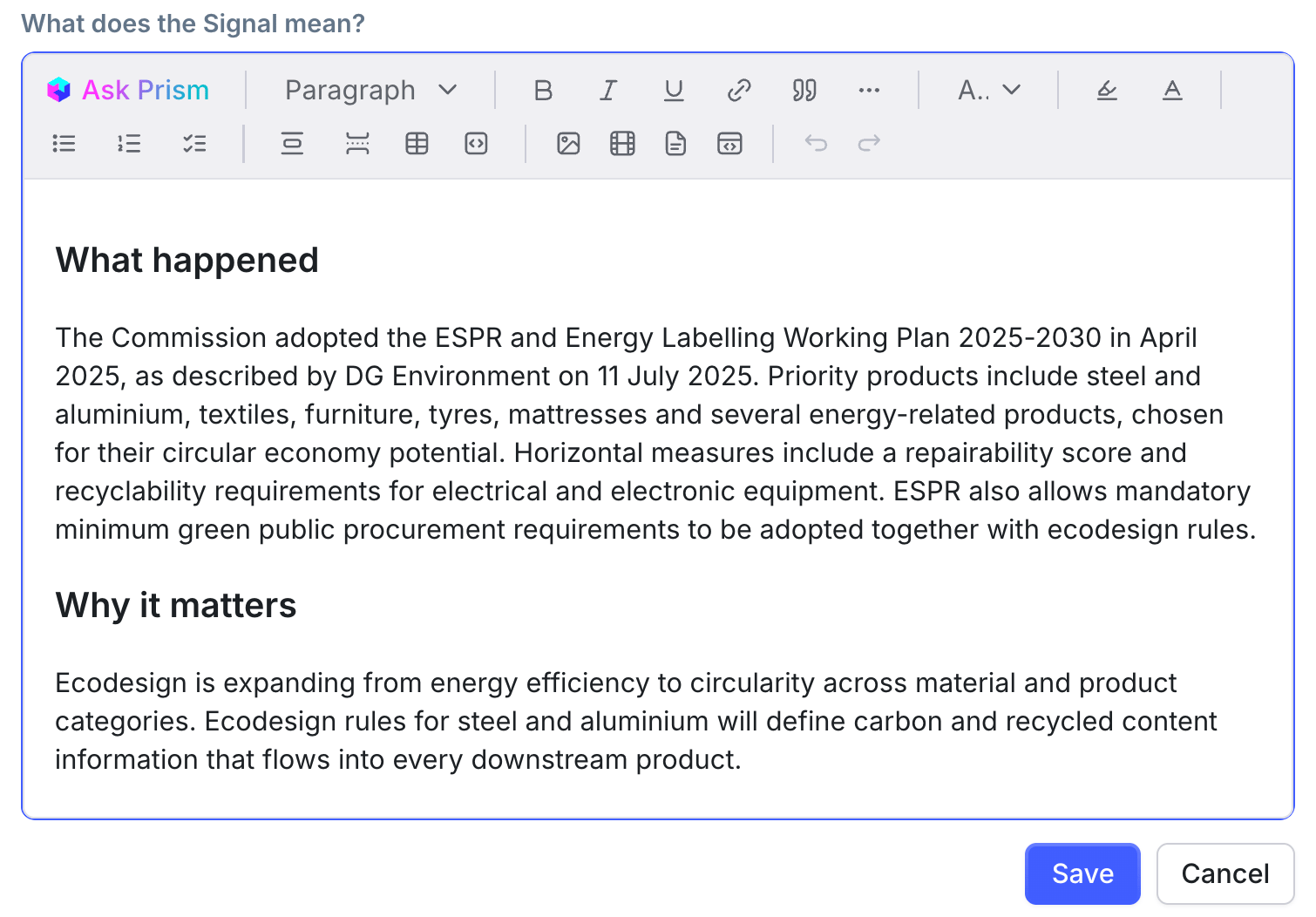
On an element's details page, click into the text to edit it. The rich text editor (RTE) shows its toolbar above the text, and your changes are kept only when you click Save. Cancel discards them. Until then, unsaved changes are stored on your device and come back if the window closes by accident.
Viewing images
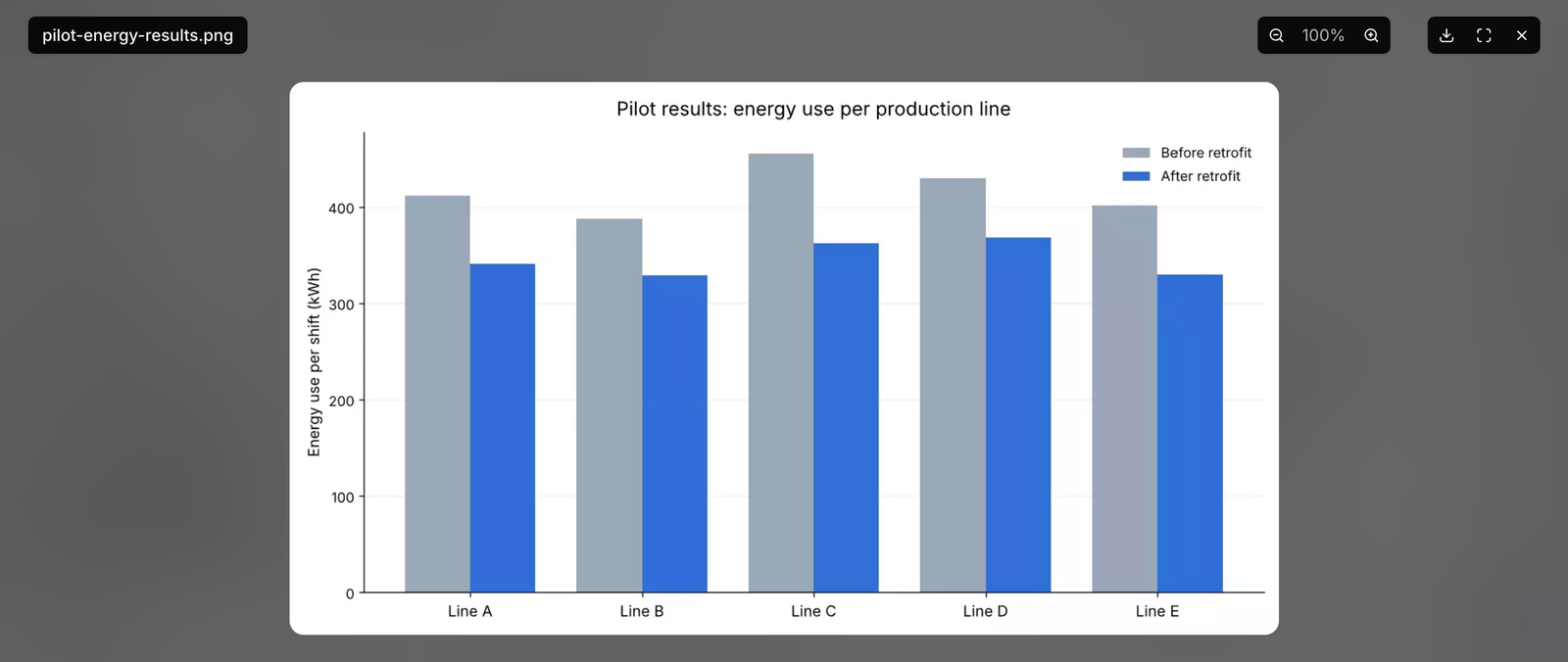
To read an image in a saved rich text property, click it. It opens large over the page, where you can zoom, view it in full screen, download it as it was uploaded, and move through all images of the property with the arrow keys.
What the editor offers
| Group | What you can add |
|---|---|
| Text style | Heading 1 to 3 or a paragraph; bold, italic, underline, strike through, code, subscript, and superscript. |
| Color and alignment | Highlight and text color; left, centered, or right alignment, or justified text. |
| Structure | Bulleted, numbered, and task lists; quotes, notification bars, dividers, tables, and code blocks. |
| Links and media | Links, images, videos, files, and embedded content from other tools. |
| Prism | Text written or rewritten from a prompt. |
To place a video, a dashboard, or another tool's content in the text, see Embed external content. To let Prism write for you, see Use the AI text editor.
Settings and limits
A rich text property has a name and an optional description, and no other settings. It can't be set to always require a value. Its text can be up to 31,772 characters long. You can filter elements by the text in a rich text property.
For a short plain value, such as a code or a name, a text property is the better fit.