
Sign in to ITONICS without a password, with a one-time code or sign-in link (magic link) from your email or with your company's single sign-on. Each organization has its own address, its system URL.
Before you start
You need an invitation to your organization. After you receive the invitation email, you have 7 days to accept it and sign in for the first time.
Sign in to ITONICS
Open your organization's system URL, for example your-company.itonics.io. Or go to itonics.io/id/login, enter the first part of your system URL, and click Login.
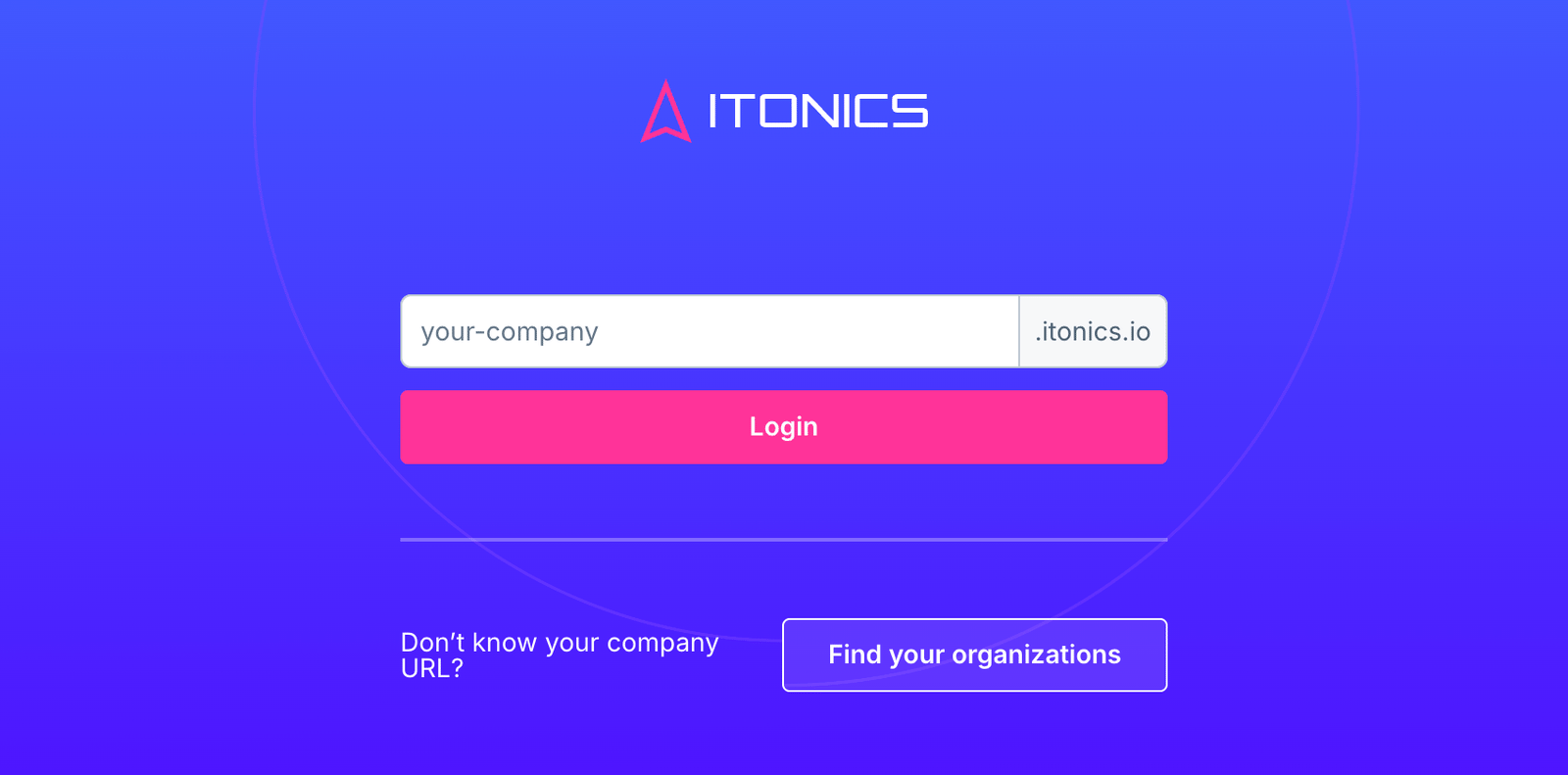
If you don't know your system URL, click Find your organizations and enter your email address.
ITONICS emails you a list of the organizations linked to your email. Select an organization in the email to continue.
Enter your email address and click Continue with your email. If your organization uses single sign-on, click the button with your identity provider's name instead, for example OneLogin, and follow your company's login steps.
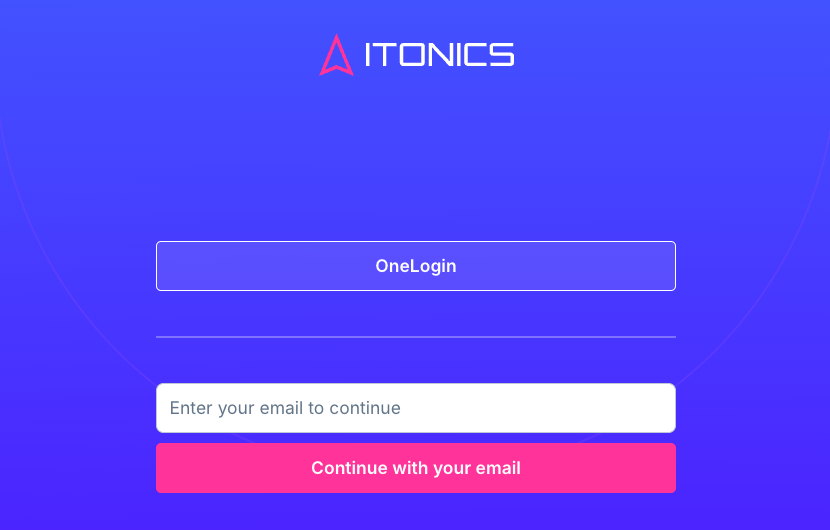
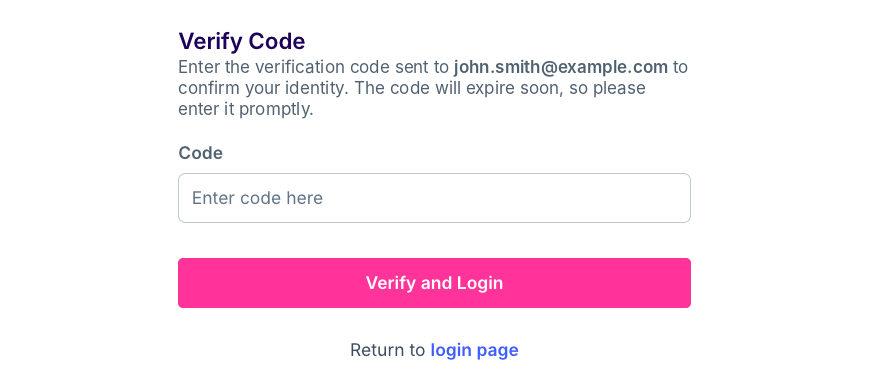
With email sign-in, open the email from ITONICS, enter the code from it under Code, and click Verify and Login. Or click the link in the email. It opens the Verify Code screen with the code filled in. Then click Verify and Login.
The email's subject is "Login code for" and your organization's name. The code and the link expire after 15 minutes.
Note: If your organization uses only single sign-on, you go straight to your company's login and email sign-in isn't offered. This applies to every role, including Application Admin.
Result
You're signed in, and your browser keeps you signed in. After 30 days without activity, you have to sign in again, whether you use email or single sign-on. If you can't sign in, see Trouble signing in.