
Submit your idea through a site, for example an idea challenge that your innovation team runs as an open innovation use case. To learn what sites are, see Overview of sites.
Before you start
Get the link to the site from the team that runs it. For a private site or a site for workspace members, you need an ITONICS account with access to it.
Submit an idea
Open the link to the site.
If the site asks for an account, select your ITONICS account or sign in. Public sites open without signing in.
Open the site's form, for example with its submit button.
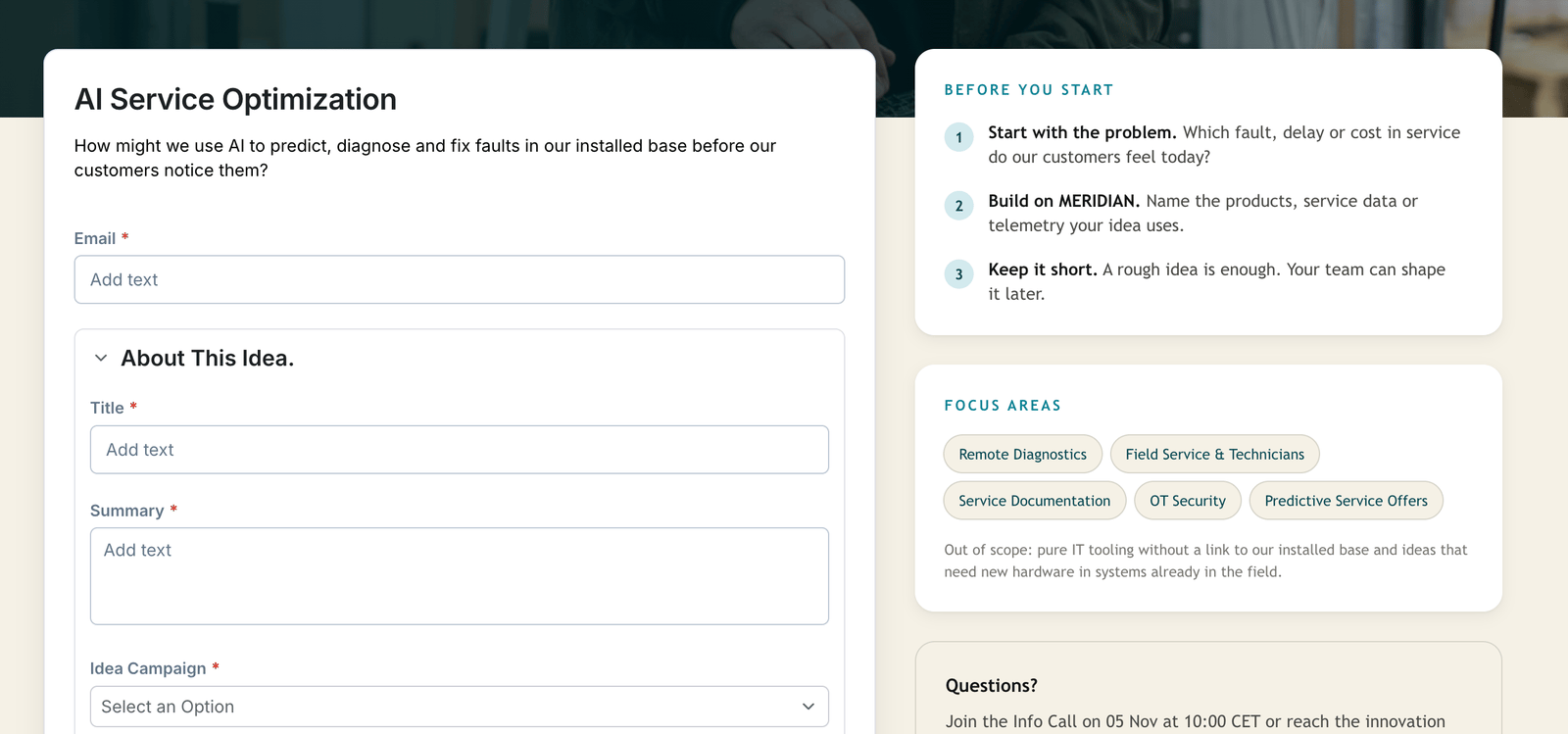
Fill in the fields of the form.
Fields with an asterisk (*) are required.
If the form shows terms and conditions, accept them.
Some forms also show a CAPTCHA to complete.
Click Submit.
Result
The site shows a confirmation page or takes you to the page the team set up. Your idea is an element in the team's workspace, with the site as its source.