A site is a public or internal page to gather input, share content, and collaborate with internal and external users. Sites are how you take part of a workspace outside ITONICS, for example to run an open innovation use case that collects ideas from employees, partners, or customers.
What you can do with a site
- Collect elements through a form, also from people who don't use ITONICS. Each submission creates an element in the workspace.
- Run an open innovation use case, such as an idea challenge, with its own home page, timeline, and submission form.
- Publish your own pages built in HTML, for example a landing page, an information page, or a thank-you page.
To see how people take part, see Submit an idea through a site.
Site templates
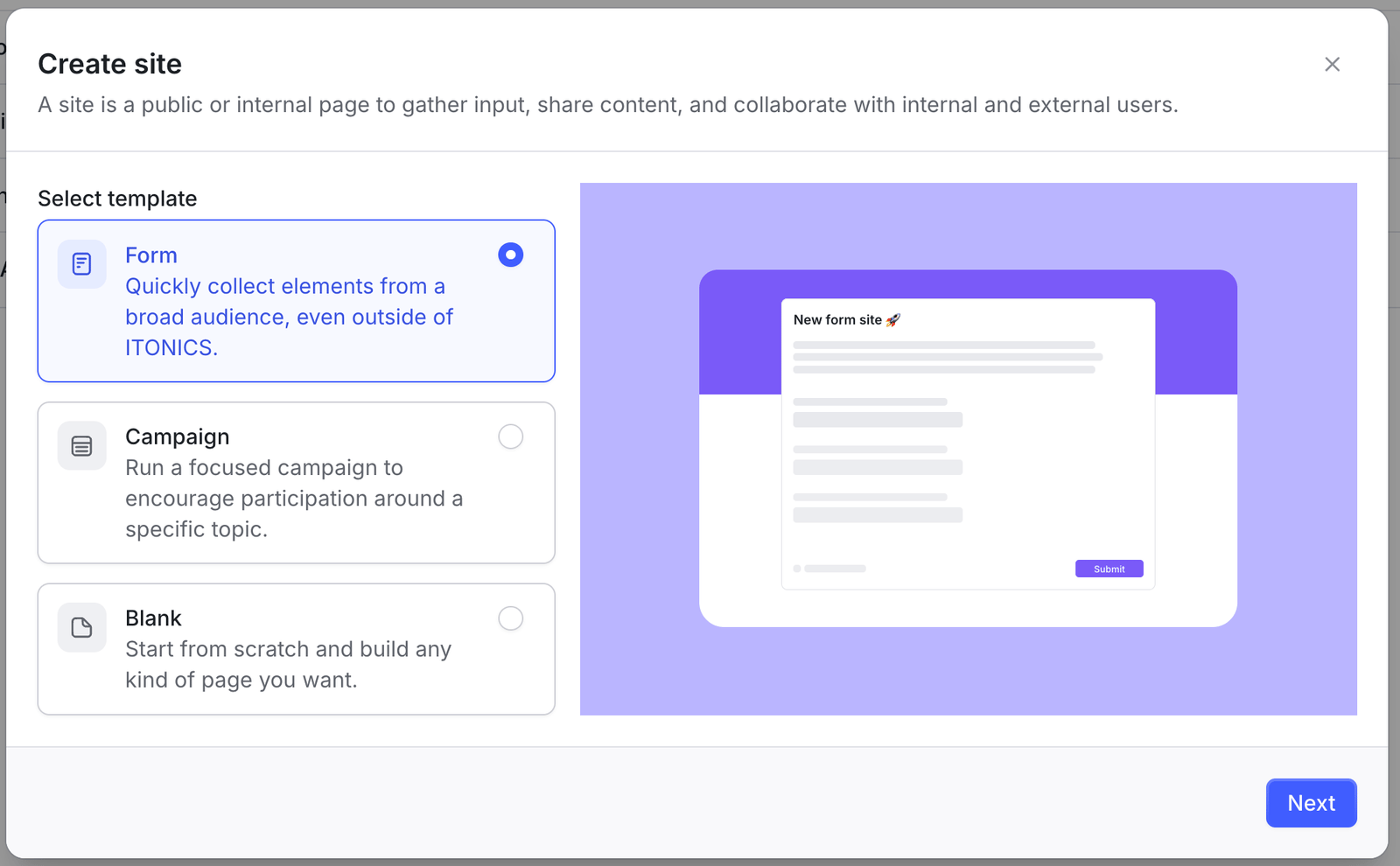
Every site starts from a template. The template only decides which pages the site starts with: you can add, change, or remove pages afterward.
| Template | Use it to | Starts with |
|---|---|---|
| Form | Collect elements from a broad audience, also outside ITONICS. | A form page and a thank-you page |
| Campaign | Encourage participation around a specific topic, such as an idea challenge. | A home page, a form page, and a thank-you page |
| Blank | Build any kind of page from scratch. | One blank page |
Pages of a site
A site is made of pages. There are two kinds:
- Layout pages hold your own content, written in HTML with Tailwind classes. Use them for the home page, information pages, and the page people see after they submit a form.
- Form pages are linked to one element type of the workspace. Each submission creates an element of that type. To lead people to a form page, link it from a layout page, for example from a submit button.
One page is the home page: the site's link opens it. A hidden page can't be opened outside the site editor, even when the site is published. To add and edit pages, see Create and manage sites. To set up forms, see Create and configure site forms.
Site status
Changes you make to a site stay in the editor until you publish them. Saving doesn't change what visitors see.
| Status | What it means |
|---|---|
| Draft | The site isn't published yet. Every new site starts as a draft. |
| Published | The site is live at its link, for the people who have access. |
| Unpublished changes | The site is live, and the editor has changes that visitors don't see yet. |
| Unpublished | Someone took the site offline, or its unpublish date passed. |
Who can open a site
Each site has its own access setting. You can also invite people by name; they must be members of the workspace. You can invite people only after the site is published.
| Access | Who can open the site |
|---|---|
| Private | Only you and the people you invite. This is the setting for new sites. |
| Workspace members | Members of the workspace and the people you invite. |
| Public | Anyone with the link, without signing in. |
On private sites and sites for workspace members, visitors sign in with their ITONICS account first. Search engines don't index public sites.
Site links
A site's link is its domain plus a slug, for example yourcompany.itonics.site/idea-campaign. You can change the slug, and select another domain if your organization has set one up. If your organization's network blocks domains, IT must allow itonics.site, so that images on sites show for your users.
Elements created through a site
An element submitted through a site form gets the site as the value of its Site source property. If an element came in through the wrong site, you can change the value. The creator of the element is the user set in the form's settings. If no user is set, it's the person who submitted the form if they're signed in, or "Anonymous" if they aren't.
Where to find sites
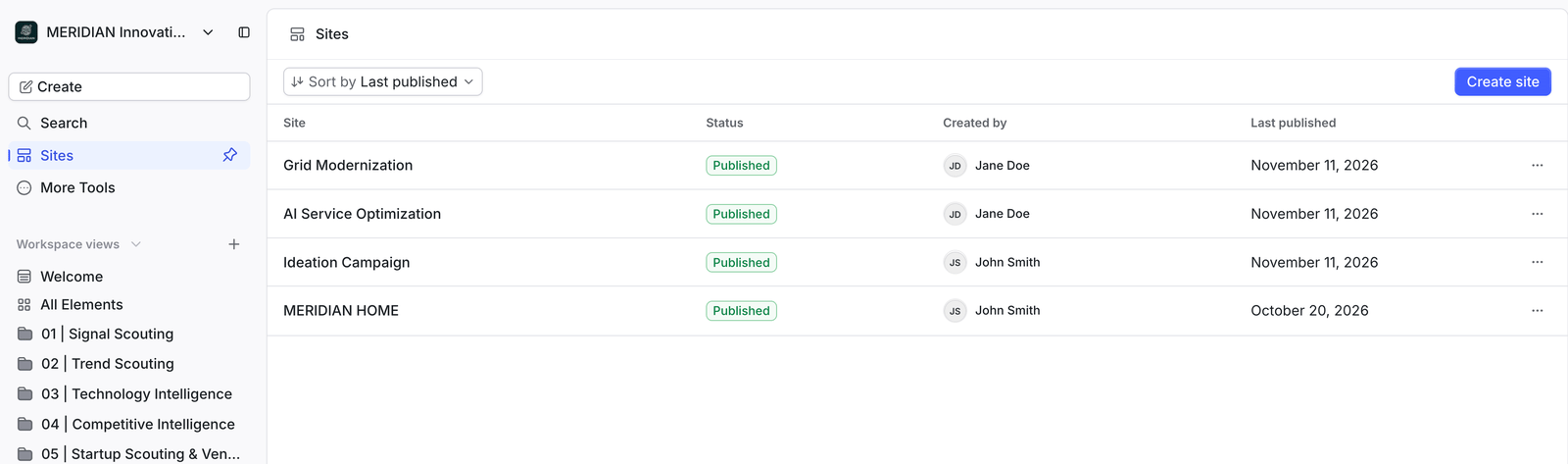
Sites are under More Tools > Sites in the sidebar, with each site's status, creator, and last publishing date. By default, Workspace Admins manage the sites of their workspace.