
Connect two activities on a roadmap to show that one leads to the other. To learn what connections are, see Overview of roadmaps.
Before you start
Both activities must be on the same roadmap. See Add activities.
Connect two activities
Open the roadmap and point to the activity that comes first.
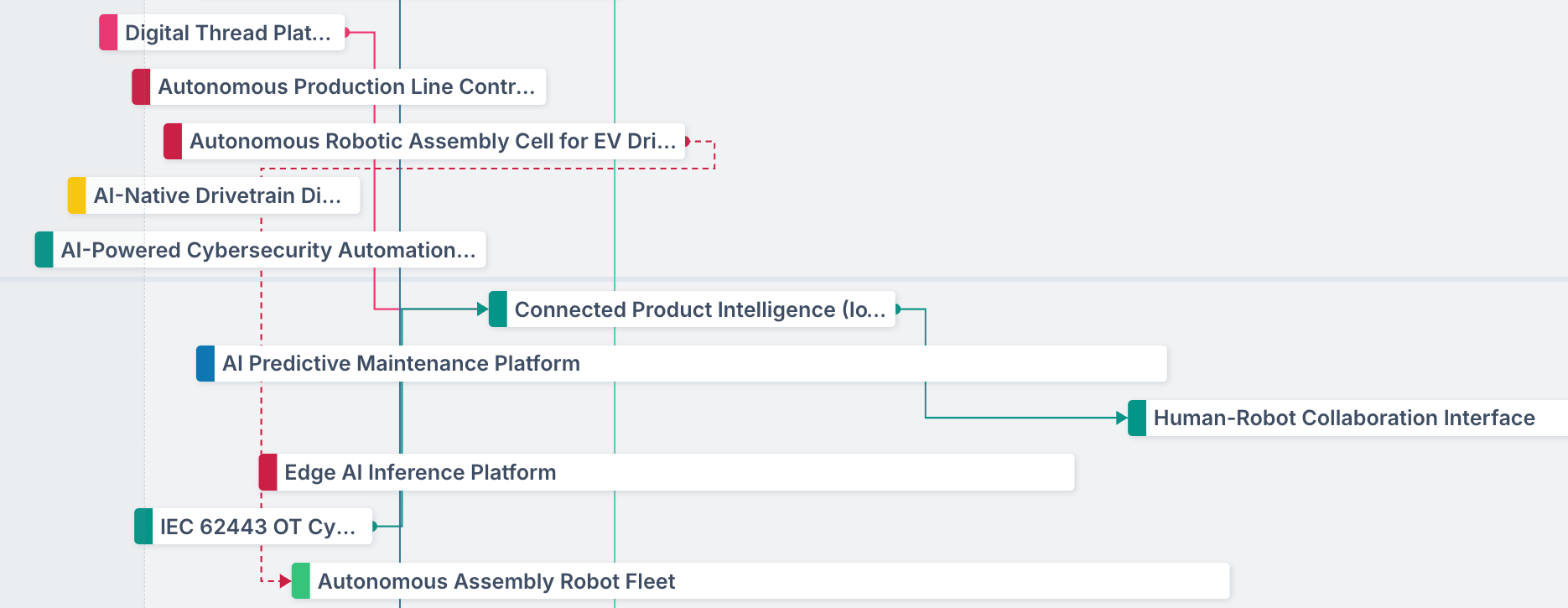
A circle appears next to the right end of the activity.
Drag the circle onto the activity that follows.
To remove a connection, click one of the two activities. In the panel that opens, in the connections section, click Previous Activities or Upcoming Activities, and click the X next to the other activity.
Result
An arrow connects the two activities on the roadmap. The connection is listed in the panel of both activities: under Upcoming Activities for the first one and under Previous Activities for the second.