
An embed is a radar or roadmap shown on a webpage outside ITONICS. With embeds, you share the results of your foresight and innovation work on your intranet or public website: keep your workforce up to date, inspire an external audience, or find partners to work on your future.
What you can embed
You can embed one or several radars and roadmaps from one or more workspaces into any webpage that accepts an iframe, such as a Confluence page or your corporate homepage. The embed shows the radar or roadmap live, so changes in ITONICS appear on the webpage.
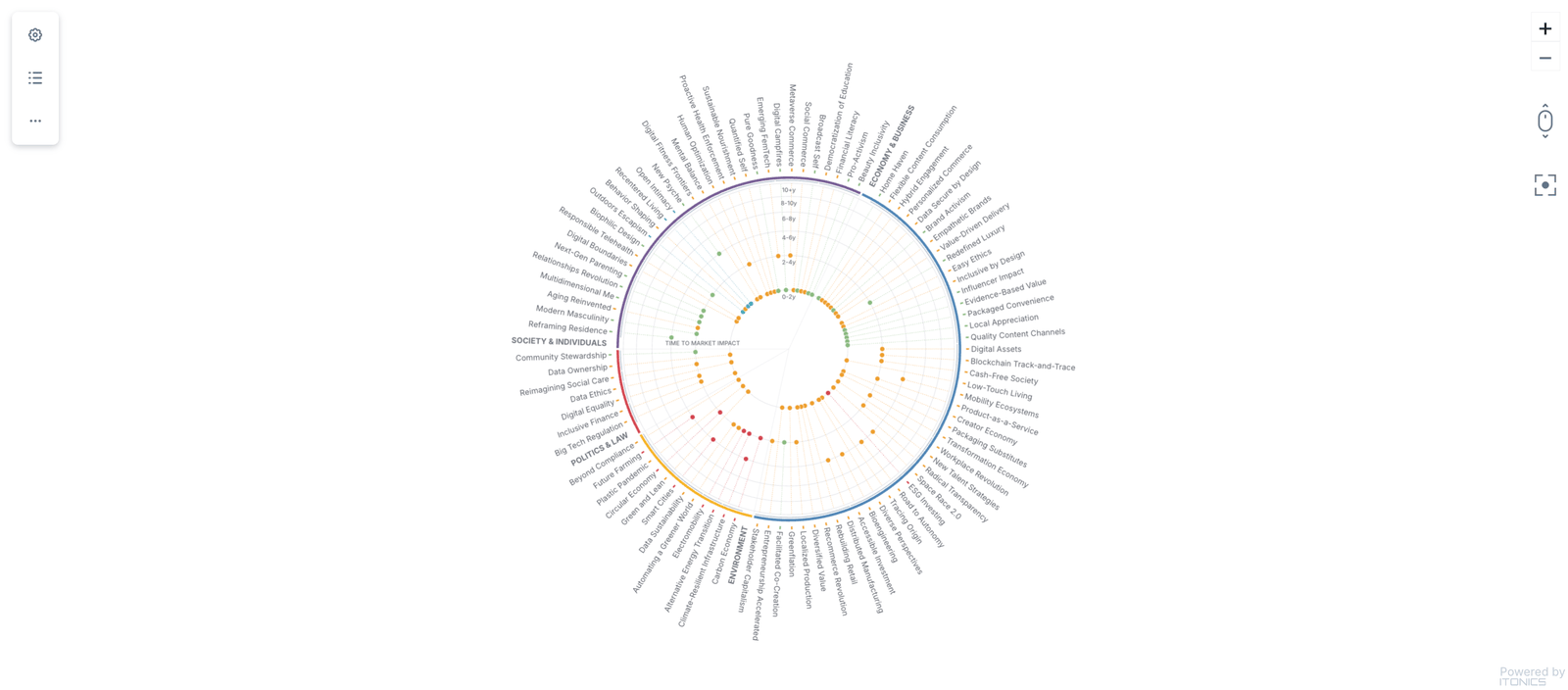
How an embed is set up
- An Application Admin creates an embed API key for the workspaces that hold the radars and roadmaps, on the Embed & External access page of the organization settings. See Create an embed API key.
- In the radar or roadmap, you open the embed settings, set the options, and copy the embed code or the embed URL. See Embed a radar on a webpage and Embed a roadmap on a webpage.
- You paste the embed code into your webpage. To check how the embed looks, open the embed URL in your browser.
What visitors see
The embed shows the radar or roadmap with the settings it has when you create the embed. For example, if your radar embed is missing relations, make sure they're turned on in the radar when you create the embed. Visitors can then turn them off.
For a radar, you decide whether visitors can change how elements are shown, for example the segmentation, color, distance, or halo (Allow Configuration), and whether they can save the radar as an image (Allow Export). Every embed can get a title; for a roadmap, the title is the only option.
An embed is shown in the language of the visitor's browser. To show it in a fixed language, add a language parameter to the embed URL: ?lang=en for English, ?lang=de for German, or ?lang=fr for French.
The embed URL contains the embed API key, so visitors can read more than the embed shows. Keep this in mind when you select the workspaces of the key (see above).
Browser limitations
Safari blocks embedded content when Intelligent Tracking Prevention is turned on (macOS and iOS). Visitors then see a message and can open the radar or roadmap in a separate tab with a link in the message.
Examples
- ITONICS example radar
- ITONICS example technology radar
- Elia Group Tech Radar
- Trend Radar Energy of Bayern Innovativ
- Bayern Innovativ Trend Radar for Wiring Harness
- Bayern Innovativ Roadmap for Additive Manufacturing
- LTIMindtree AI Radar
- PCSI Cyber Security Radar
- ITONICS Toolbox for Innovation Management