
The Insights tab of an element gives you an AI-written, cited summary of what's happening around it, such as a trend, a technology, or a startup. An Insights agent is an AI agent that researches sources for an element and writes the results as Insights perspectives. Instead of reading long lists of patents, publications, and news, you open the element and see the key points, each traced back to its source.
The Insights tab
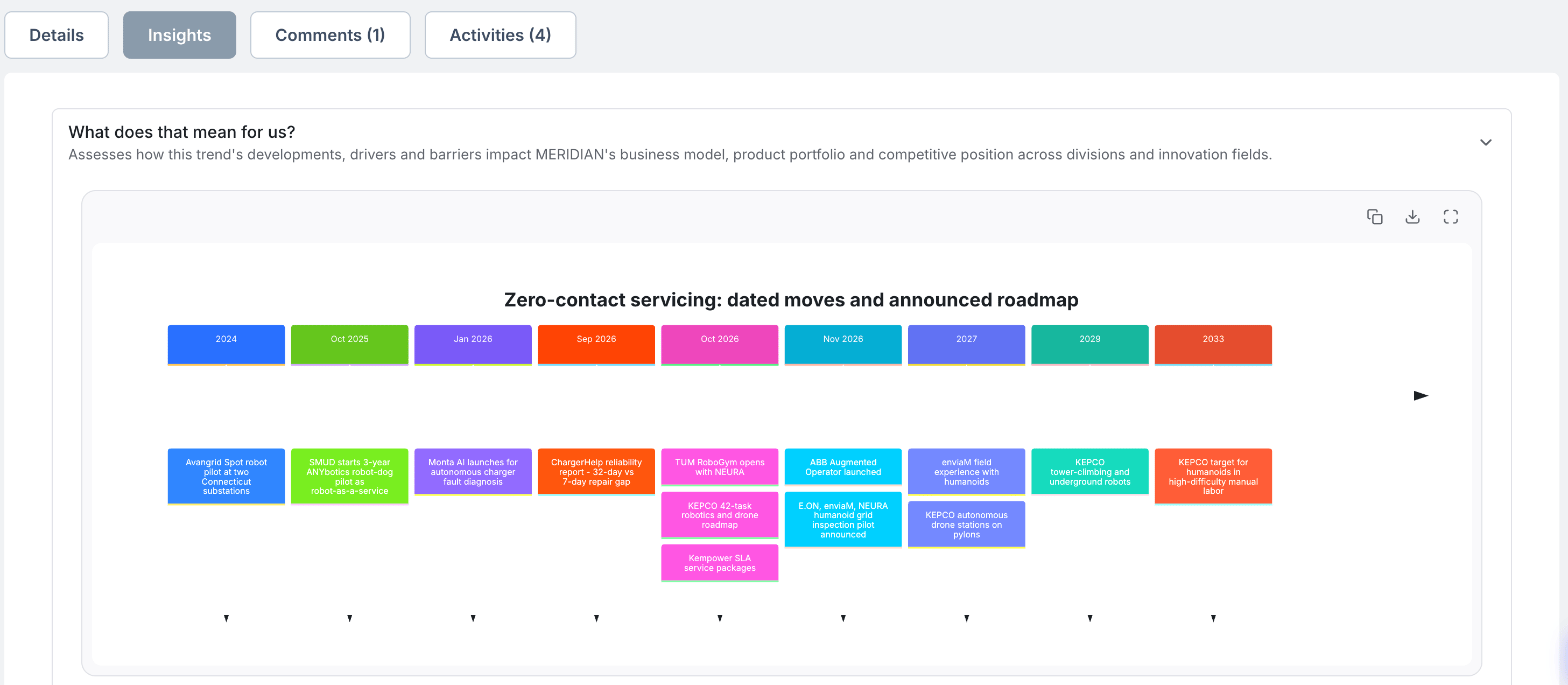
The Insights tab sits between Details and Comments on the element's details page. It shows a list of perspectives. Each perspective answers one question about the element, such as "What does that mean for us?", and you expand or collapse it by clicking its title.
An expanded perspective shows concrete findings with links to their sources, and a chart or diagram at the top if the perspective asks for one. See View and refresh Insights on an element.
Perspectives are set up per element type
Each element type has its own Insights agent. Its perspectives define which questions the agent answers for every element of that type: each has a title, a description, and instructions that Prism follows. The instructions set the research steps, the sources to use, the structure of the answer, and any chart or diagram.
Prism can draft a perspective from a short description, and you refine it. See Create and manage Insights agents.
Charts and diagrams
A perspective can show a chart or a diagram at the top. Prism picks the right one from what the instructions ask for, so there's no engine to select:
- Vega draws data charts from data series, with styling such as colors and axis labels.
- Mermaid draws diagrams: flowcharts, sequence flows, state diagrams, and entity-relationship diagrams, for example for a process, a decision tree, or a dependency map.
You can also ask for charts and diagrams in the Prism chat. See Use the Prism chat and queue requests.
Where insights come from
Prism researches external sources live and cites everything it uses:
- Lens.org for patents and scholarly research. See Patents and research with Lens.org.
- Perplexity search for the open web, such as news, funding announcements, press releases, and market reports. See External intelligence with Perplexity search.
To prefer or exclude particular sources, name them in a perspective's instructions, or in the workspace's master context.
How insights refresh
Each analysis writes all of the type's perspectives at once. Prism doesn't analyze again on every visit. It updates a perspective when its configuration changes, then the next person who opens the tab starts the new analysis and everyone after sees the result. Someone with edit rights can also start a new analysis at any time.
Insights don't refresh on their own over time. The tab shows when the element was last analyzed, so you can decide when to update it.