
Find elements across the workspace with the workspace search, or narrow a single view with its own search field.
Search elements
Search the whole workspace
In the sidebar, select Search, or press
⌘ + K(Ctrl + Kon Windows).The elements you viewed last are listed first.
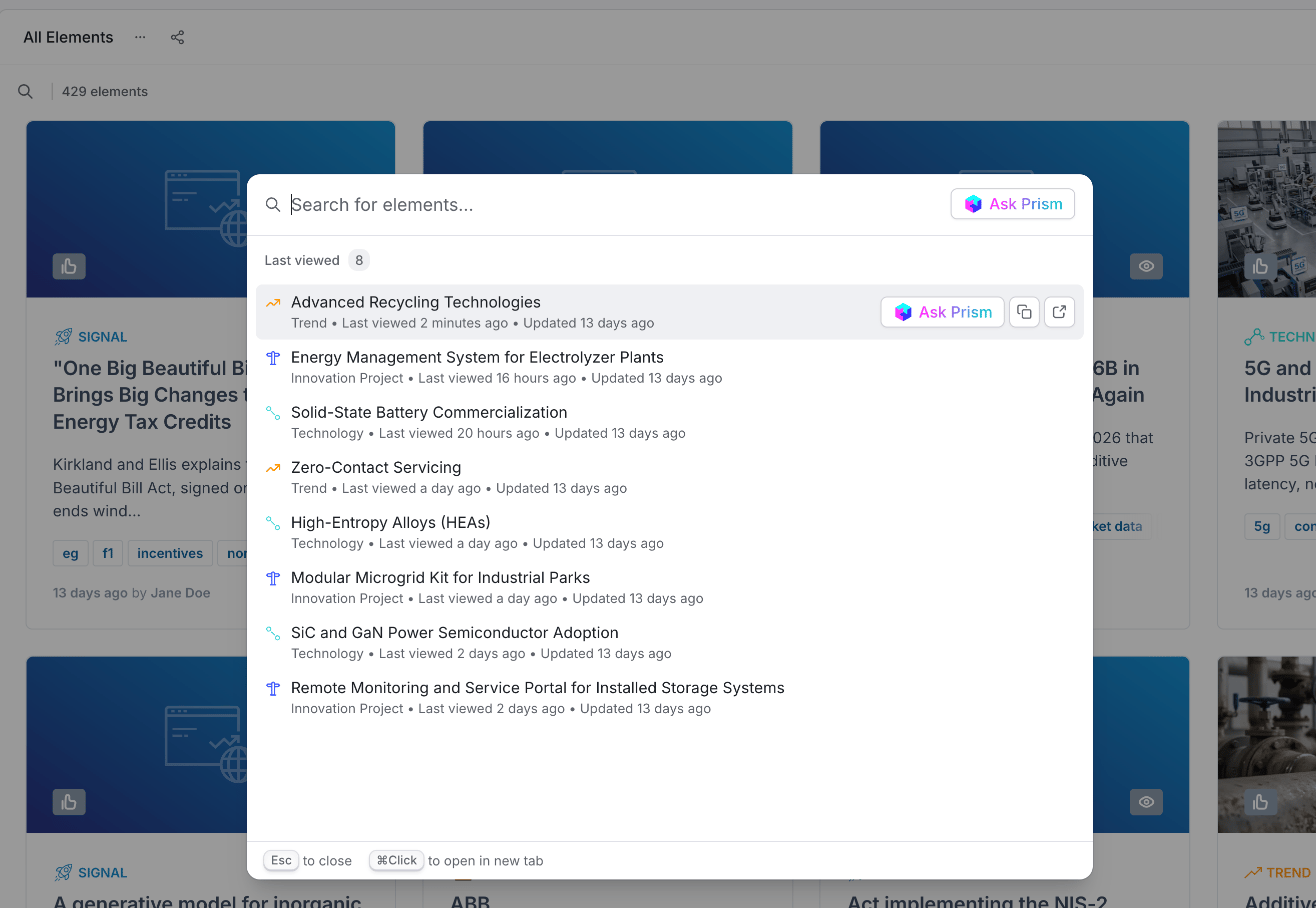
Enter a search term.
The search matches titles, descriptions, summaries, and related content.
Click a result to open it.
Point to a result to copy its link, open it in another browser tab, or click Ask Prism to analyze it.
Search within a view
In a view, click the search icon at the top left.
Enter a search term.
The view shows only elements whose title, summary, description, or further reading links match. To clear the search, click the x at the end of the field.

Both searches cover the current workspace only. To narrow a view by properties instead, see Filter elements.
To find elements by describing what you need in your own words, ask Prism, also through Ask Prism in the workspace search; see Interact with elements using Prism.