
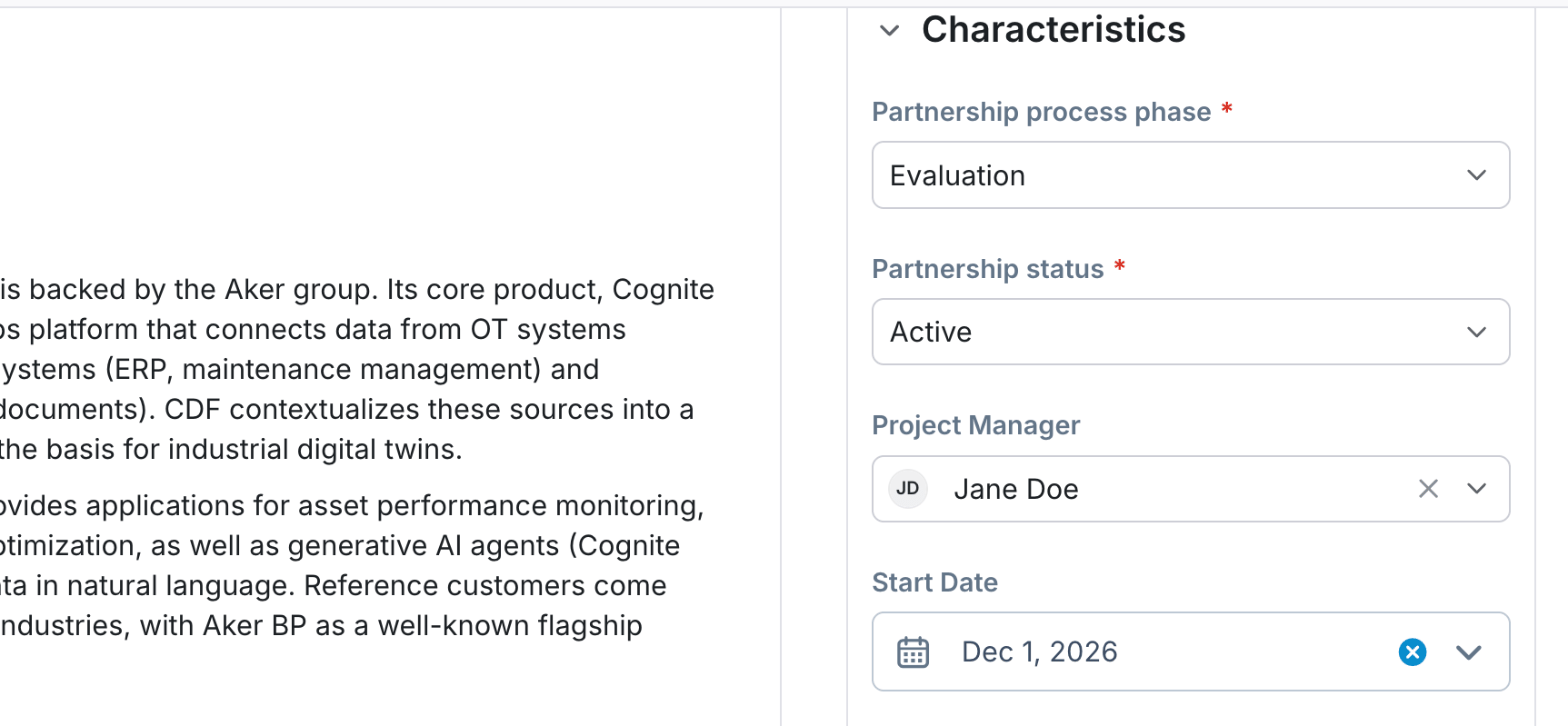
A user property assigns people to an element, such as the manager of a project, its team, or the jury that evaluates an idea. It shows each person with their name and profile picture.
Picking people
On an element's details page, a user property opens a list of users with their names and email addresses. The people already picked are at the top. To remove one person, click the cross on their name. The cross at the end of the field removes everyone.
Settings
| Setting | What it does |
|---|---|
| Multiple values | Lets the property hold several people. It's on by default and can't be changed after the property is created. |
| Always require a value | Every element of the element type must have someone assigned. |
You can filter elements by the people in a user property, for example to see all projects of one manager.