
Available by default to
Make a user an Application Admin, the role with the most rights in ITONICS, or take the role away again: Application Admins manage the organization settings, all workspaces, users, and permissions. For what organization roles mean, see Understanding organizations.
Before you start
You need the Application Admin role to open the organization settings.
Change the organization role
Click the workspace name in the top left, select Organization settings, and select Users & invitations.
In the user's row, click the more icon, and select Edit user roles.
To find the user, use the search field or filter by role.
Under Roles, select Application Admin to make the user an Application Admin, or click the × next to it to remove the role.
Every user keeps the Member role, which the dialog shows as the default role. You can't replace it.
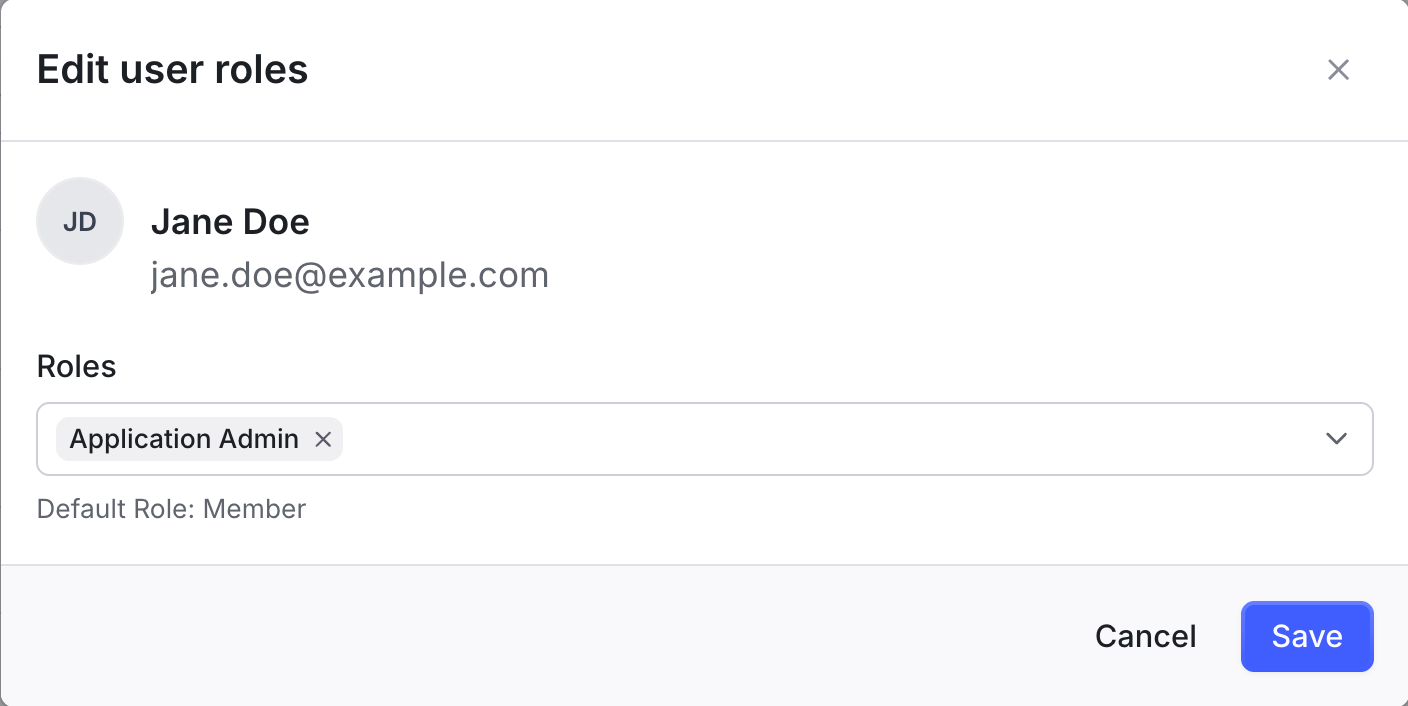
Click Save.
To give someone the Application Admin role when you invite them, see Invite users with local accounts. What users can do in a workspace depends on their workspace roles: to change those, see Manage workspace users.