
Delete an element type that your workspace no longer needs. To learn what element types do, see Understanding element types.
Before you start
- Remove all elements of the element type from the workspace. Archived elements and drafts count too. To keep the content, move the elements to another type first. See Convert an element to another type.
- Make sure no workflow uses the element type and no property refers to it, such as a relation property.
Delete an element type
Click the workspace name in the top left.
Select Workspace settings.
Click Element types.
Click the element type you want to delete.
At the bottom of the page, click Delete element type.
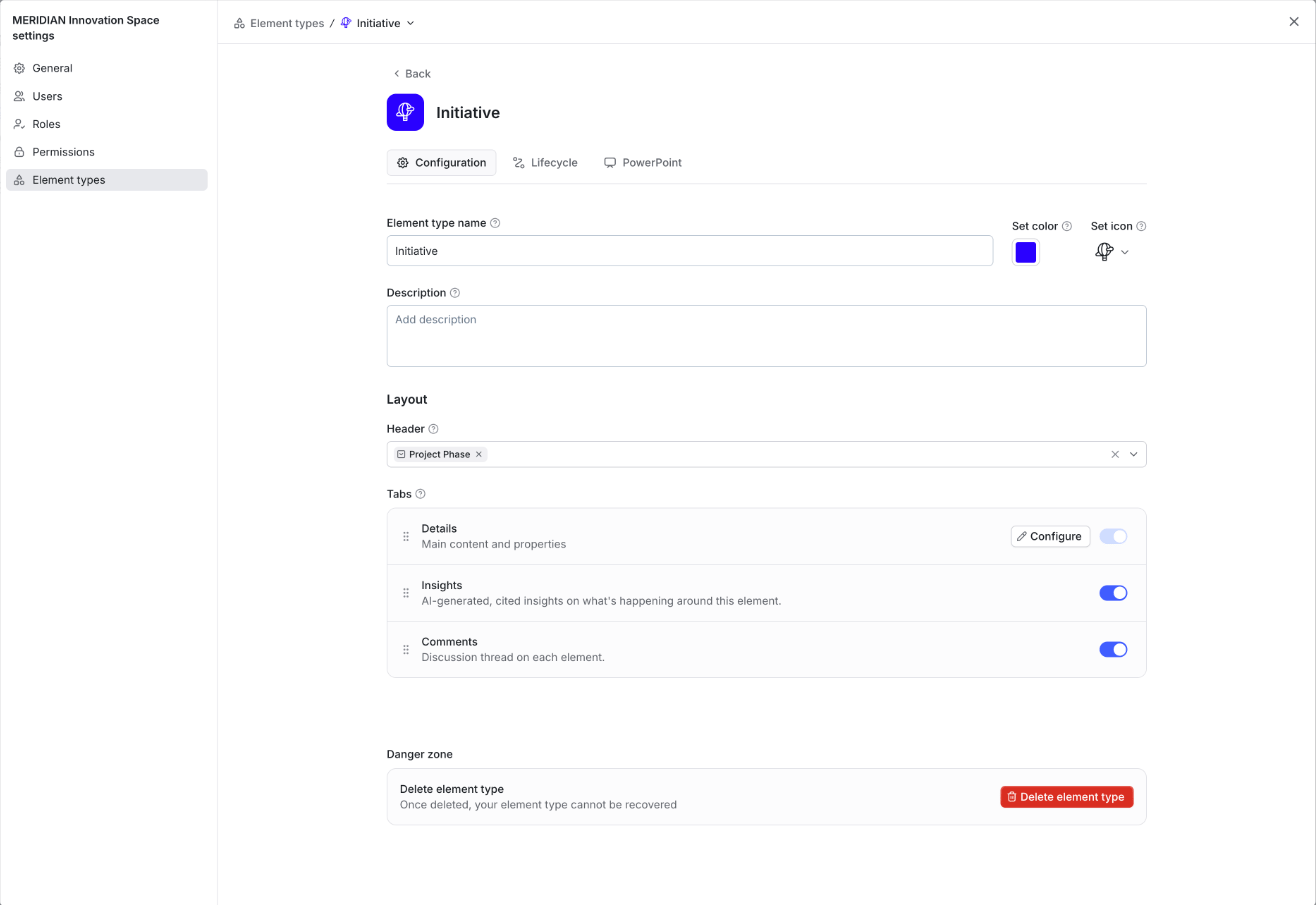
Confirm the deletion.
Warning: Deleting an element type can't be undone.
Result
The element type is removed from the workspace. Element types in other workspaces aren't affected. If elements, a workflow, or a property still use it, ITONICS doesn't delete it and shows a message instead.