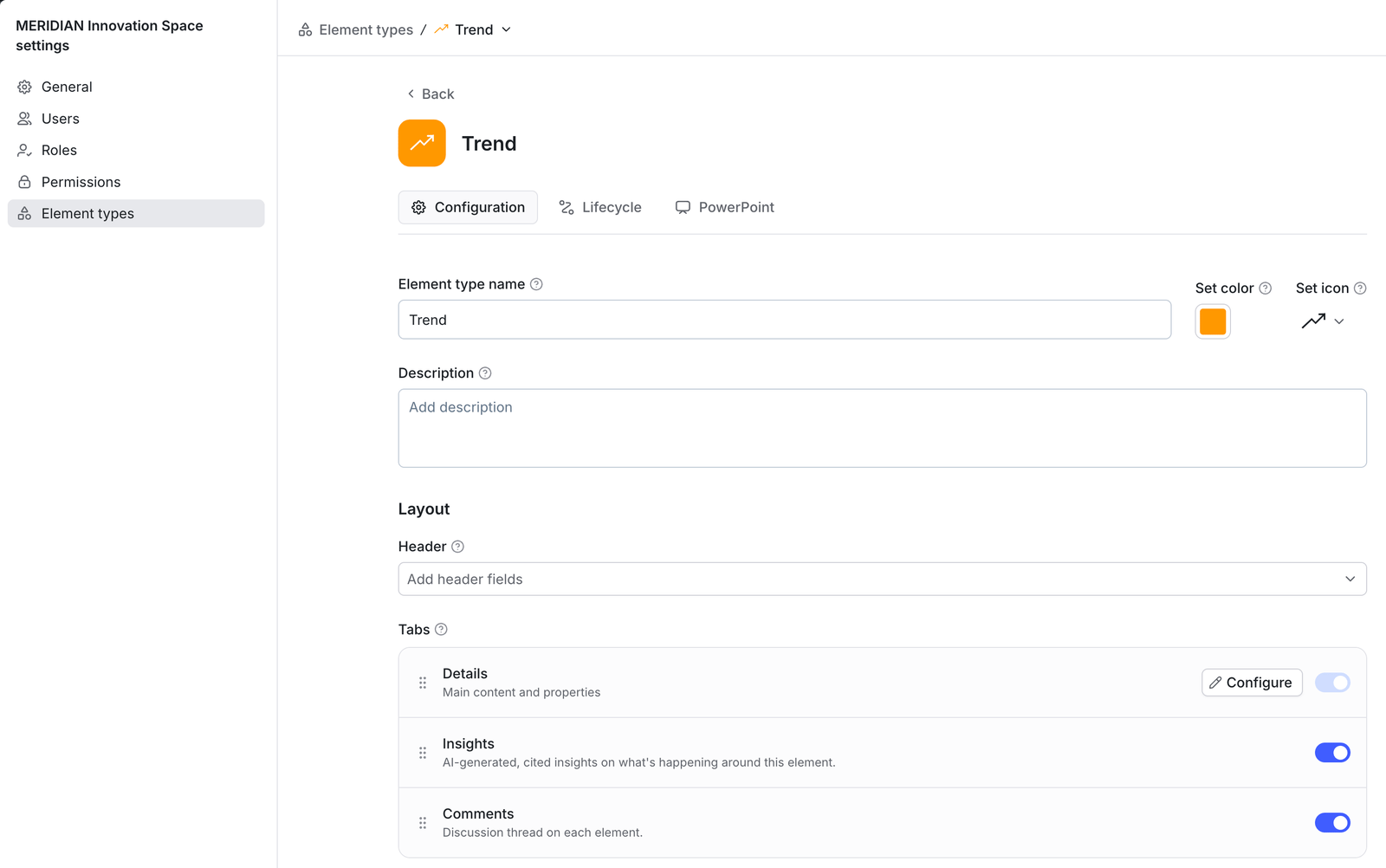
An element type defines one kind of element, such as a trend or a project, and which properties its elements have. That way, content of the same kind always has the same structure.
How element types structure content
Every element belongs to exactly one element type. The element type decides which properties the element has and how its details page is laid out. Each workspace has its own element types, and you name them the way your organization talks about its content. Older articles call the element type settings Element Configuration.
Because all elements of one type share the same properties, you can filter, compare, and rate them consistently. To learn how properties work, see Understanding properties.
Templates and custom element types
You add an element type to a workspace in one of two ways.
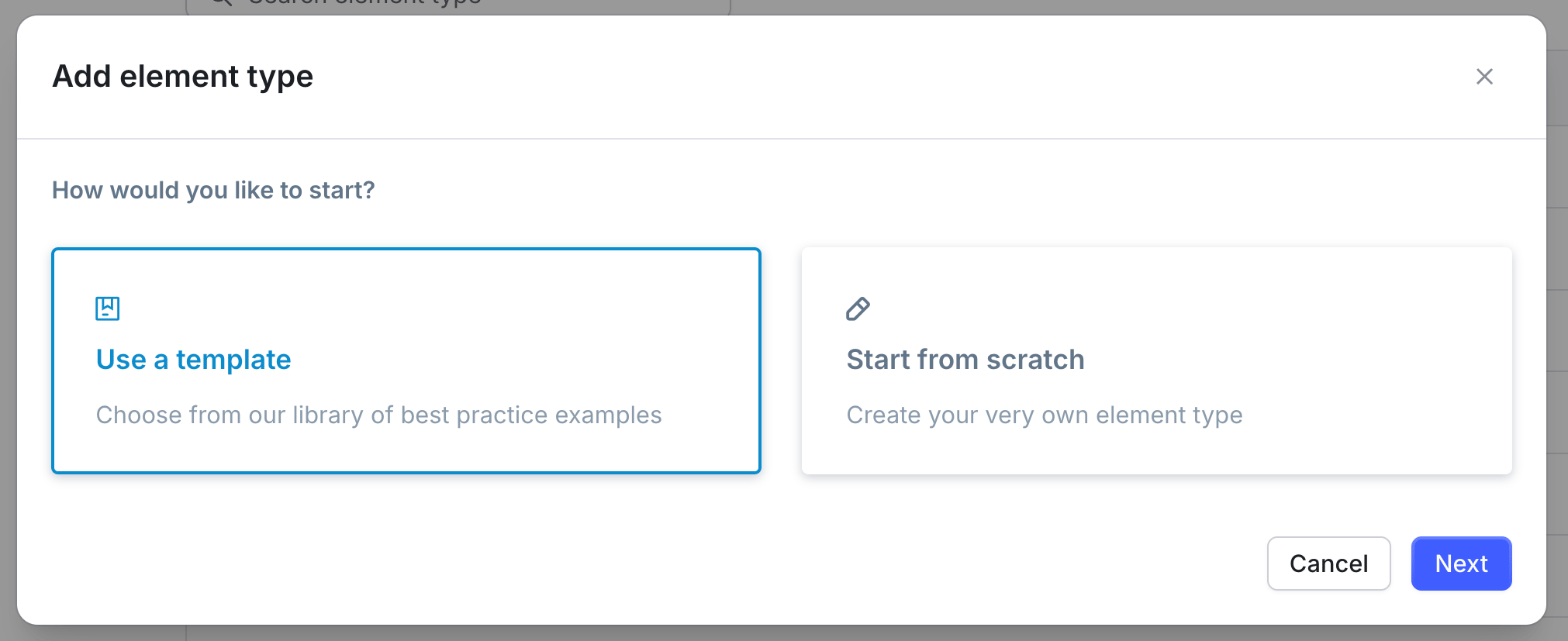
| Option | What you start with |
|---|---|
| Use a template | A ready-made element type. ITONICS templates follow common innovation practice, such as Trend, Technology, Risk, and Scenario. Custom templates are element types your organization already uses in its workspaces. See Create an element type from a template. |
| Start from scratch | An empty element type that you set up yourself. See Create a custom element type. |
Element types in other tasks
- To change or remove the element types of a workspace, see Manage element types in a workspace.
- An element can move to a different element type. See Convert an element to another type.
- Elements you import from Excel also belong to an element type. See Import data via Excel.
- A form site collects elements, so every submission becomes an element of an element type. See Create and configure site forms.
- An element type you no longer need can be deleted. See Delete an element type.
What an element type contains
- A name, color, icon, and description, so others understand what the element type is for.
- A layout: the header and the tabs each element shows, such as Details, Insights, and Comments. See Configure the layout of an element type.
- Properties, arranged as blocks on the Details tab.