
A page is a custom HTML page that works like a view and can sit anywhere in the workspace navigation. Use pages to guide people through a workspace: explain what it's for, show how your innovation process works, and link to the views and elements they need.
What pages are for
- A welcome page that people see first when they open the workspace. See Create and manage landing pages.
- An introduction to a use case, such as trend scouting or portfolio management, at the top of its folder.
- Guidance and quick links, for example what to do next, how to submit an idea, or where to find a radar.
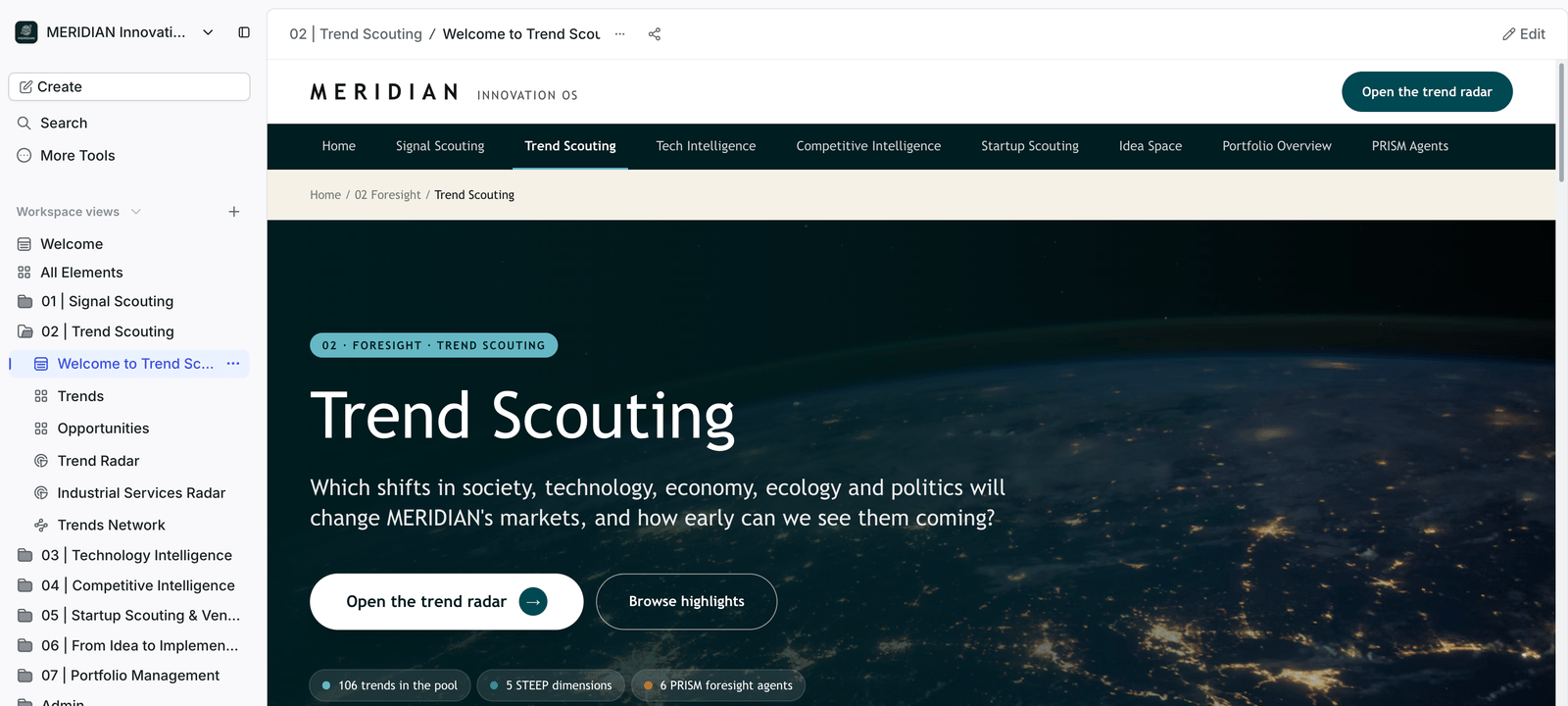
Pages and views
A page is a view type of its own. Like other views, it appears under Workspace views in the sidebar, can go into a folder, and is private or visible to everyone in the workspace. A private page is visible only to you and the members you invite. At least 1 view of the workspace must stay public.
A new page starts with sample content from ITONICS that you replace with your own. By default, Workspace Admins and Moderators can create public views, including pages, and edit all public views.
How a page is built
A page is written in HTML and styled with Tailwind classes. You edit it in two ways:
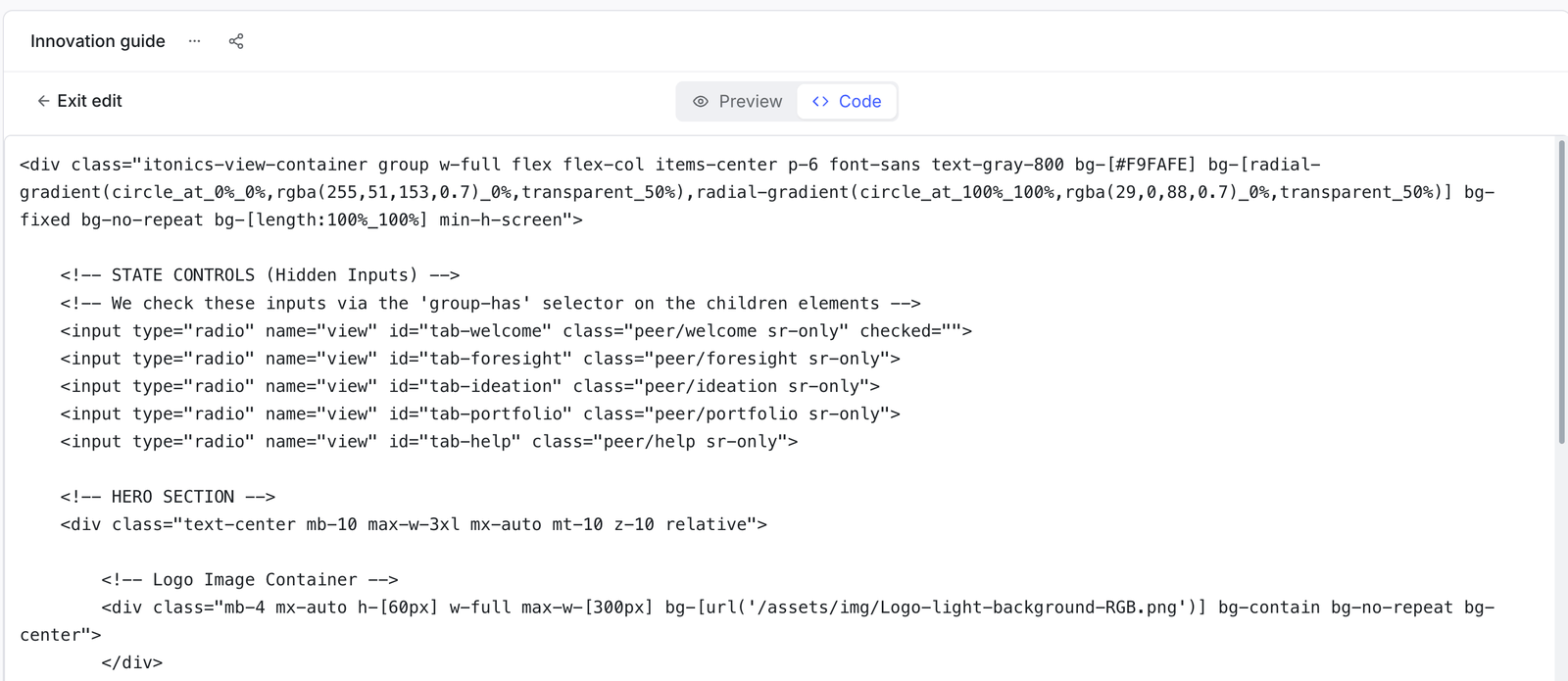
| Tab | What you do there |
|---|---|
| Preview | Click an element on the page to change its text or image, set where a link or button leads (another page of the workspace or a URL), or delete it. |
| Code | Edit the HTML directly, or paste HTML that you wrote yourself or with an AI assistant. |
Your changes go live for everyone who can see the page when you save them. To create and edit pages, see Create and manage pages.
Pages and sites
Pages are for the people who work in a workspace. To share content with a wider audience or to collect input, also from people outside ITONICS, use a site instead. See Overview of sites.