
See each person's rating and note on an element, archive, restore, or delete ratings, and compare people in the analysis of an aggregated rating. To give your own rating, see Rate elements.
Before you start
Archiving, restoring, and deleting ratings needs the Manage all ratings permission, and the rating analysis needs View rating analysis. Which roles have them depends on your workspace. See Permission reference.
Analyze and manage ratings
Manage the ratings of a criterion
Open the element and go to its Rating block.
Click the number of ratings next to a criterion.
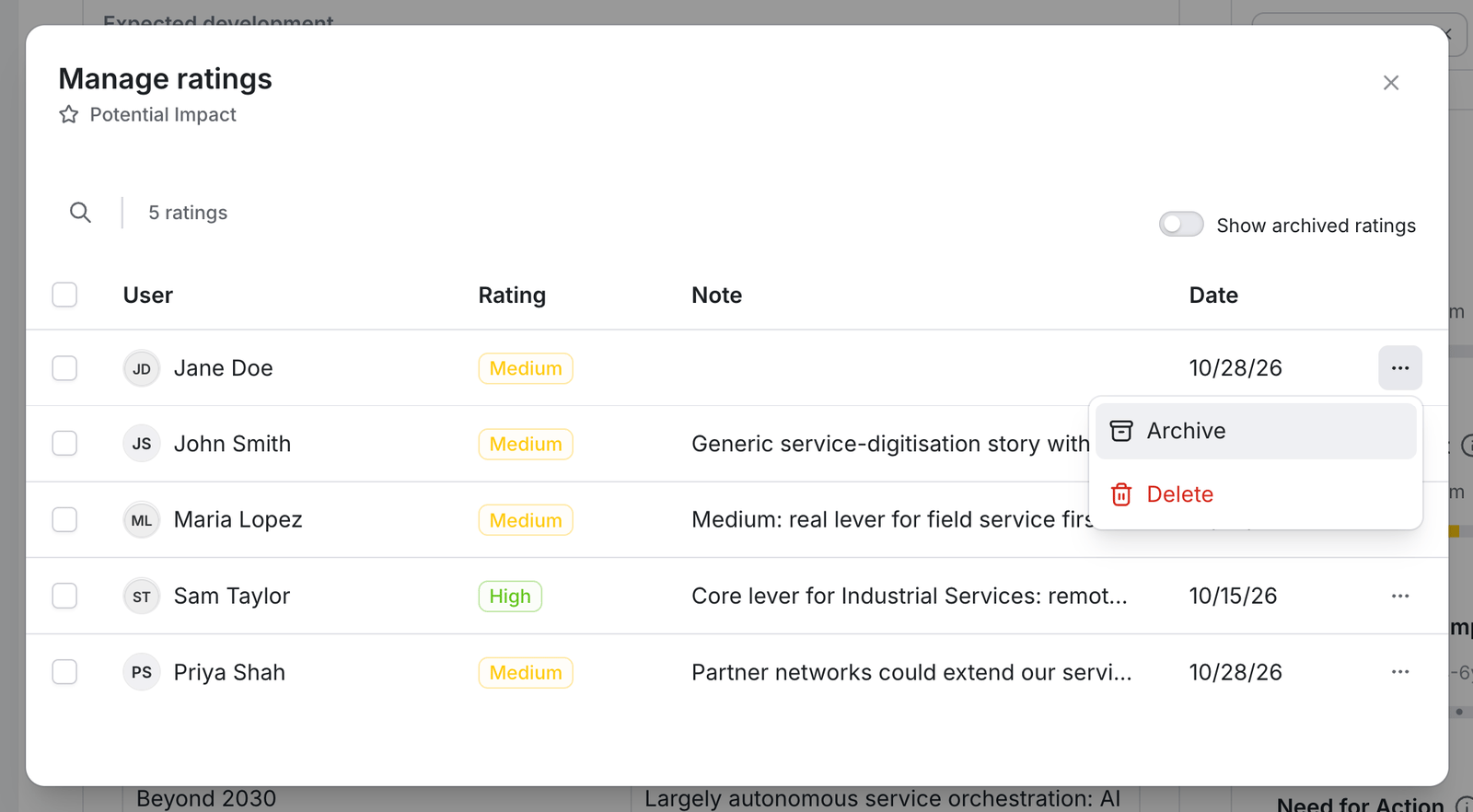
Manage ratings opens and lists each person's rating, note, and date. Use the search to find a person.
Click More options (⋯) in a row and select Archive or Delete.
An archived rating no longer counts toward the average but is kept. While it's archived, new ratings by that person on this criterion don't count either. Delete removes the rating for good, after you confirm.
To archive or delete several ratings at once, select their checkboxes, then click Archive or Delete in the bar at the bottom.
To see archived ratings, turn on Show archived ratings. To restore one, click More options (⋯) in its row and select Restore.
Archived ratings show grayed out.
Analyze an aggregated rating
In the Rating block, click the analysis icon next to an aggregated rating.
The rating analysis opens.
On Overview, read the spider chart of the average for each criterion, and select a person to compare their ratings with it.
On Rating details, read the ratings behind the score by person, with the criterion, rating, note, and date.
For how the score is calculated, see Aggregated rating properties. To compare elements by their ratings, see Set up a matrix view.
Tip: To find the elements a person has rated, filter a view by Rated By. See Filter elements.
Result
The average and the number of ratings of the criterion update to the ratings that still count.