
Exports take content out of ITONICS: the elements of a view as an Excel file, a view as a picture to share, or one element as a PowerPoint slide. Which export you use depends on what you want to do with the content.
Ways to export
| Export | What you get | Where |
|---|---|---|
| Excel | The elements of a view, one .xlsx file per element type, by email | View menu of any view |
| A board view as a PDF, by email | View menu of a board view | |
| PNG | A radar view as an image | View menu of a radar view |
| PowerPoint | One element as a slide, if the element type has a PowerPoint template | Menu of the element |
In radar and board views, the exports are grouped under Export... in the view menu.
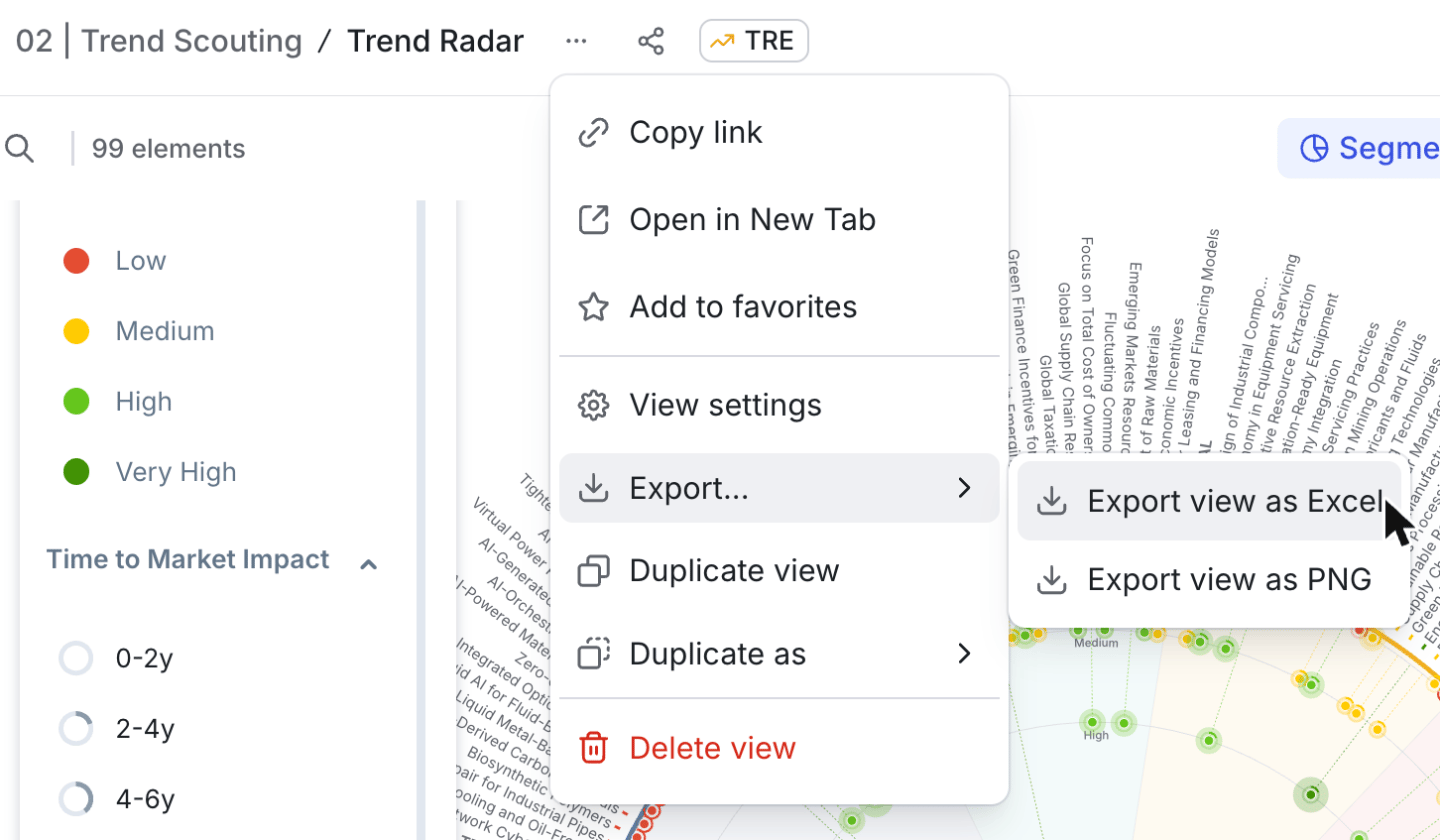
Excel exports
An Excel export contains the elements the view shows, including filters you haven't saved, and up to 1,000 elements of each element type. ITONICS emails you a link for each element type. The links open a download page and work for 7 days. For the steps, see Export elements to Excel.
The file has the same columns as the Excel import template. Each row also has the ID and the link of its element. Text comes without formatting.
Formula and rollup properties show their calculated values. For each rating, the file has read-only columns with the average value, rounded to two decimal places, and, except for numerical ratings, its label.
Because the columns match the import template, you can edit an exported file and import it again to update the elements. See Bulk update elements via Excel import.
PowerPoint exports
A PowerPoint export turns one element into slides, based on a template that an admin sets up for the element type. See Export content as PPT and Set up PPT export templates.
Data without a file
To keep another system, such as a BI tool, in sync with ITONICS, read the data through the ITONICS Cloud API instead of exporting files. To work with elements in an AI assistant such as Claude, connect it through the ITONICS Cloud MCP.
Who can export
Workspace Admins and Moderators can export to Excel by default. Admins can change which roles have this permission. See Manage workspace permissions.