Workflow context is the set of values a workflow node can use when it runs: the properties of the element that started the run and the outputs of earlier nodes. With it, a node works with the actual values of each element, for example to put the element's title in an email subject or to send its budget to another system. To learn how nodes fit into a workflow, see Overview of workflows.
Where the values come from
Workflow context has two sources:
- Trigger element: the element the run is happening on. Its properties are always available, together with system values such as Title, Summary, Status, Created on, Created by, and the element's tags.
- Earlier nodes: what a node before the current one produced. Only Create element, HTTP request, Execute code, and Convert element produce an output, for example the created element or the response body of a request. A node that produces nothing, such as Update element or Send email, isn't offered as a source.
A node can only use the outputs of nodes that come before it, never its own output or that of a later node. Each value is read at the moment the node runs, not when it changes later.
Picking a value
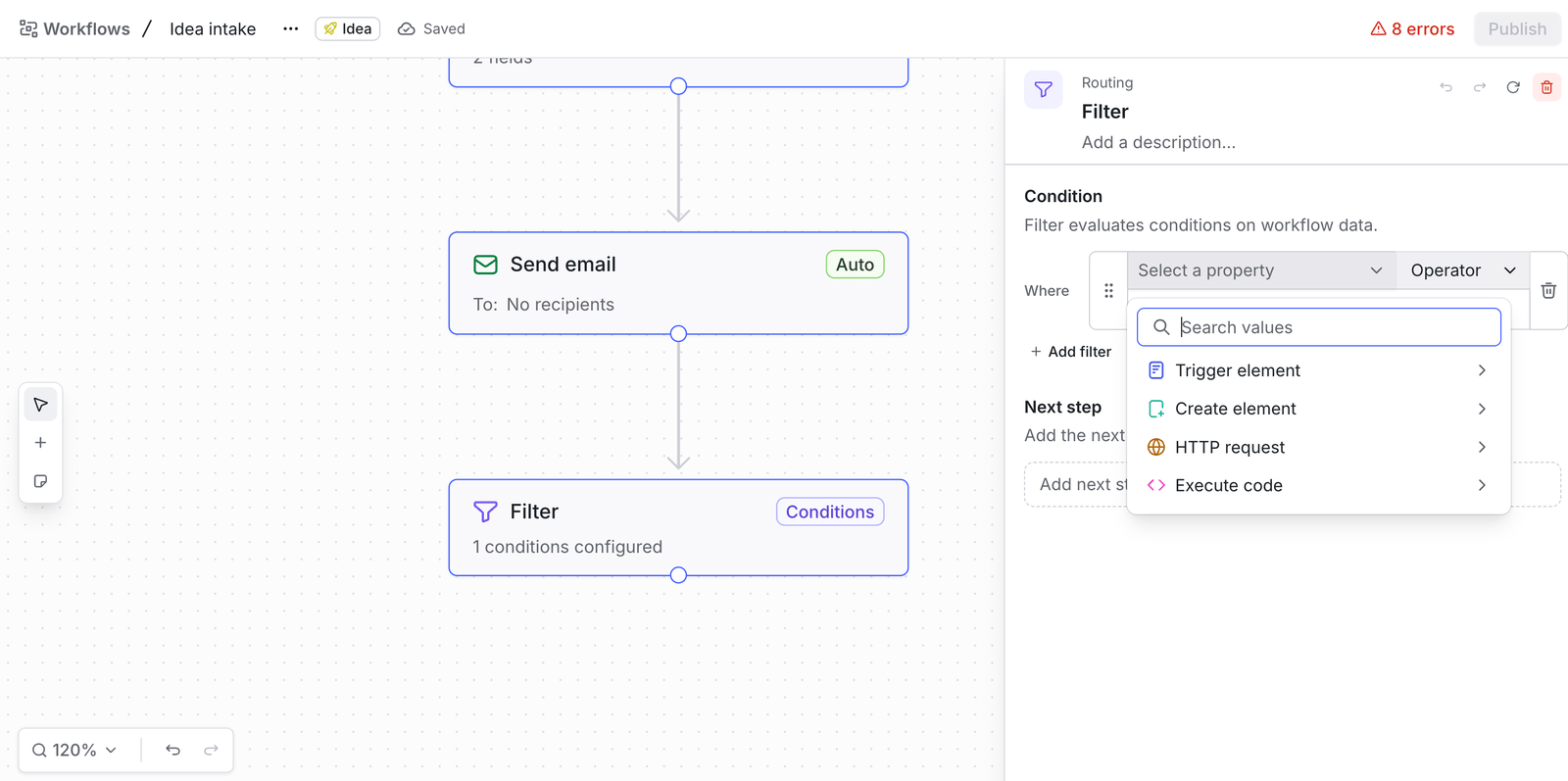
Where a field accepts values from the workflow context, it shows a {} button. Click it, select Trigger element or an earlier node, and then select the value. Values with an arrow open more values, for example the details of the person in Created by.
The value is inserted as a chip, not as raw text. If a value is invalid or outdated, the node that uses the value is flagged.
Where you can use workflow context
- The URL, headers, and body of an HTTP request.
- The code of an Execute code node, where the code reads it as context.
- Conditions and criteria: the start criteria of a workflow, Filter, Conditional run, Switch, and the conditions of manual nodes.
- The subject and body of an email in a Send email node.
- The link of a Manual URL node.
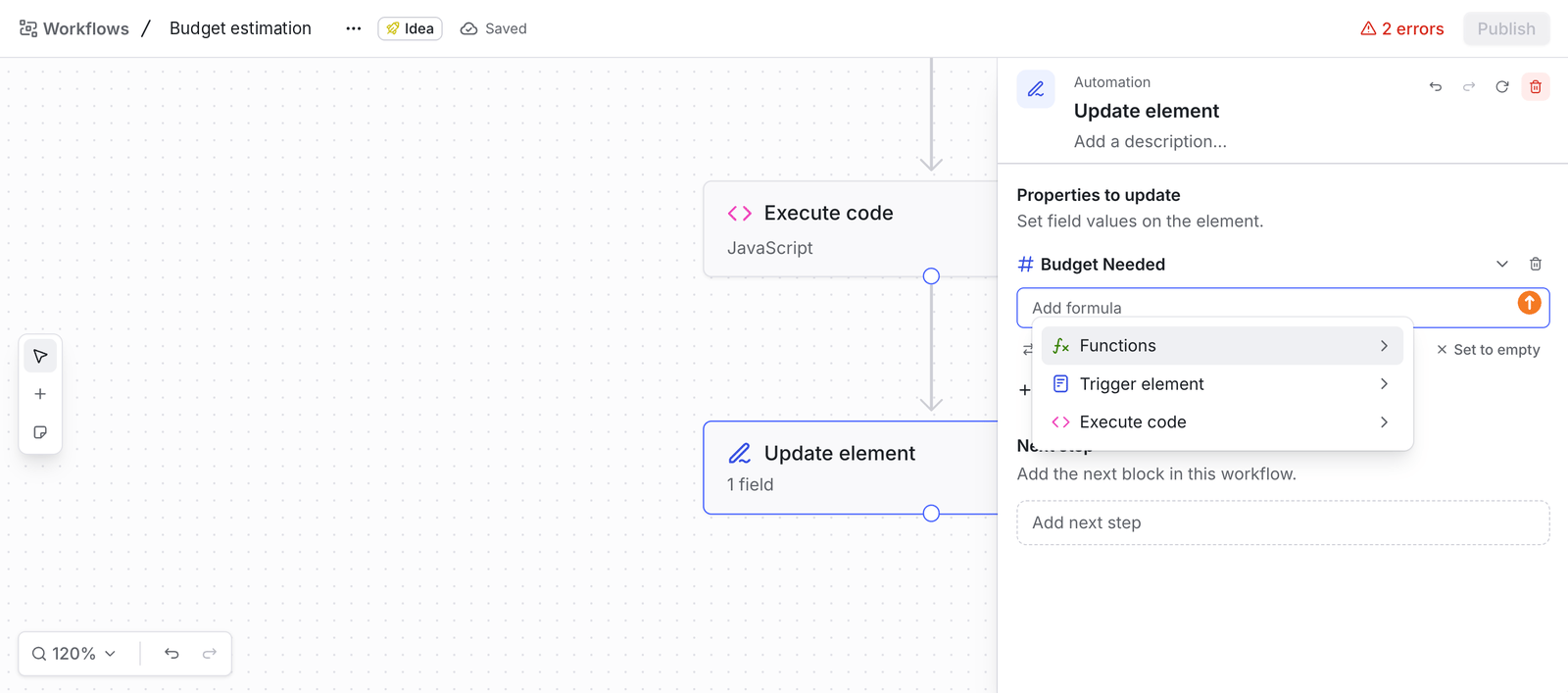
- Formulas in Update element and Create element nodes.
People work the same way: assignees, reviewers, and email recipients can be named users or a user property of the element, such as Created by. The property is resolved for each element when the workflow runs.
For what each node does, see Automation nodes, Routing nodes, and Manual nodes.
Workflow context in Update element and Create element
In Update element and Create element nodes, a property row with a plain value takes a fixed value only. Text such as that you type into the row is saved as literal text.
To use the workflow context there, click Use formula on the property row, and click into the formula field. Select Trigger element or an earlier node, and then the value. Functions lists the functions you can combine it with.
The formula is calculated for each element when the node runs. To learn how formulas work, see Formula properties.