
ITONICS organizes your content in a fixed structure: an organization holds workspaces, and each workspace holds element types, properties, elements, and the folders and views that show them. Knowing how these parts fit together helps you set up a workspace and find content in it.
Organization
The organization is your company's account in ITONICS and the top level of the structure. It holds every workspace and every user, and it has its own settings, such as the list of all workspaces and single sign-on. See Understanding organizations.
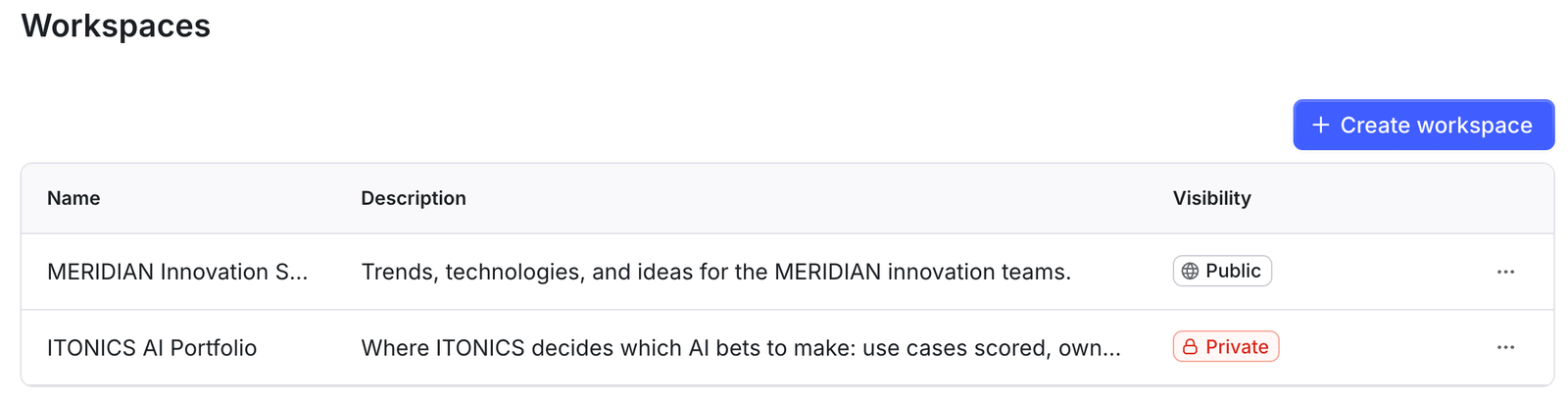
Workspaces
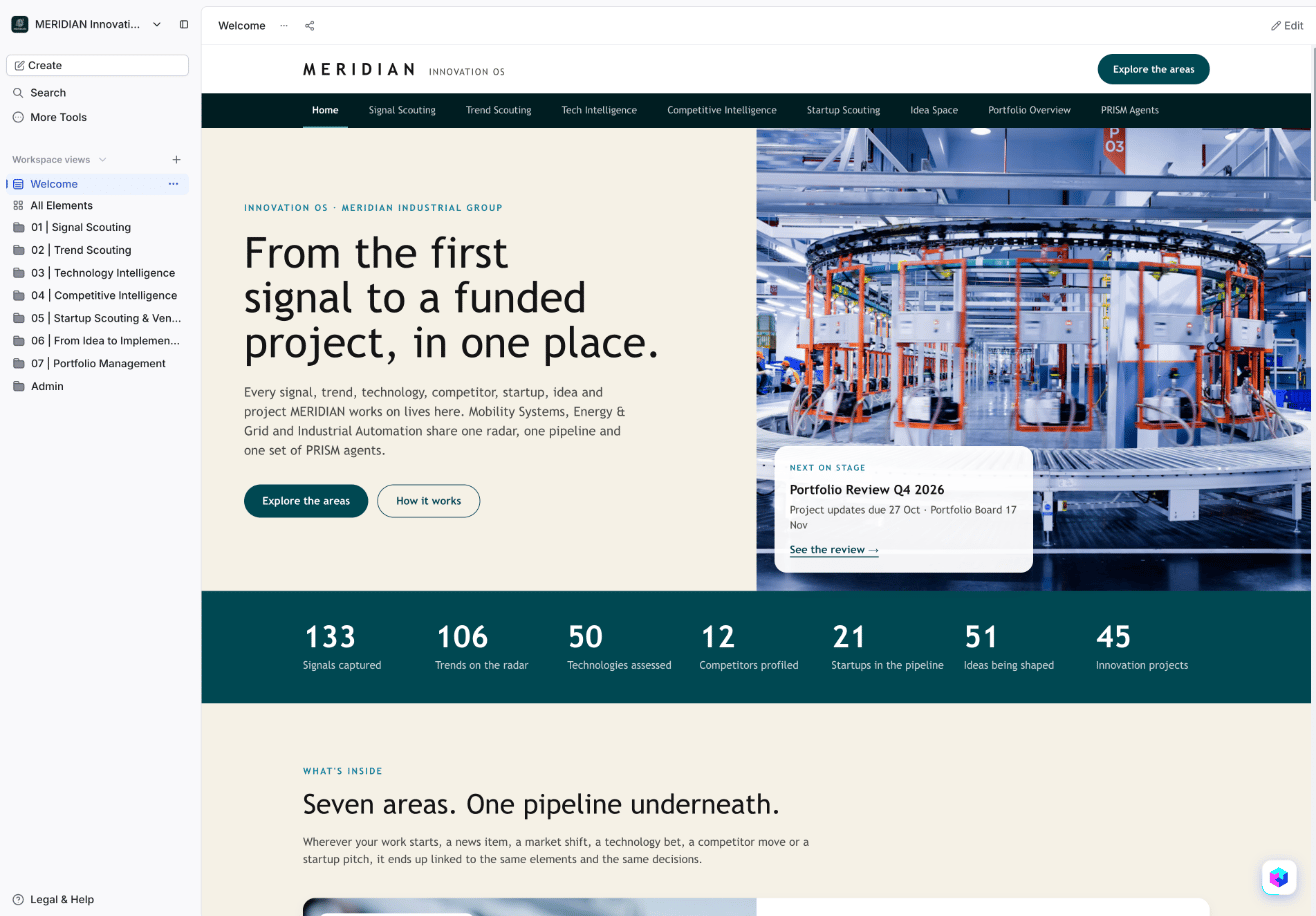
Workspaces divide the organization into separate areas, for example one per team or use case. Each workspace has its own element types, elements, folders, views, users, and roles. People can have access to several workspaces and move between them from the workspace menu. See Understanding workspaces.
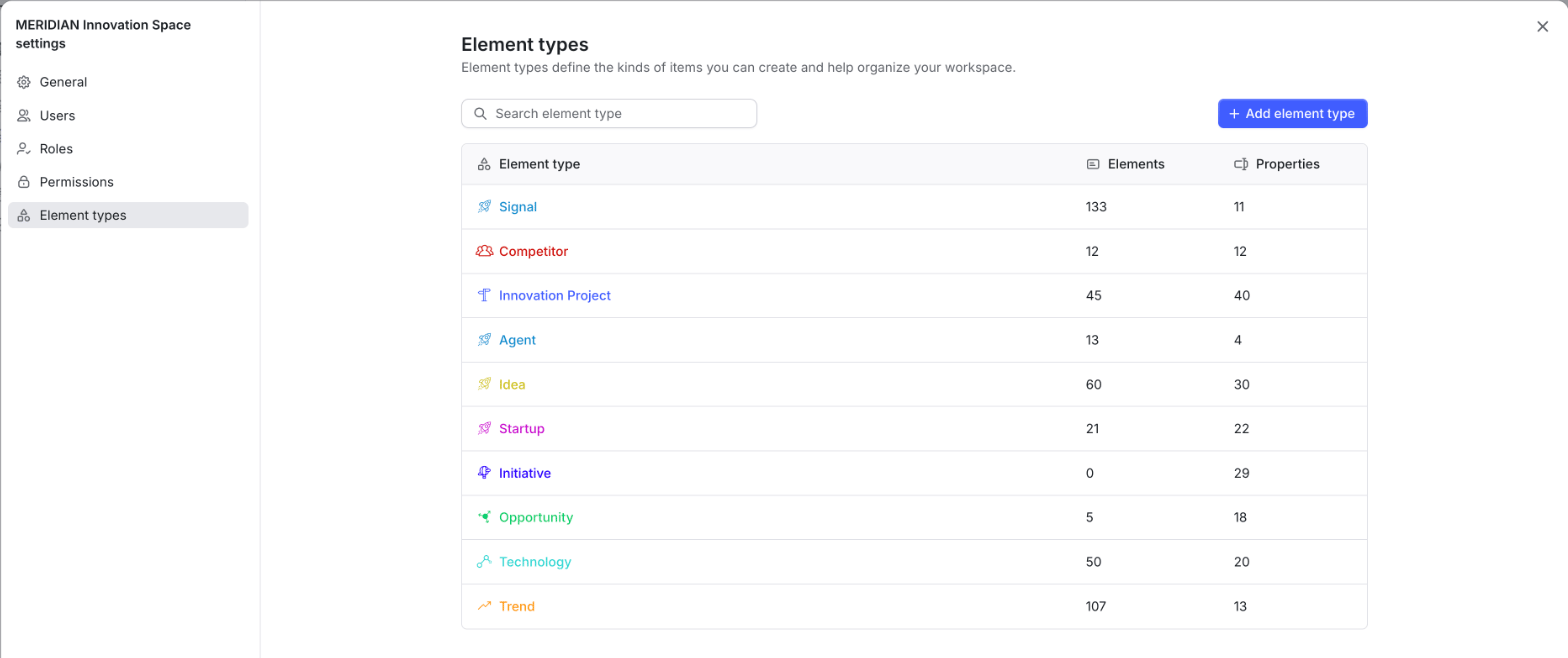
Element types
Element types set the structure of the content in a workspace. Each one describes one kind of element, such as a trend, an idea, or a project, and which properties its elements have. Every element belongs to exactly one element type. See Understanding element types.
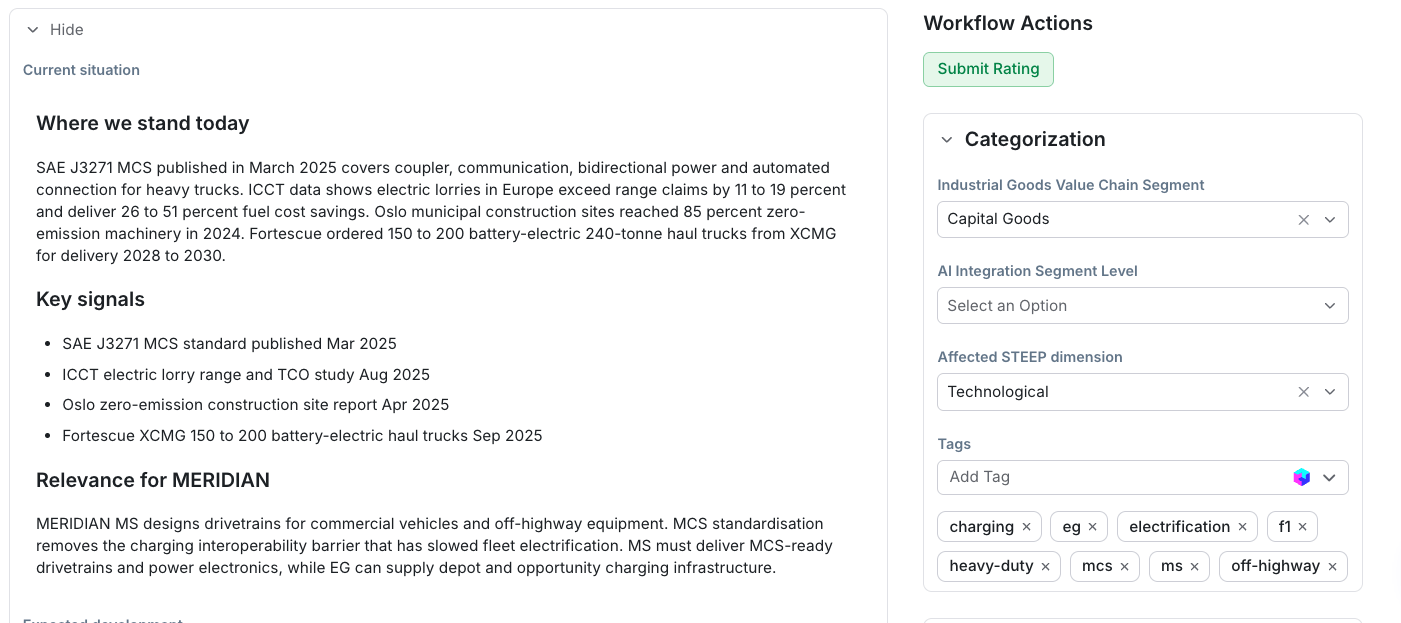
Properties
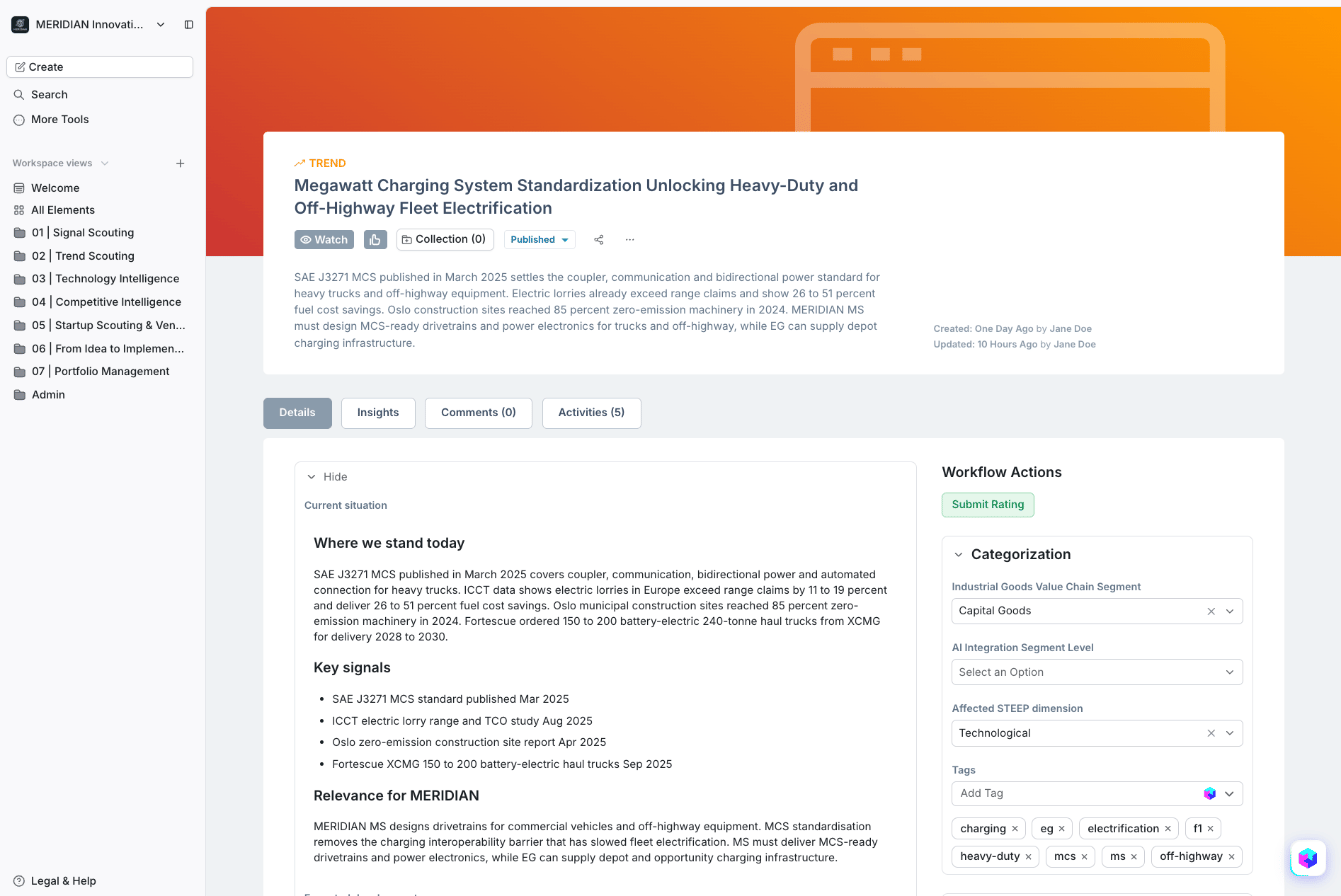
Properties are the fields of an element type. Each property stores one piece of information about every element of that type, such as a text, a dropdown value, or tags. Because all elements of one type share the same properties, you can filter, compare, and rate them consistently. See Understanding properties.
Elements
An element is a single item, such as one trend or one idea. It holds a value for each property of its element type and has its own details page with tabs such as Details, Insights, and Comments. See Understanding elements.
Views and folders
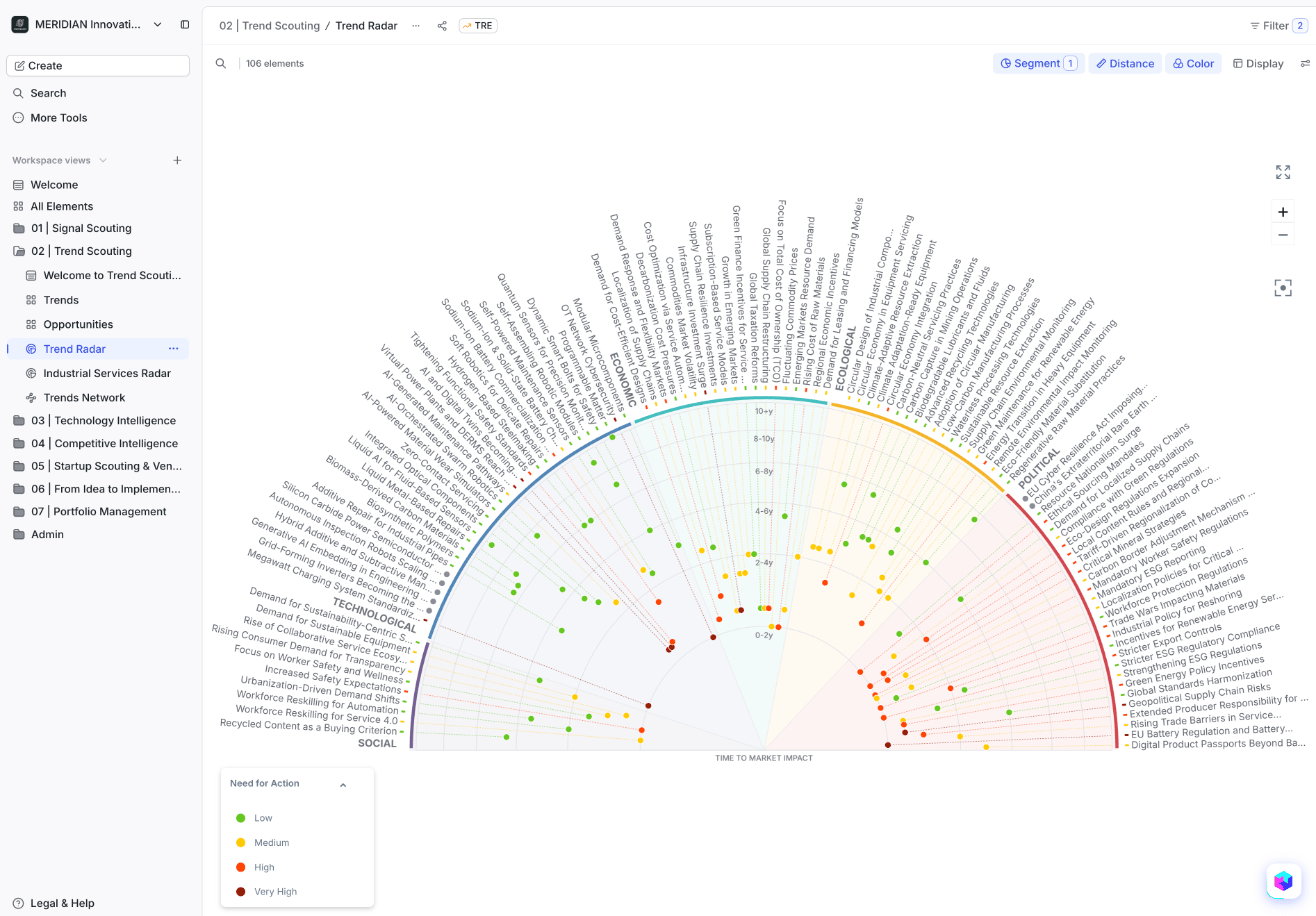
Views and folders decide how people find and see elements. A view shows a set of elements as a radar, table, board, or another view type, with its own filters and sorting. Folders group views in the workspace navigation, and the same element can appear in many views. See Understanding views and folders.
Plan your own data model
To decide which element types and properties your organization needs, see Design your data model.