
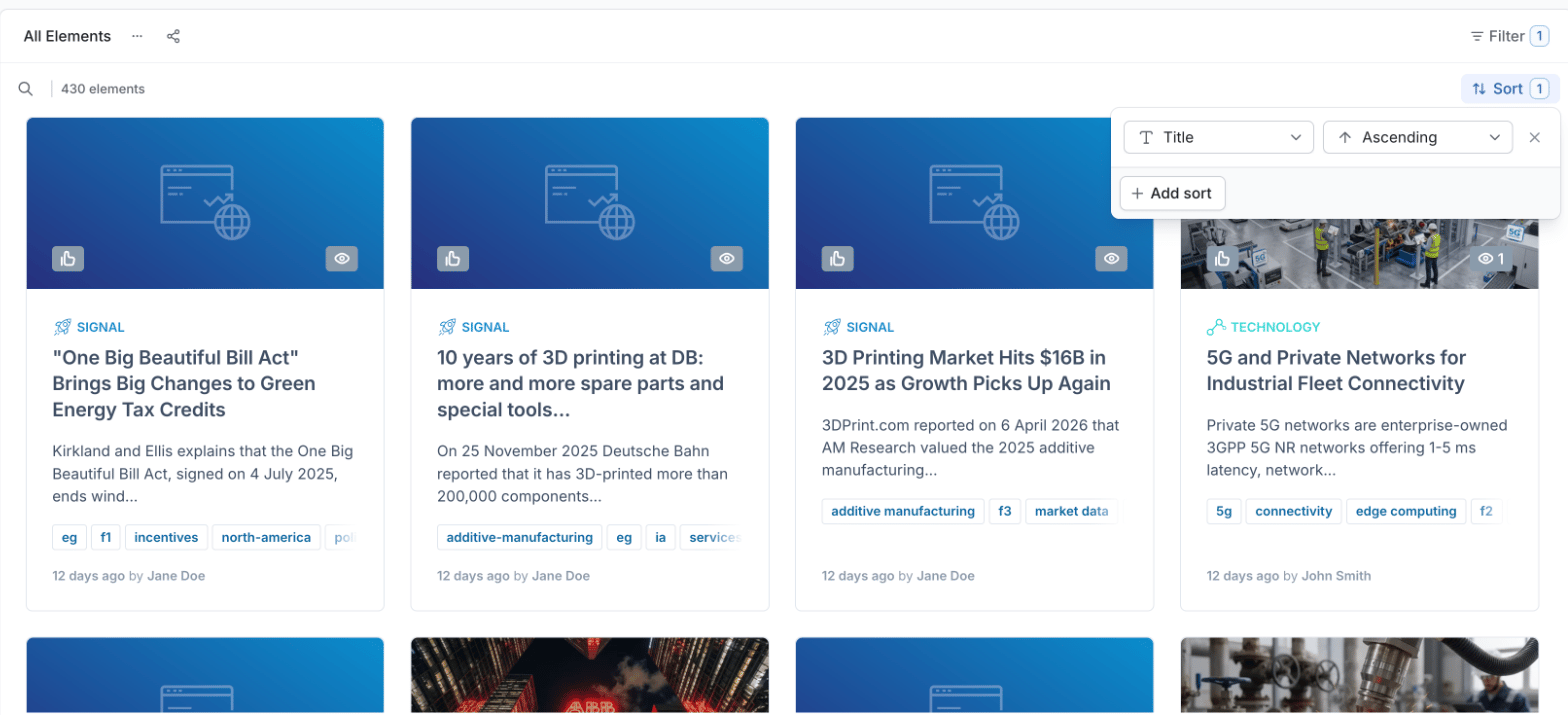
A grid view is for browsing elements as cards. Set which elements it shows and in which order.
Before you start
You need a grid view. The All Elements view in the sidebar is one. To create another, see Create and manage views.
Set up a grid view
In the sidebar, open the grid view.
Click Filter at the top right and set which elements the view shows.
Optional: Click Sort, then select a property and the order.
Click Add sort to sort by another property as well.
Click Save changes at the top right.
Everyone who can open the view sees the same filter and order.
For filter options, see Filter elements. To act on several elements at once, point to a card and select its checkbox, or select all with the checkbox in the bar at the bottom. The bar then lets you open them in the stack, add them to a collection, copy them to another workspace, watch them, or delete them; see Use collections, Copy elements to another workspace, Like and watch elements, and Archive and delete elements. To read an element without leaving the grid, click its title; see View content.