These are the key terms used in ITONICS and throughout this knowledge base.
Organization
An organization is your company's account in ITONICS. It holds all workspaces and users and has its own settings, roles, and system URL.
Workspace
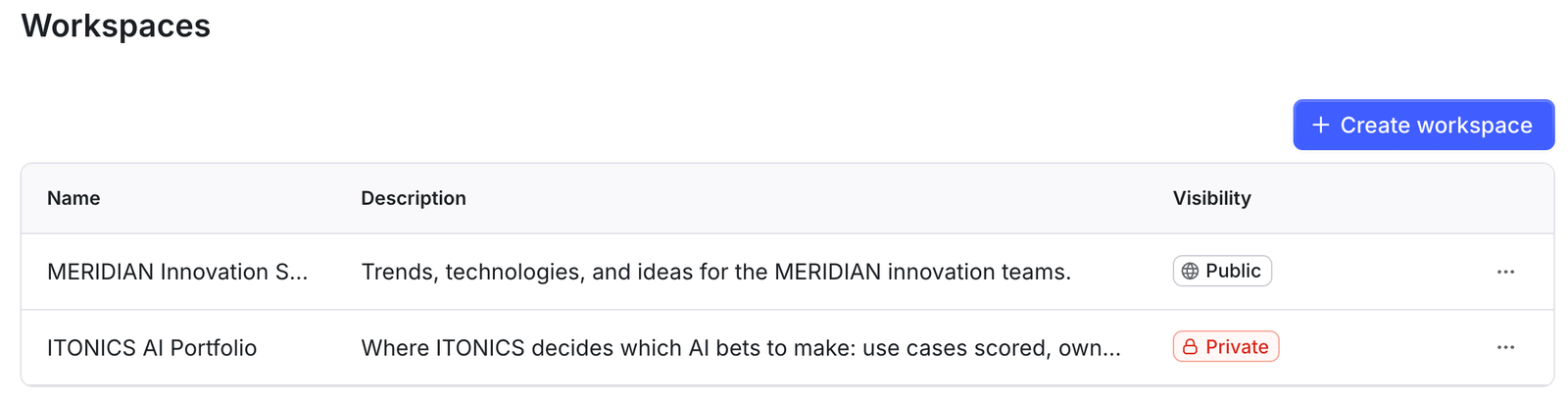
A workspace is an area inside an organization with its own element types, elements, folders, and views. Each workspace has its own users, roles, and access setting (public or private).
Element type
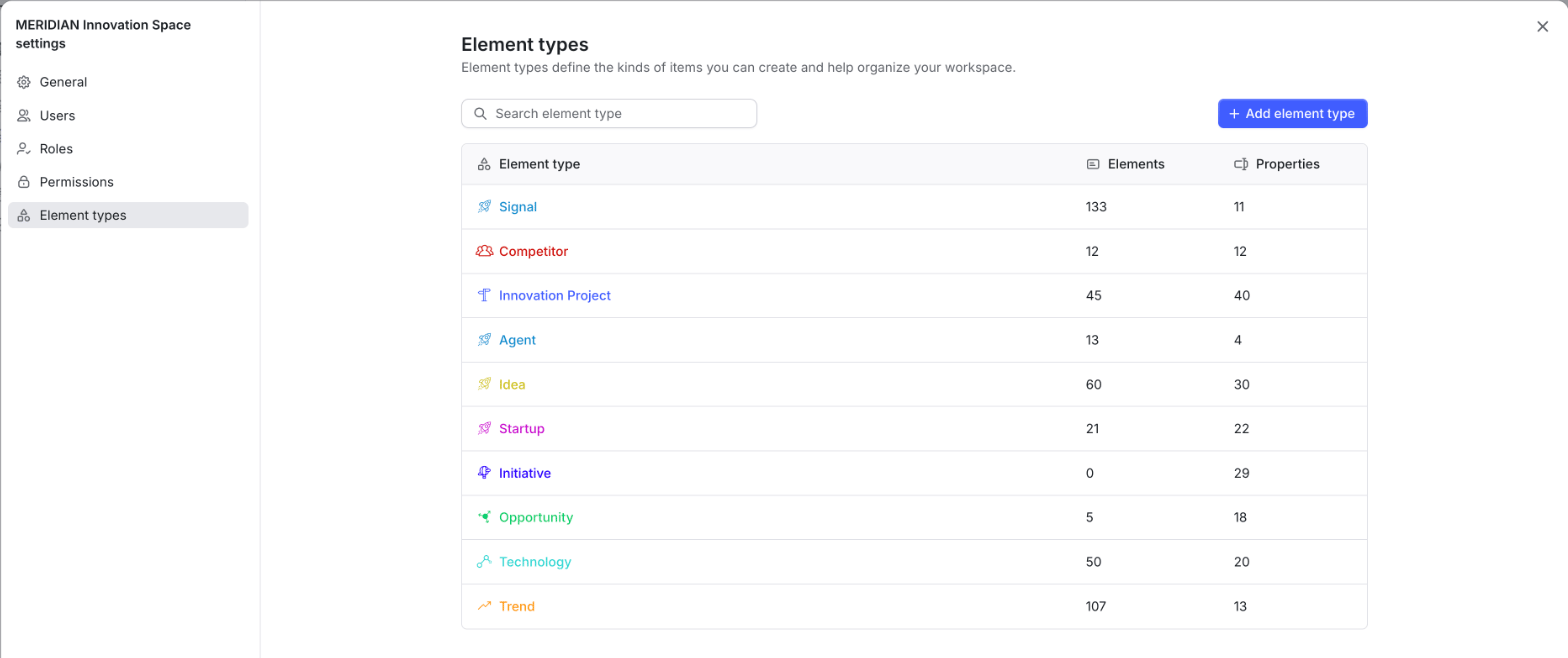
An element type defines one kind of element, such as a trend or a project, and which properties its elements have.
Property type
A property type is the kind of data a property holds, for example rich text, dropdown, rating, number, currency, percentage, date, user, attachment, relation, formula, Smart Excel, or rollup.
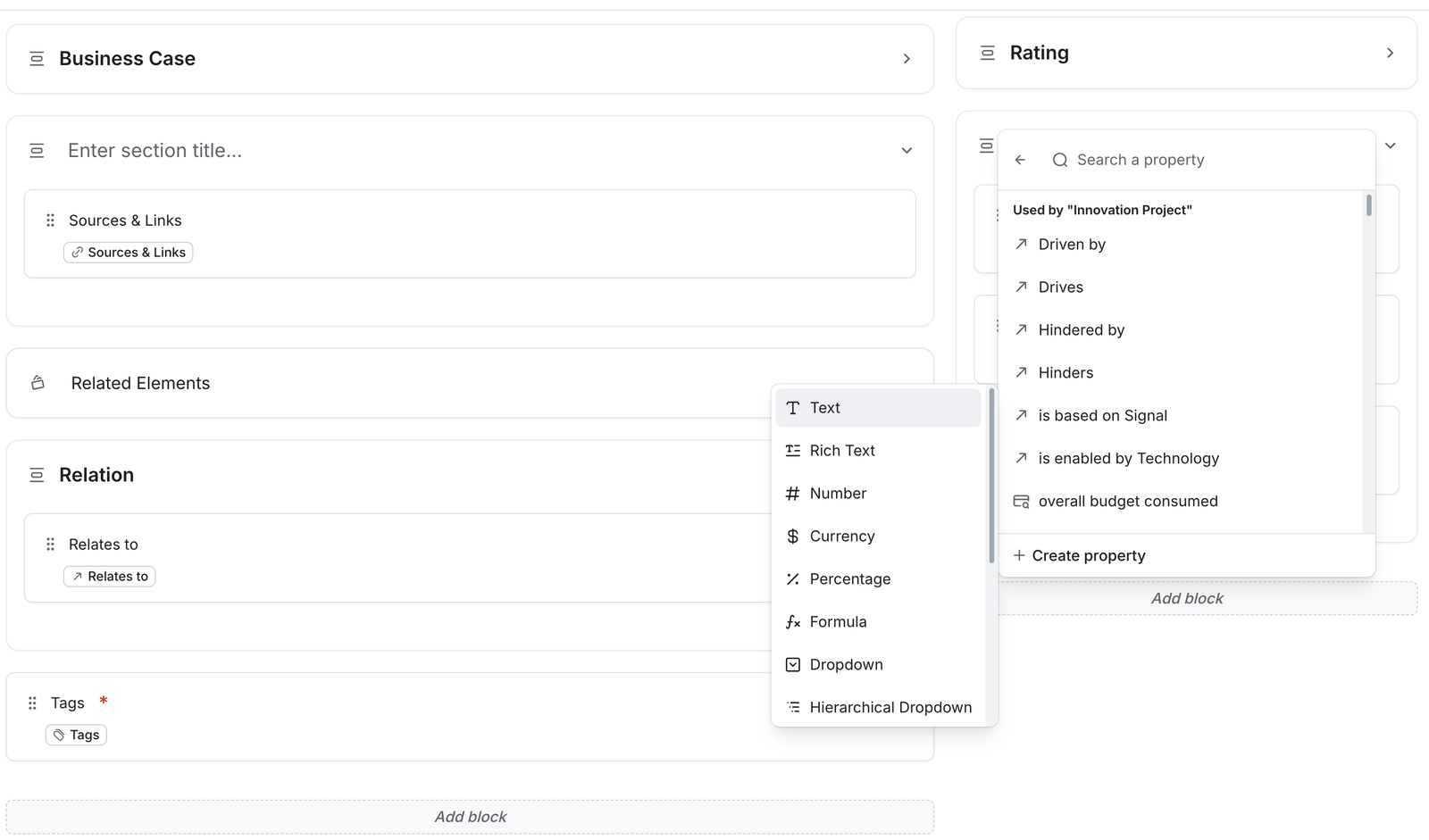
Property
A property is a field on an element type that stores one piece of information about each element, such as a date, a rating, or a relation.
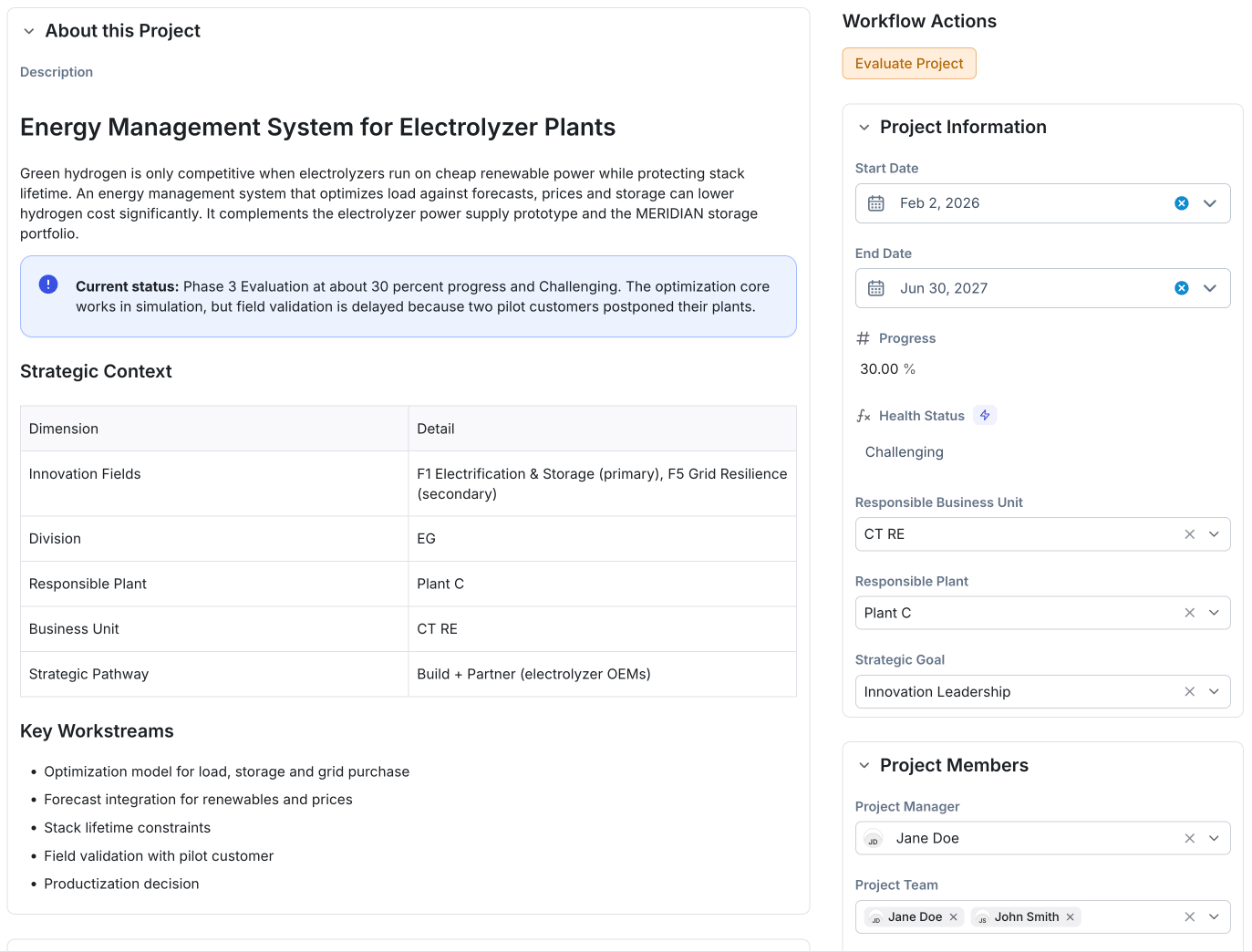
Element
An element is a single item in ITONICS, such as one trend, idea, or project. Each element belongs to one element type and holds values for its properties.
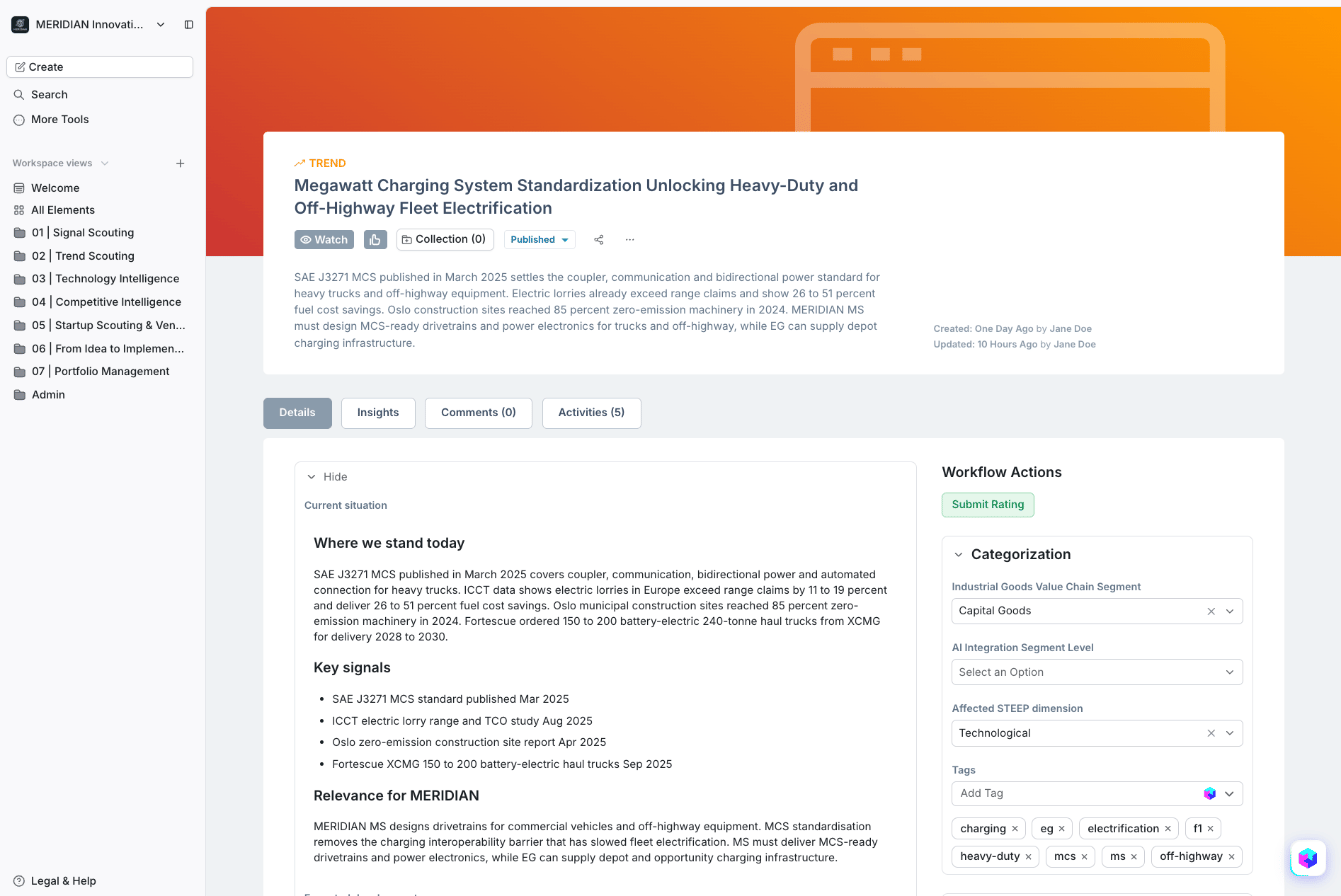
Folder
A folder is a container in the workspace navigation that groups views.
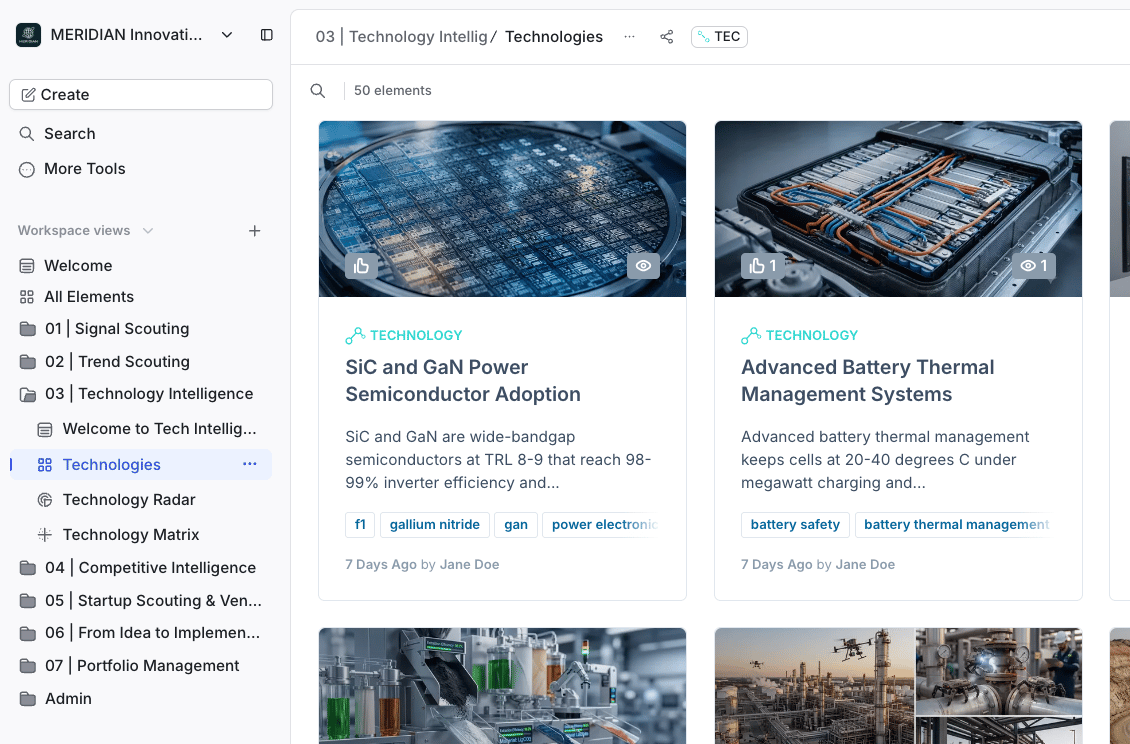
View
A view is a saved way of showing a set of elements, with its own view type, filters, and sorting.
View type
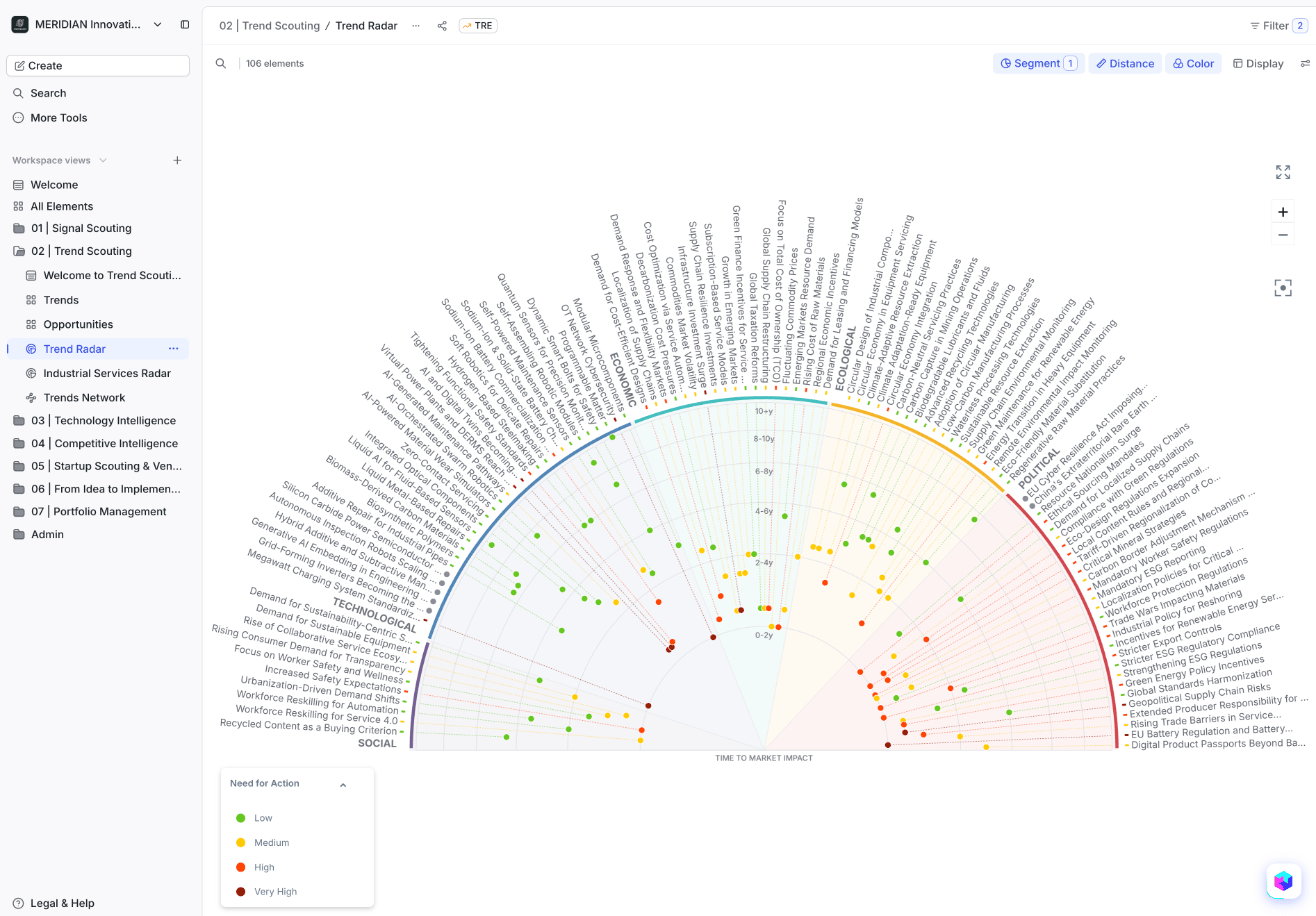
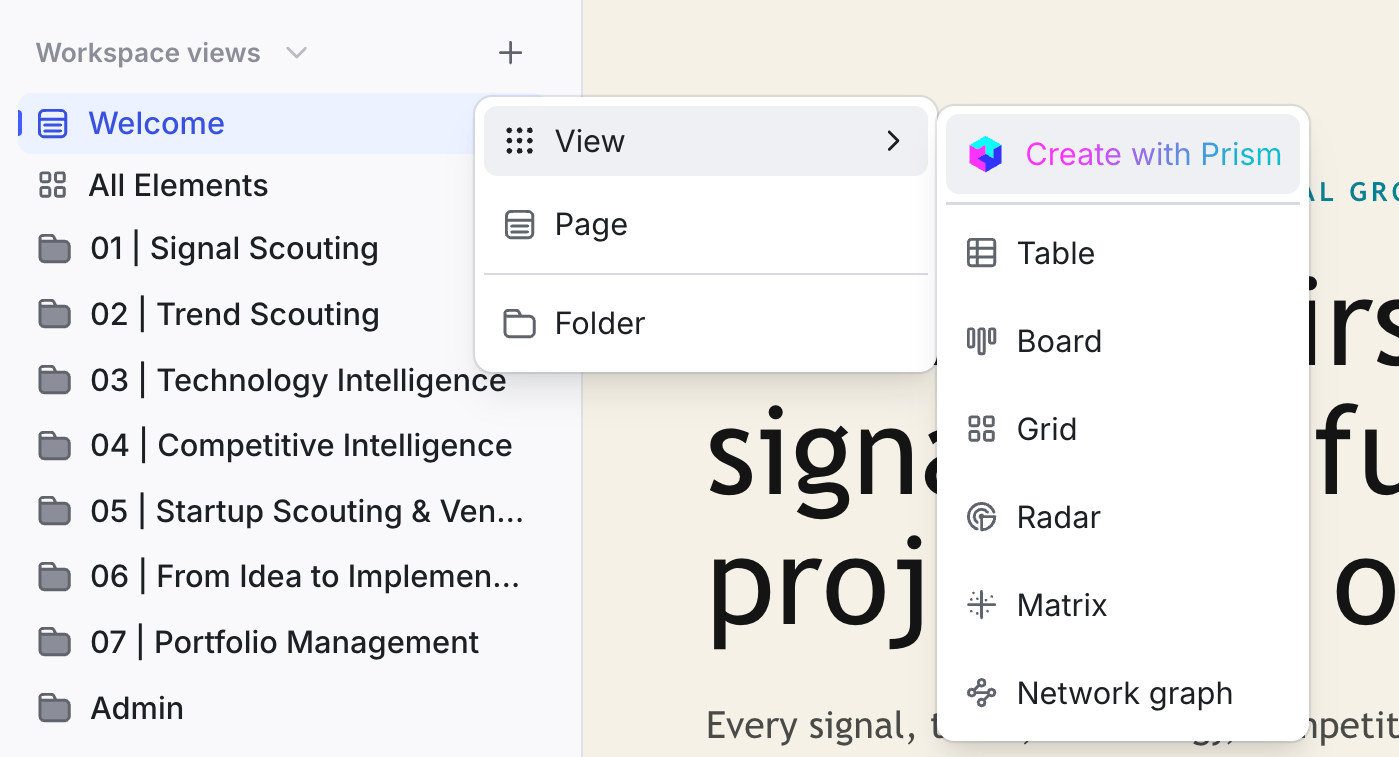
A view type decides how a view shows its elements, for example as a radar, table, board, grid, matrix, or network graph.
Relation
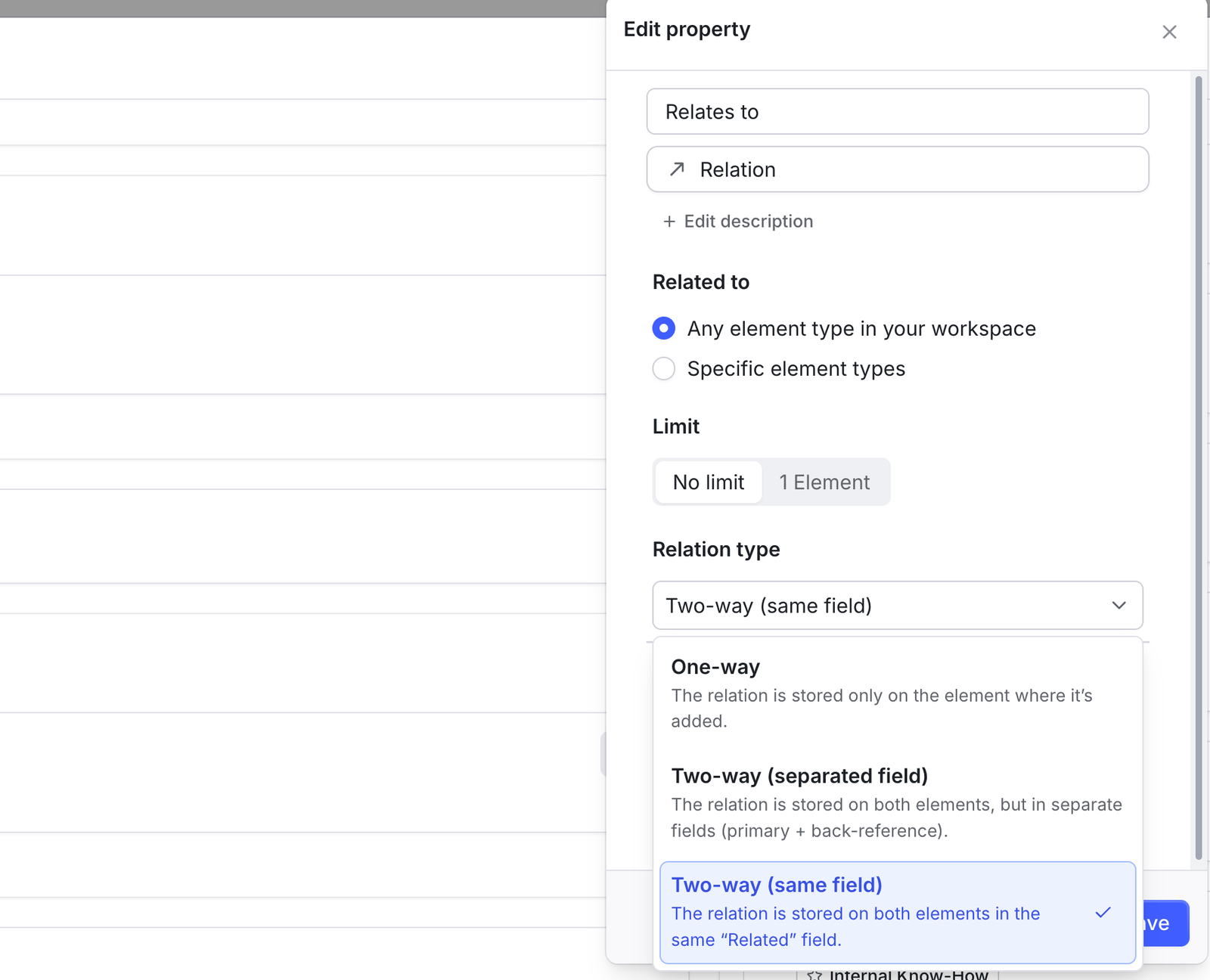
A relation is a link between two elements, stored in a relation property. Relations feed network graph views and rollup properties.
Rating
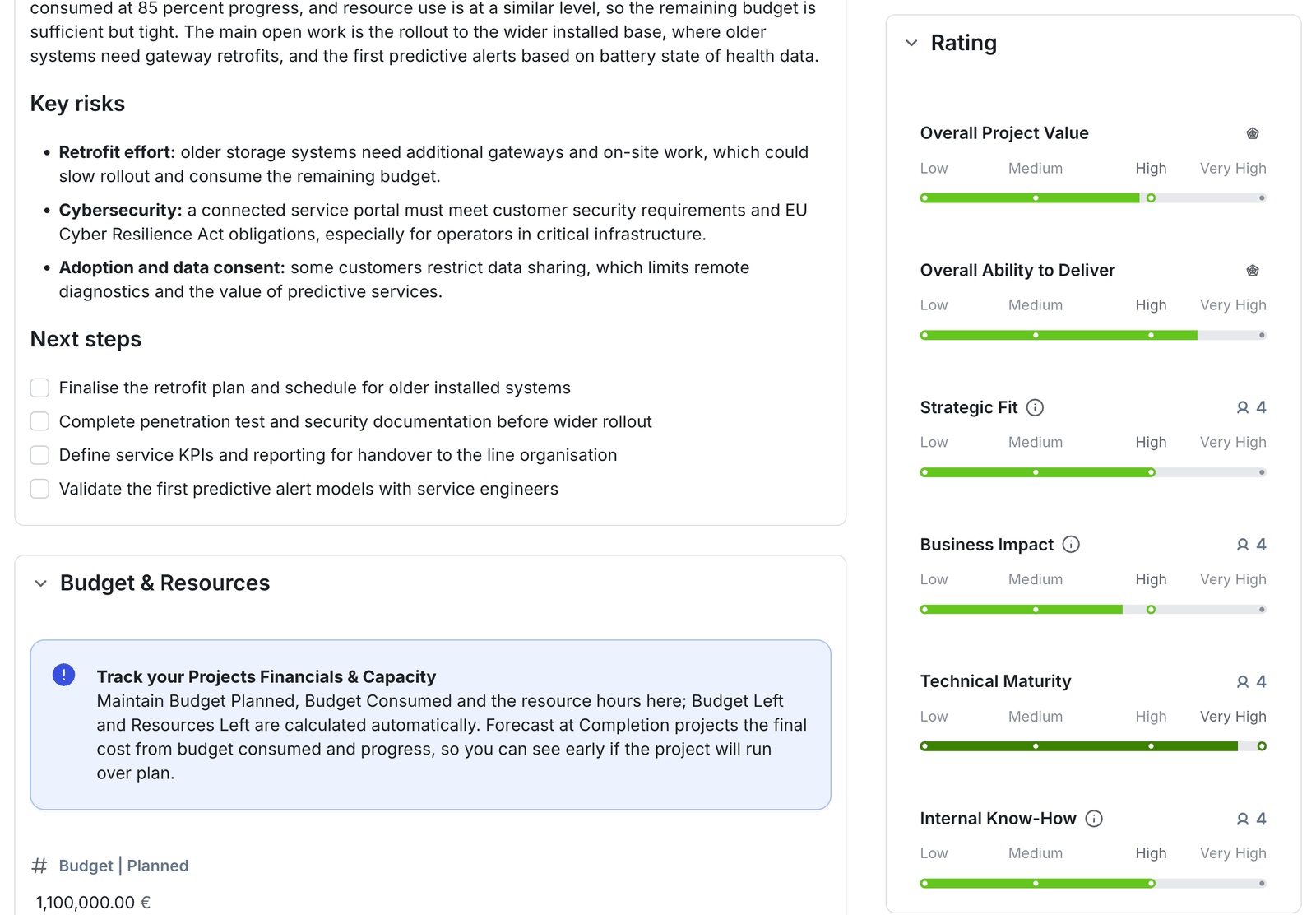
A rating is a score users give an element against defined criteria. Ratings are stored in rating properties and can be combined in aggregated ratings.
Details page
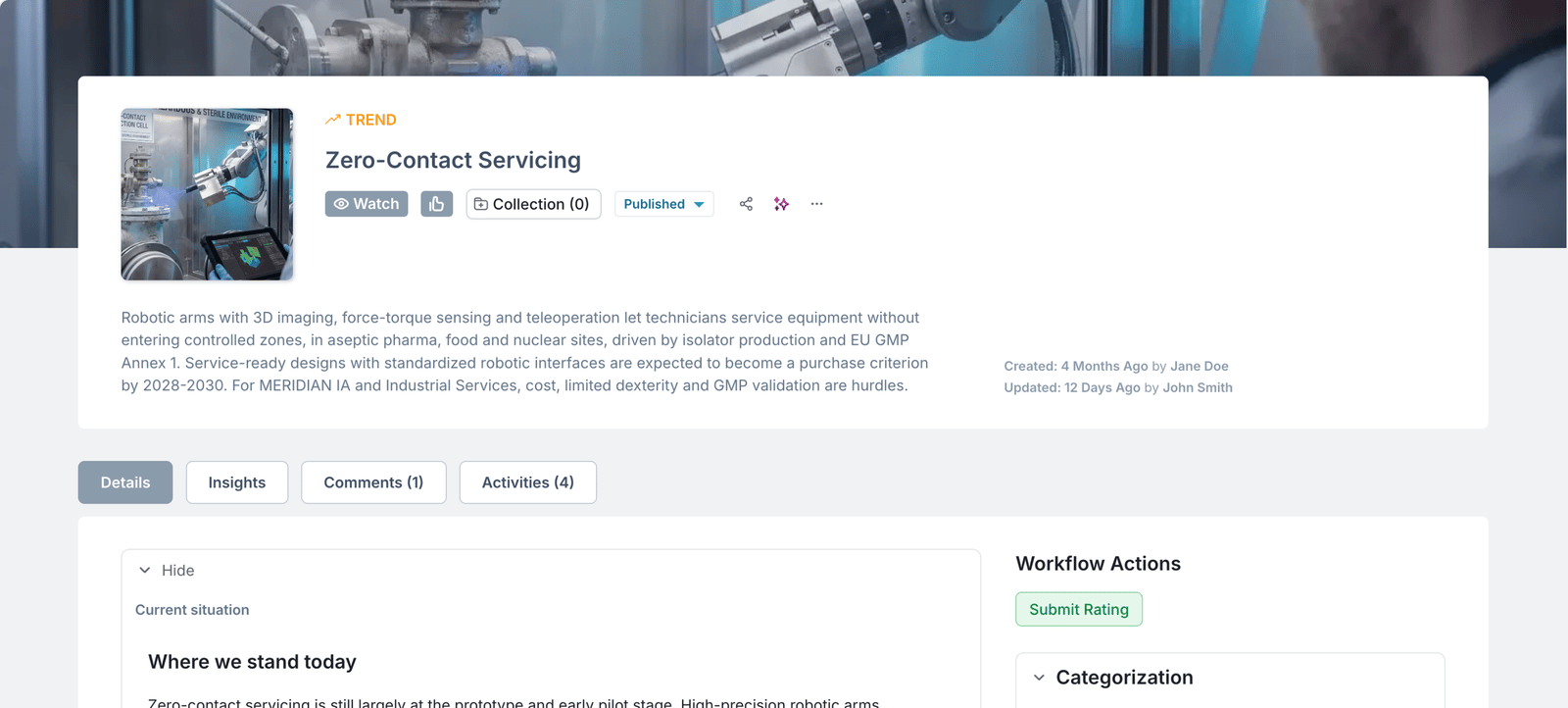
The details page is the page of a single element, with its header, tabs, and property blocks.
Stack view
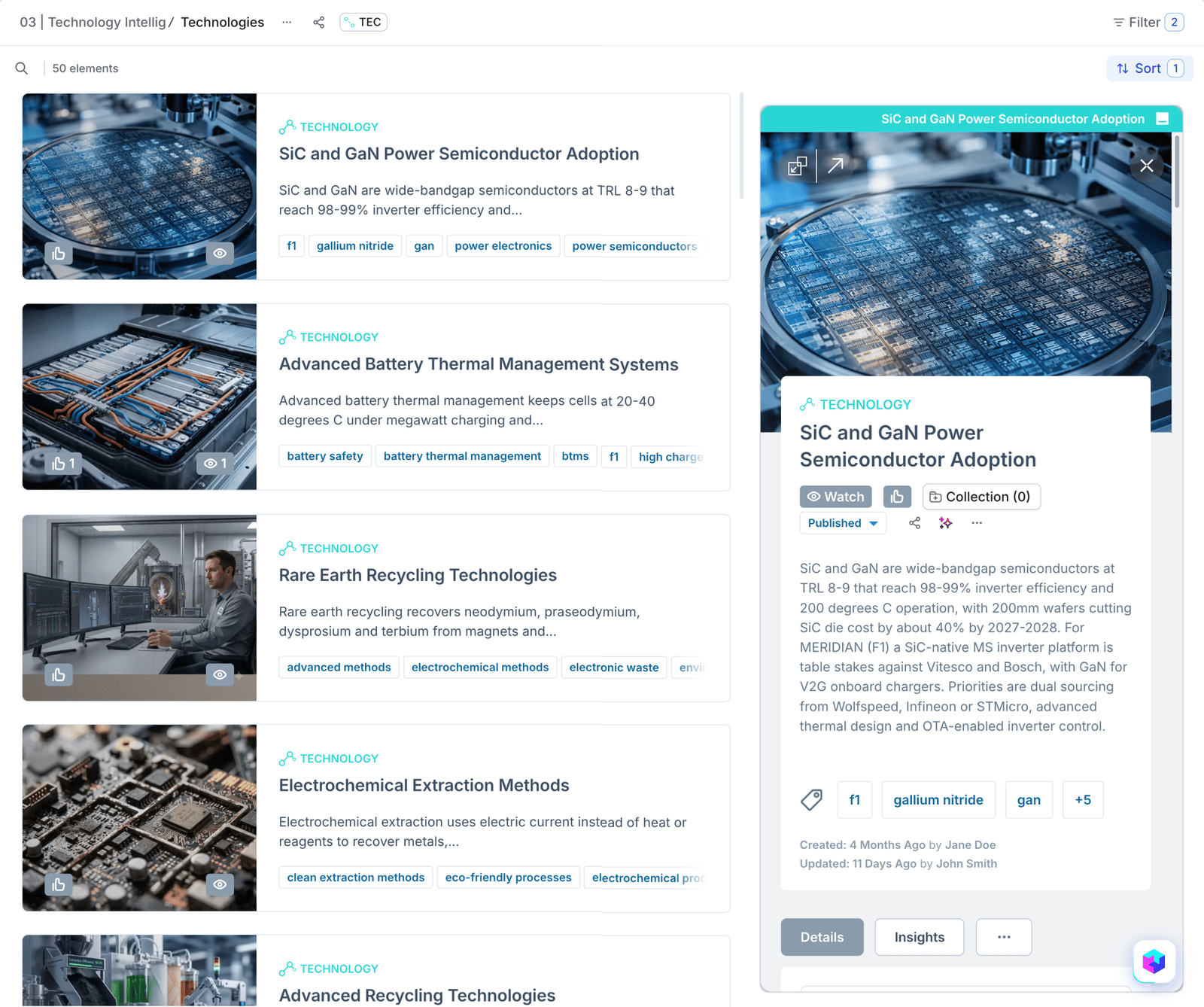
A stack view opens elements on top of your current page, so you can read details without losing your place.
Collection
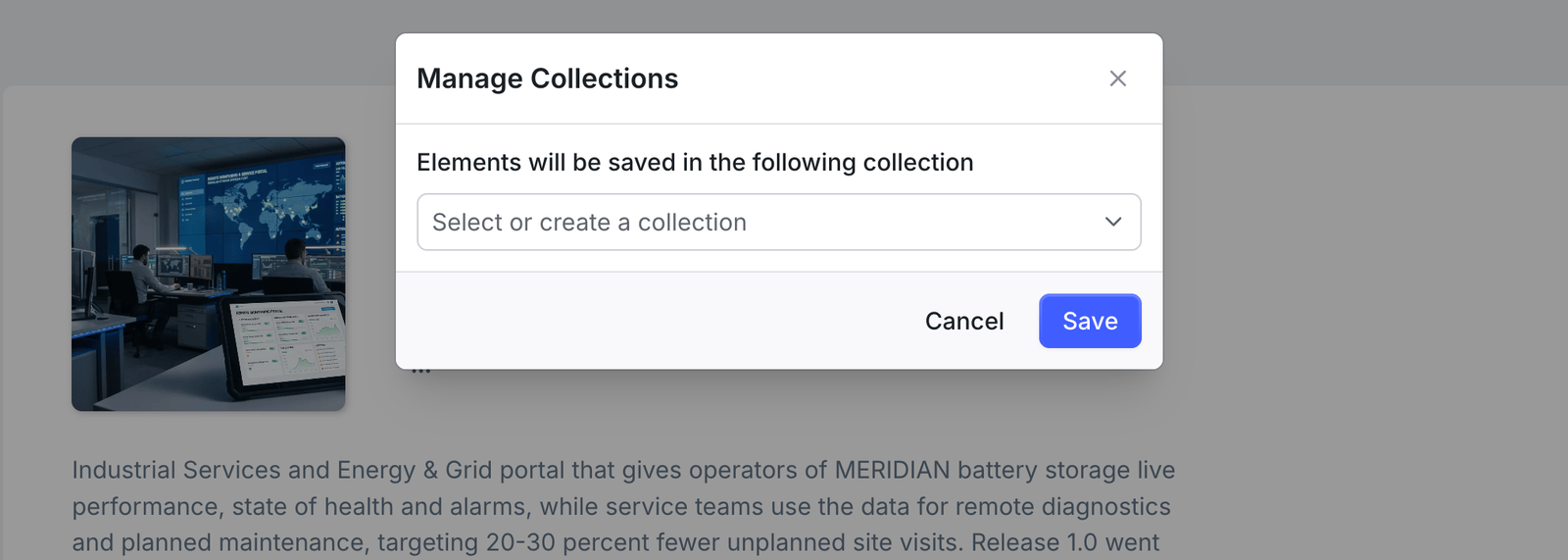
A collection is a list of elements you pick by hand instead of by a filter. Collections are public or unlisted and can be shown in a view through the global filter.
Roadmap
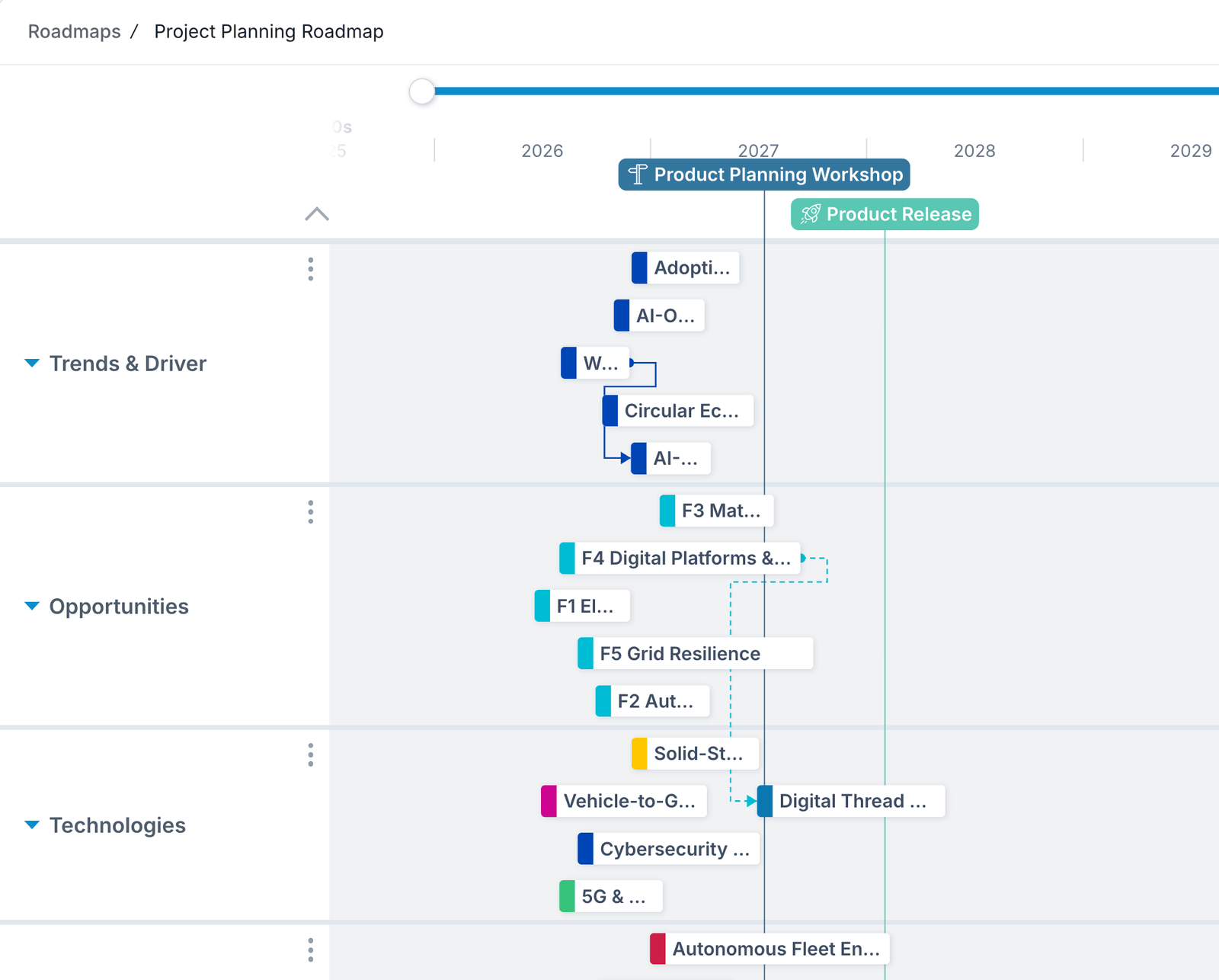
A roadmap is a timeline for planning elements, activities, and milestones over time, organized in layers.
Report
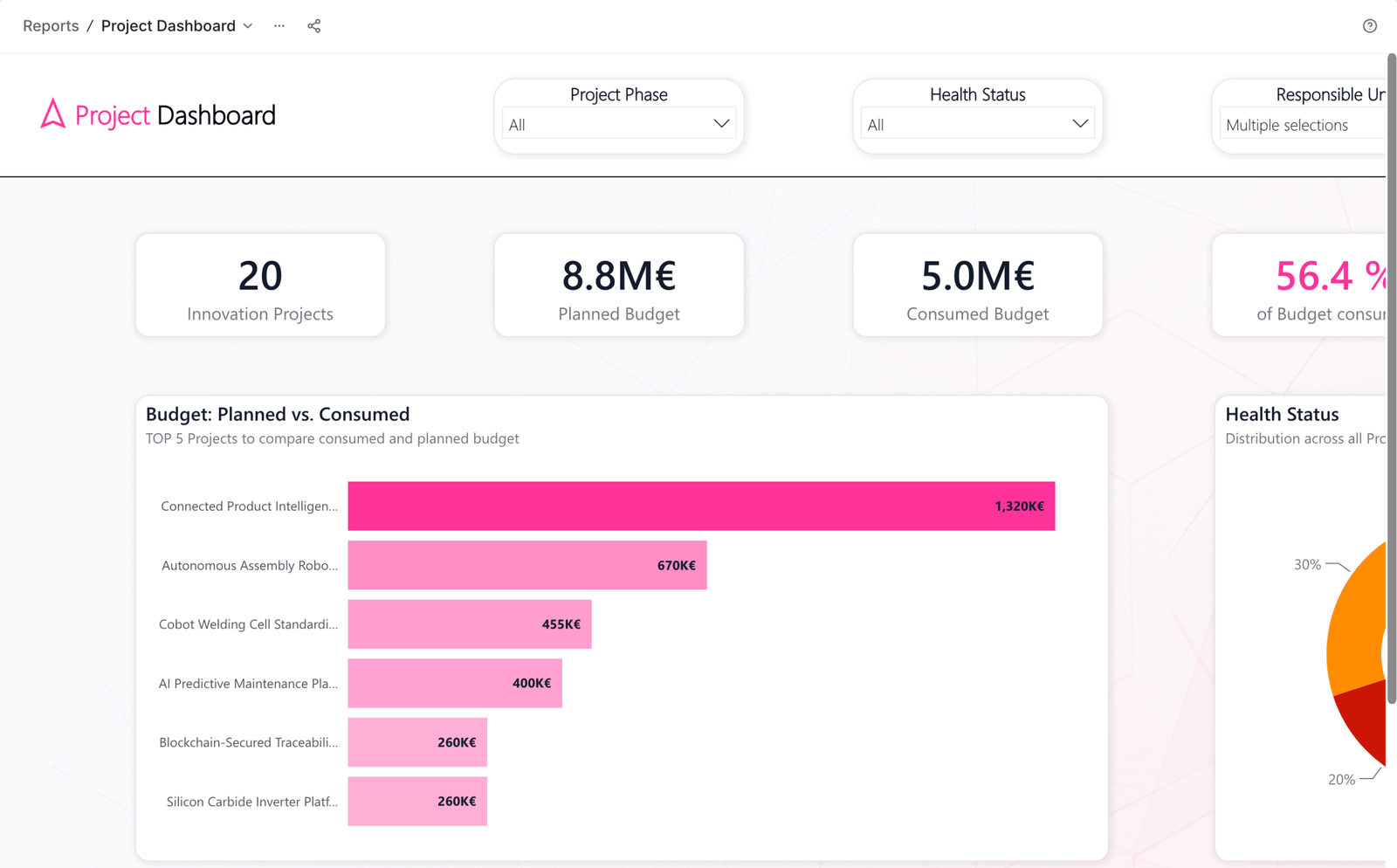
A report is a page that summarizes element data in charts and tables.
Workflow
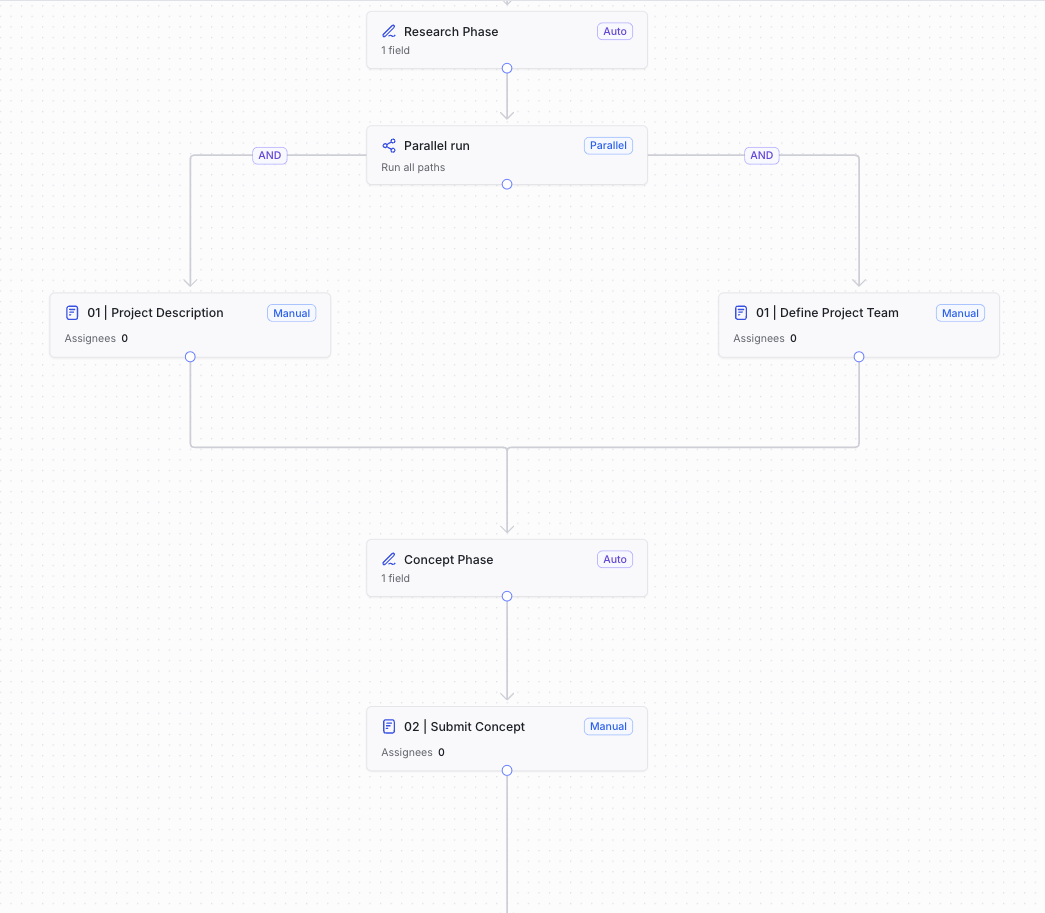
A workflow models how elements of one type move through a defined flow, and automates parts of it. It starts from a trigger and runs a sequence of manual, routing, and automation nodes.
Lifecycle
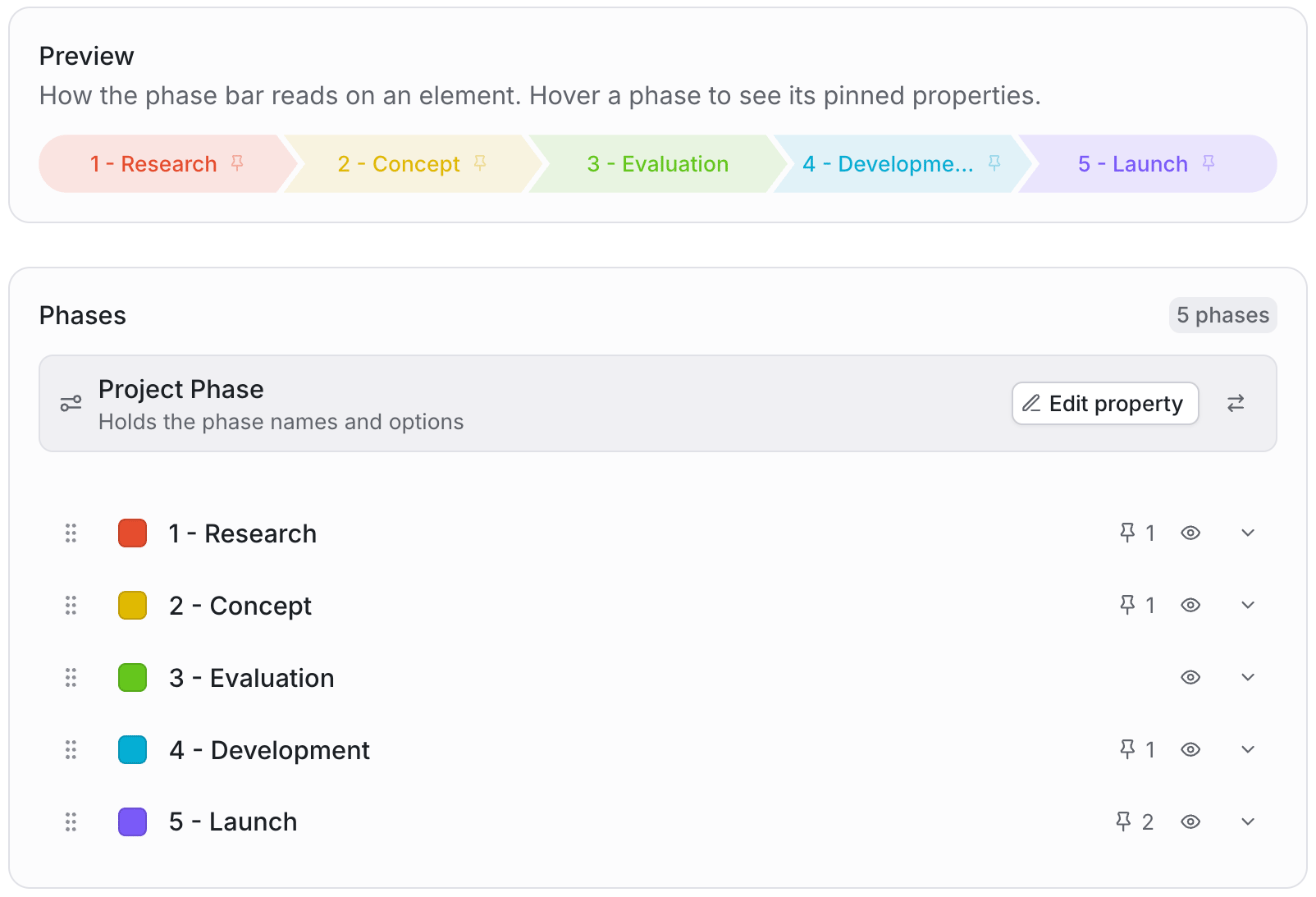
A lifecycle is a sequence of phases an element moves through, for example from idea to implementation. Lifecycles are a separate concept from workflows, which can move elements through the phases.
Prism
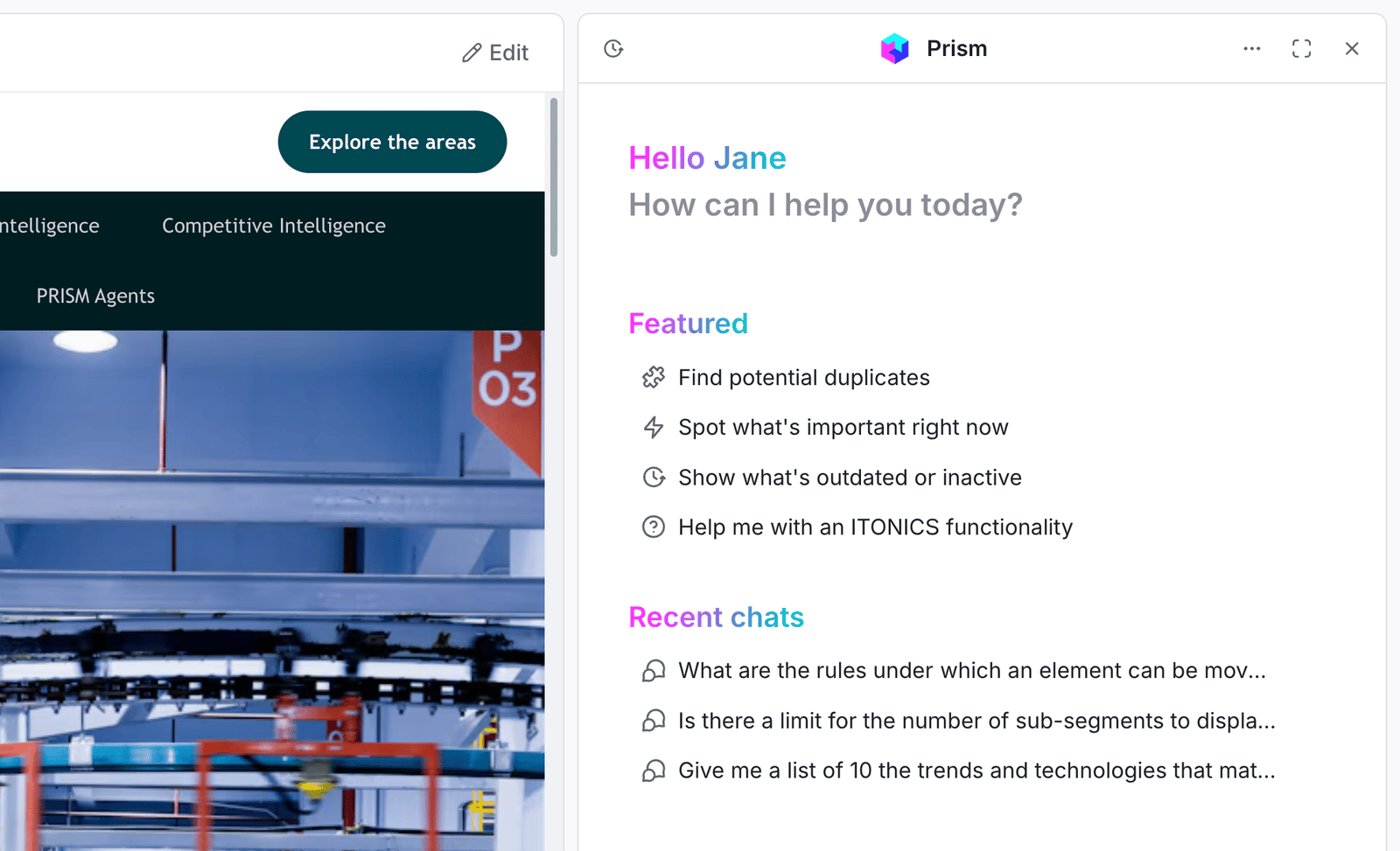
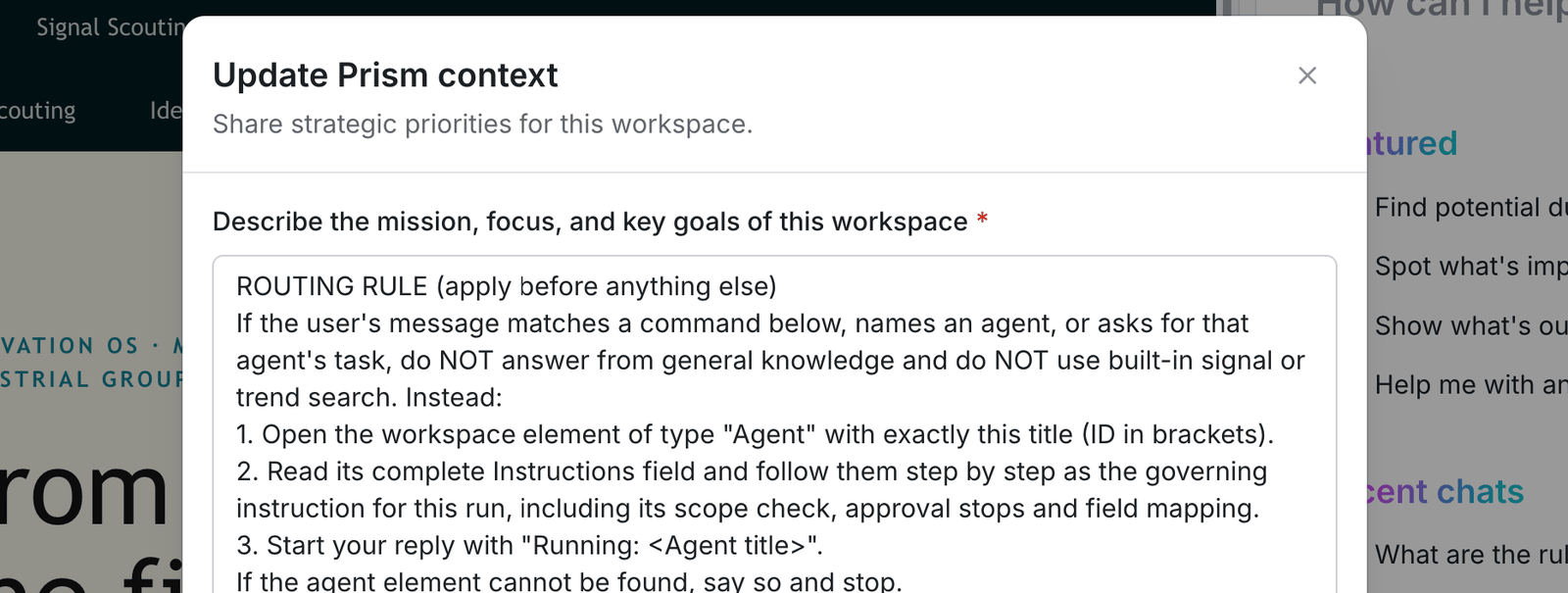
Prism is the AI assistant in ITONICS. It answers questions and creates or edits elements and views, using the context of your workspace.
Master context
The master context is a description of your organization and goals that Prism uses as background for its answers. In the workspace, it appears as Prism context.
Insights agent
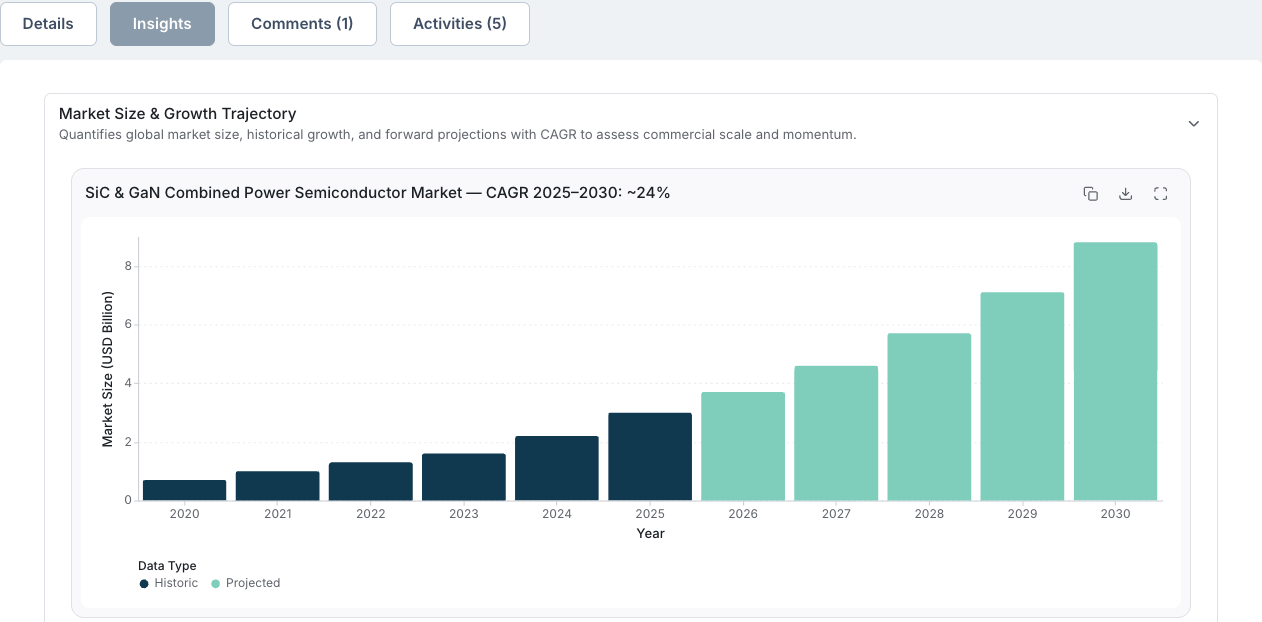
An Insights agent is an AI agent that researches sources for an element and writes the results as Insights perspectives.
Page
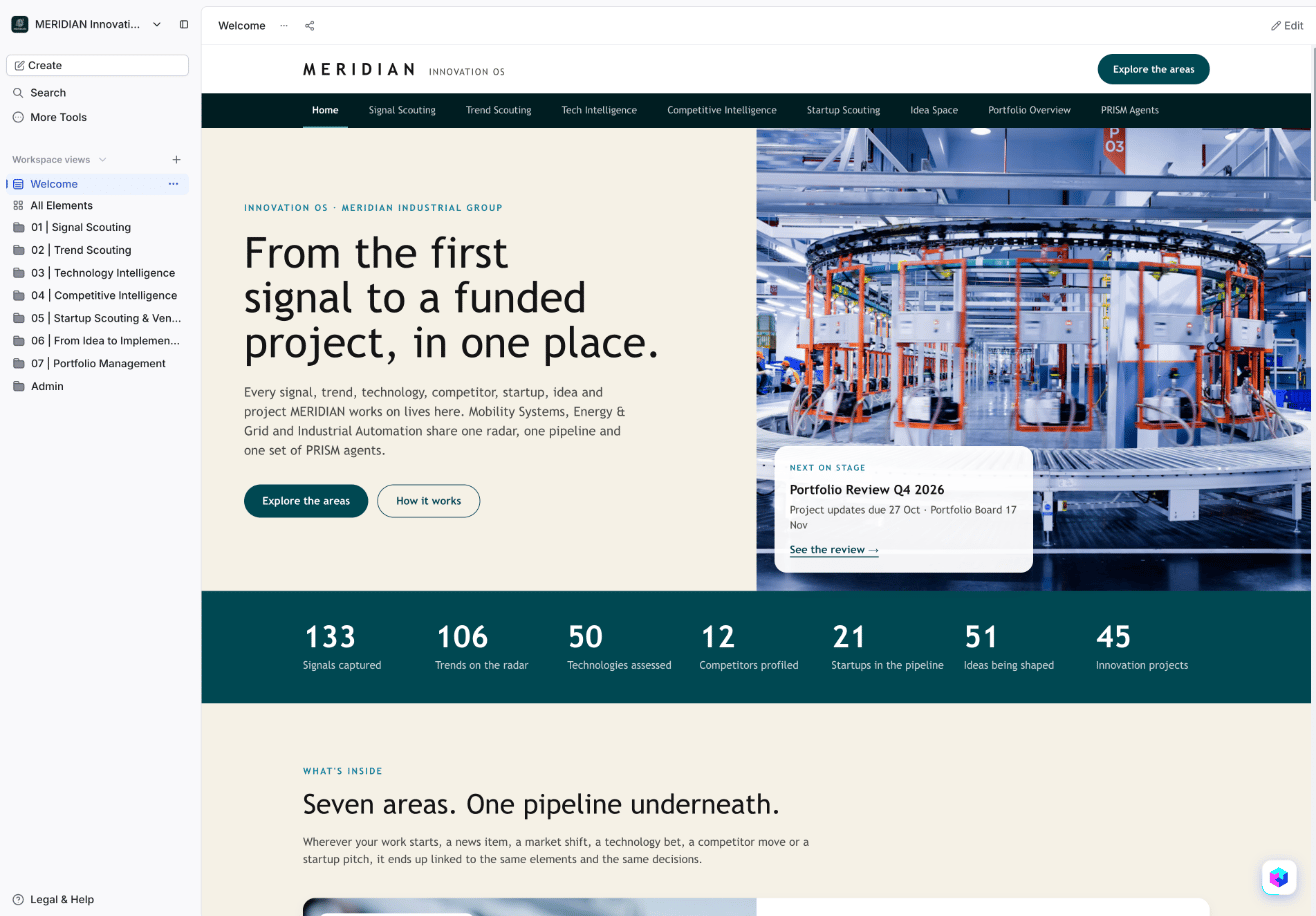
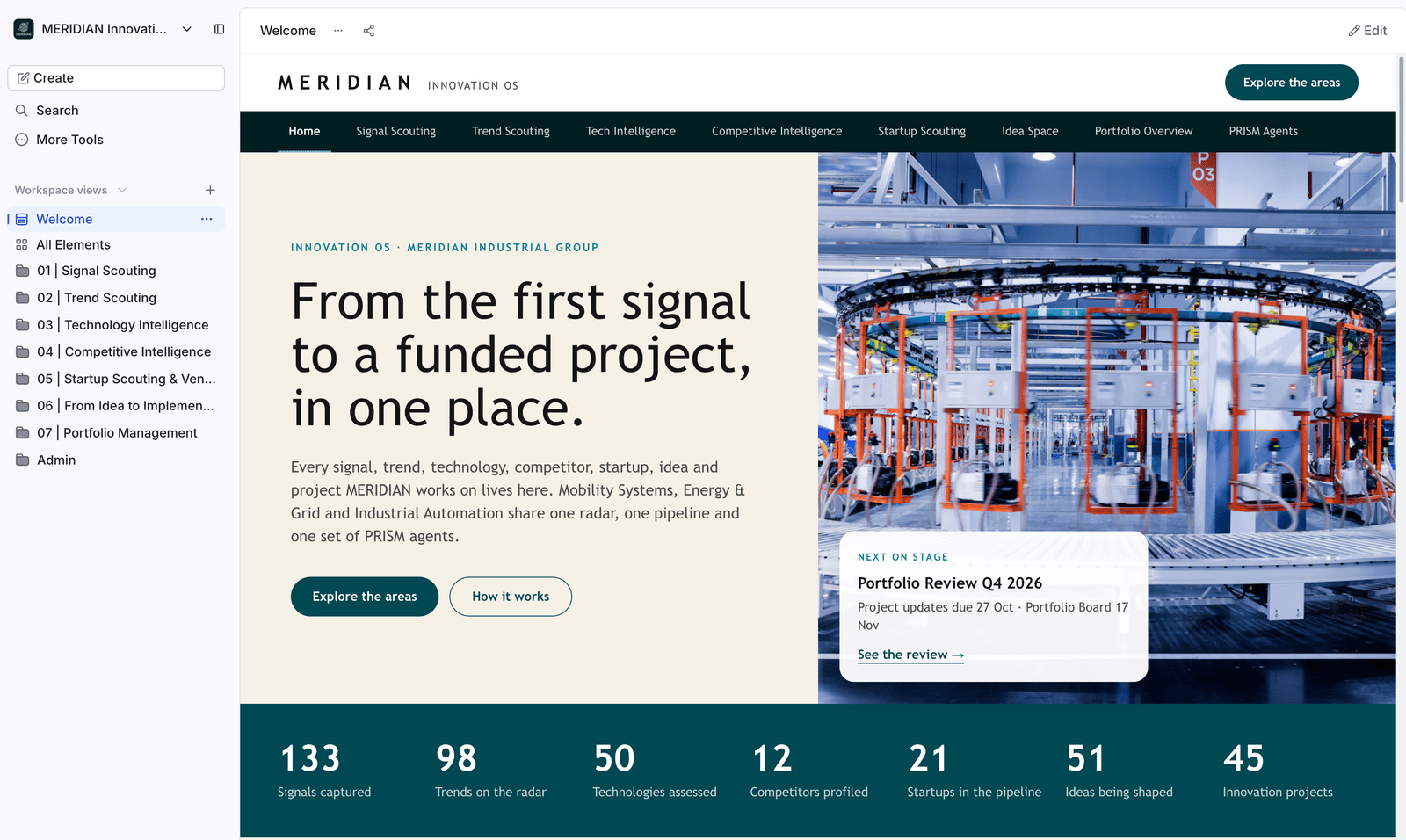
A page is a custom HTML page that works like a view and can sit anywhere in the workspace navigation. A page at the top of the navigation becomes the workspace landing page.
Site
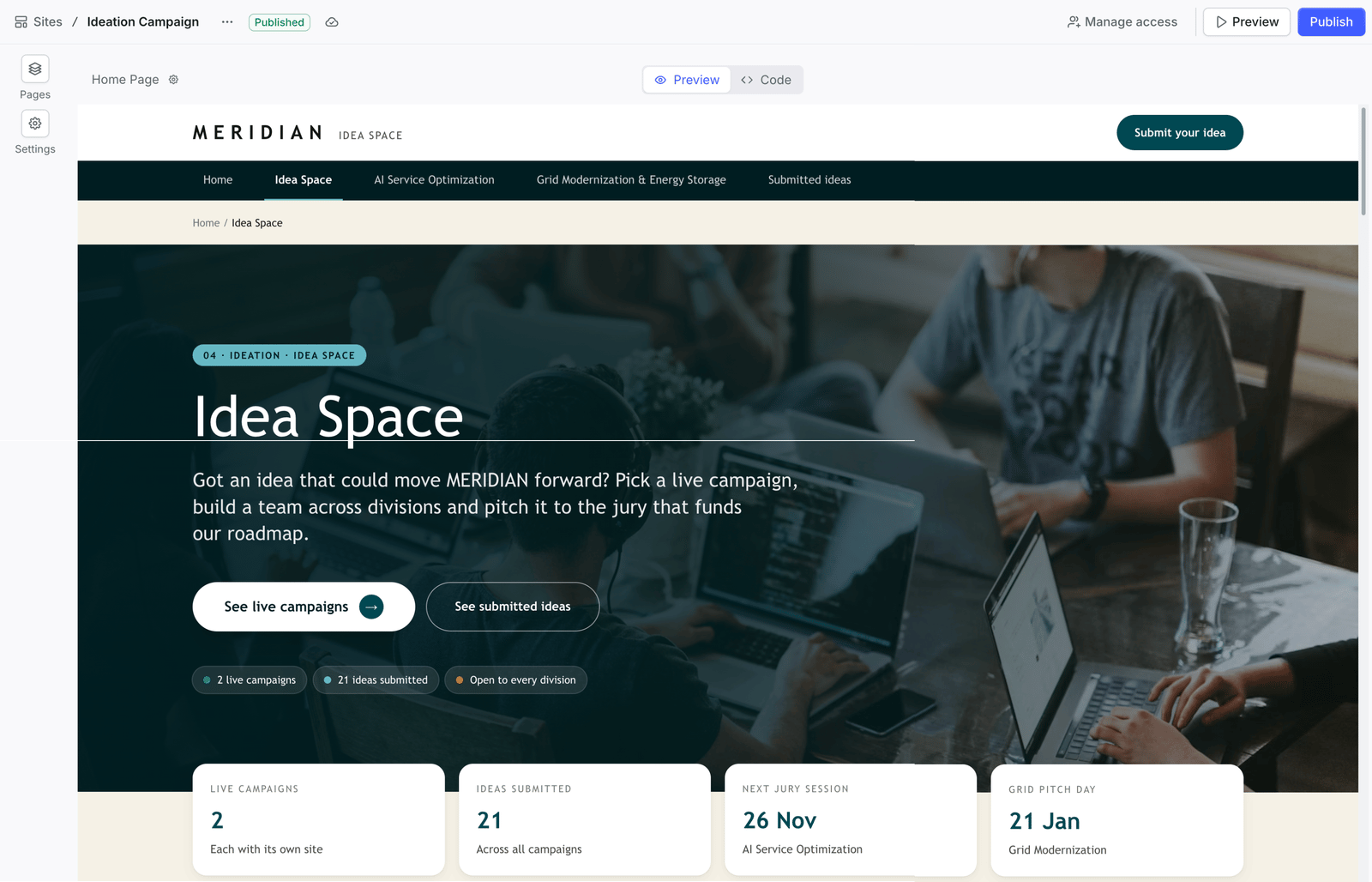
A site is a public or internal page to gather input, share content, and collaborate with internal and external users. It has layout pages and form pages and starts from a form, campaign, or blank template.
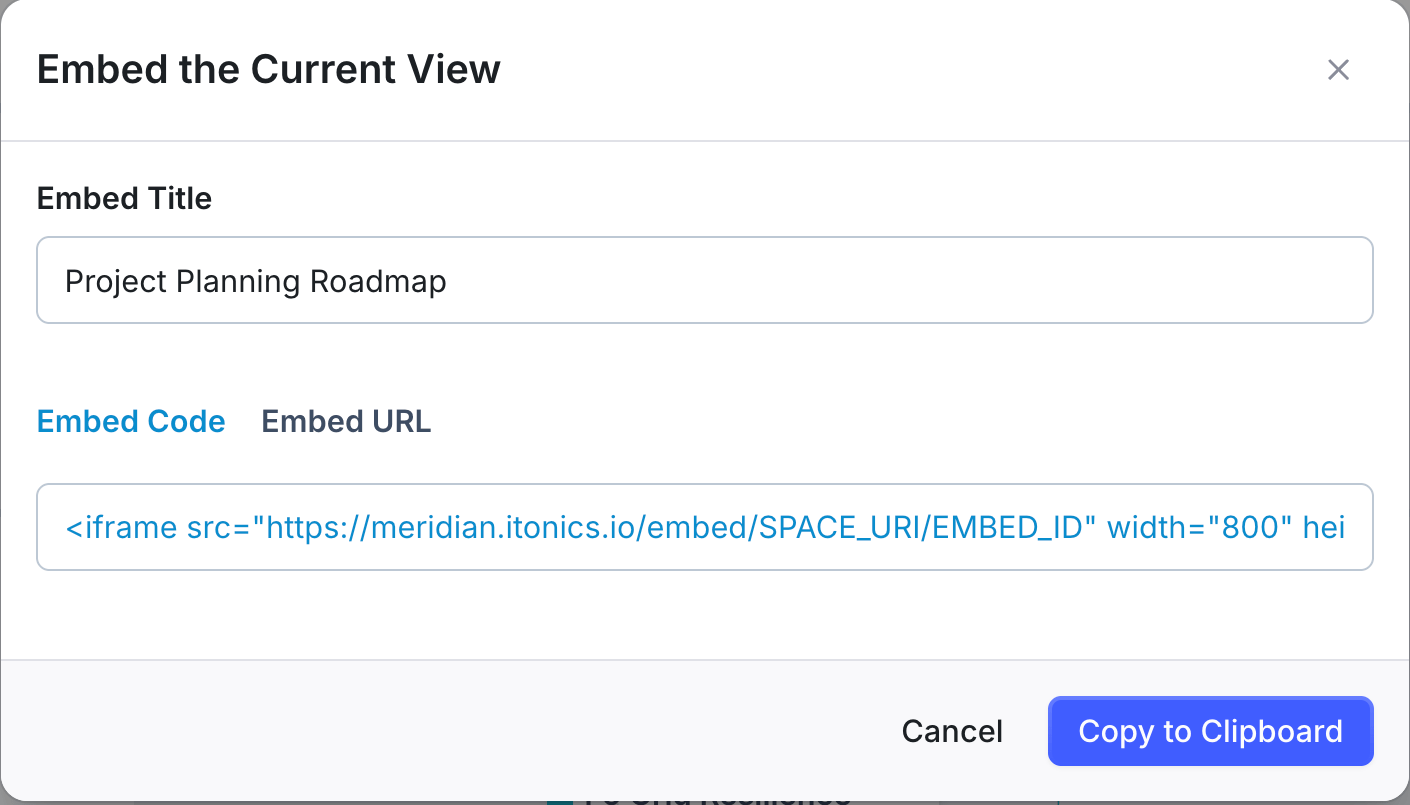
Embed
An embed is a radar or roadmap shown on a webpage outside ITONICS.
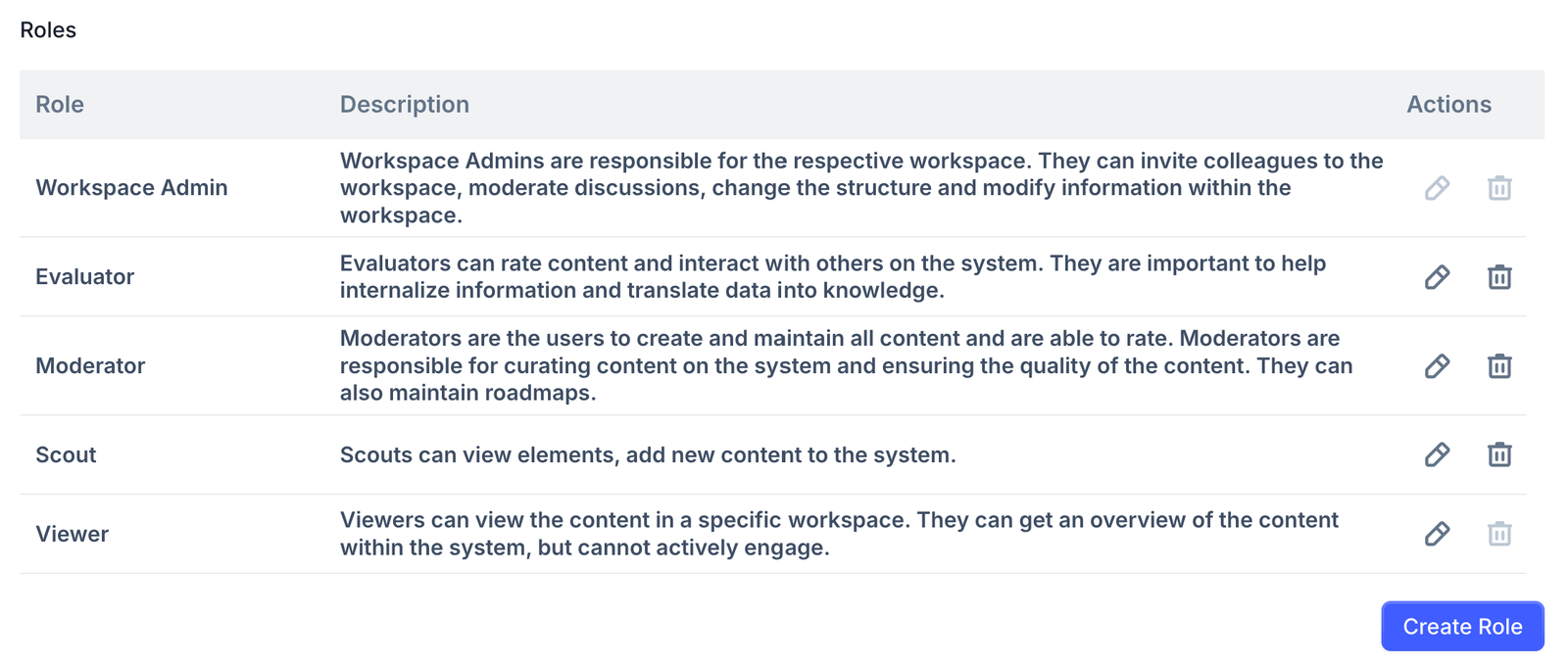
Role
A role is a set of permissions given to a user. Organization roles apply to the whole organization, workspace roles to one workspace.
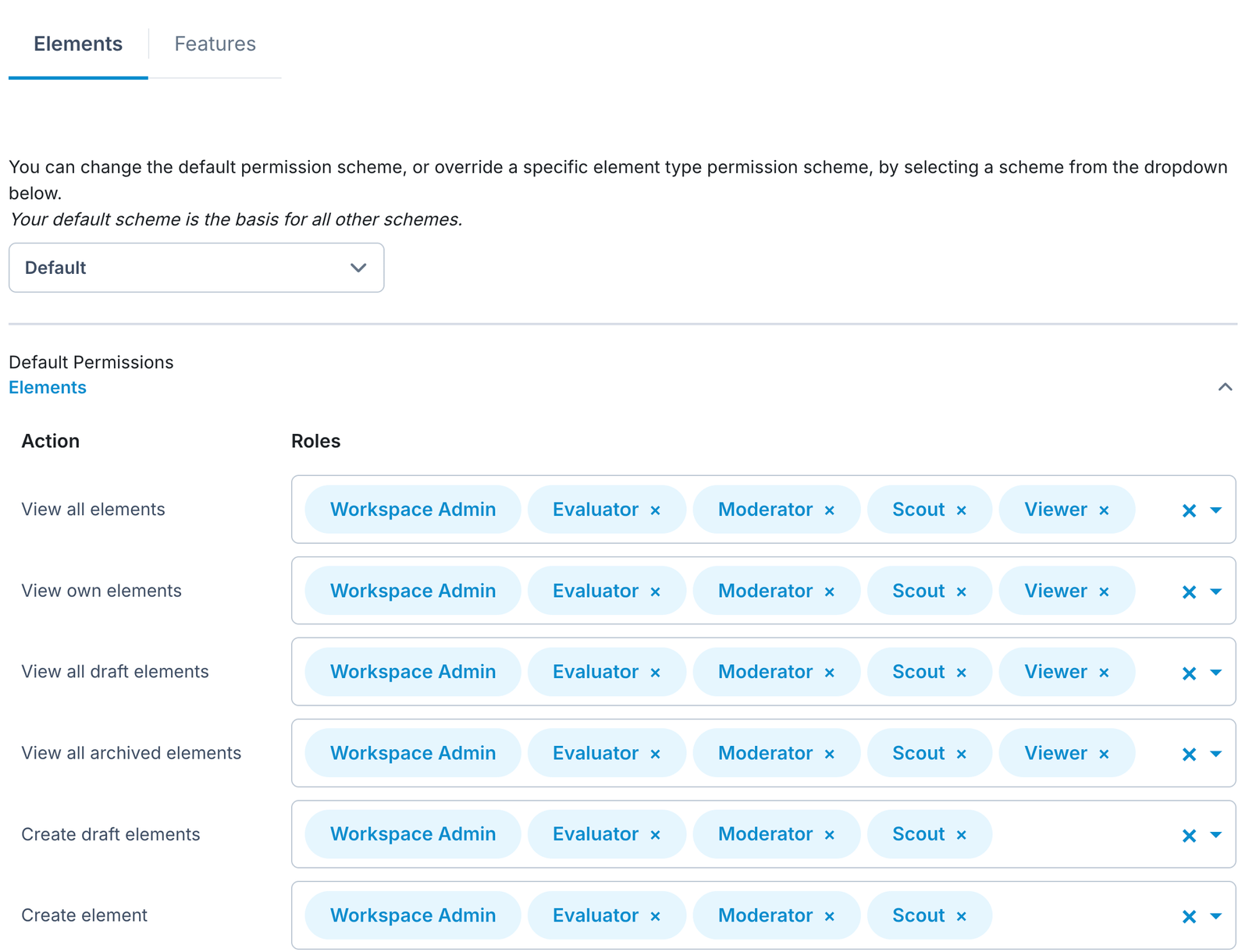
Permission
A permission is the right to do a specific action, such as exporting elements as XLS. Permissions are granted to roles.
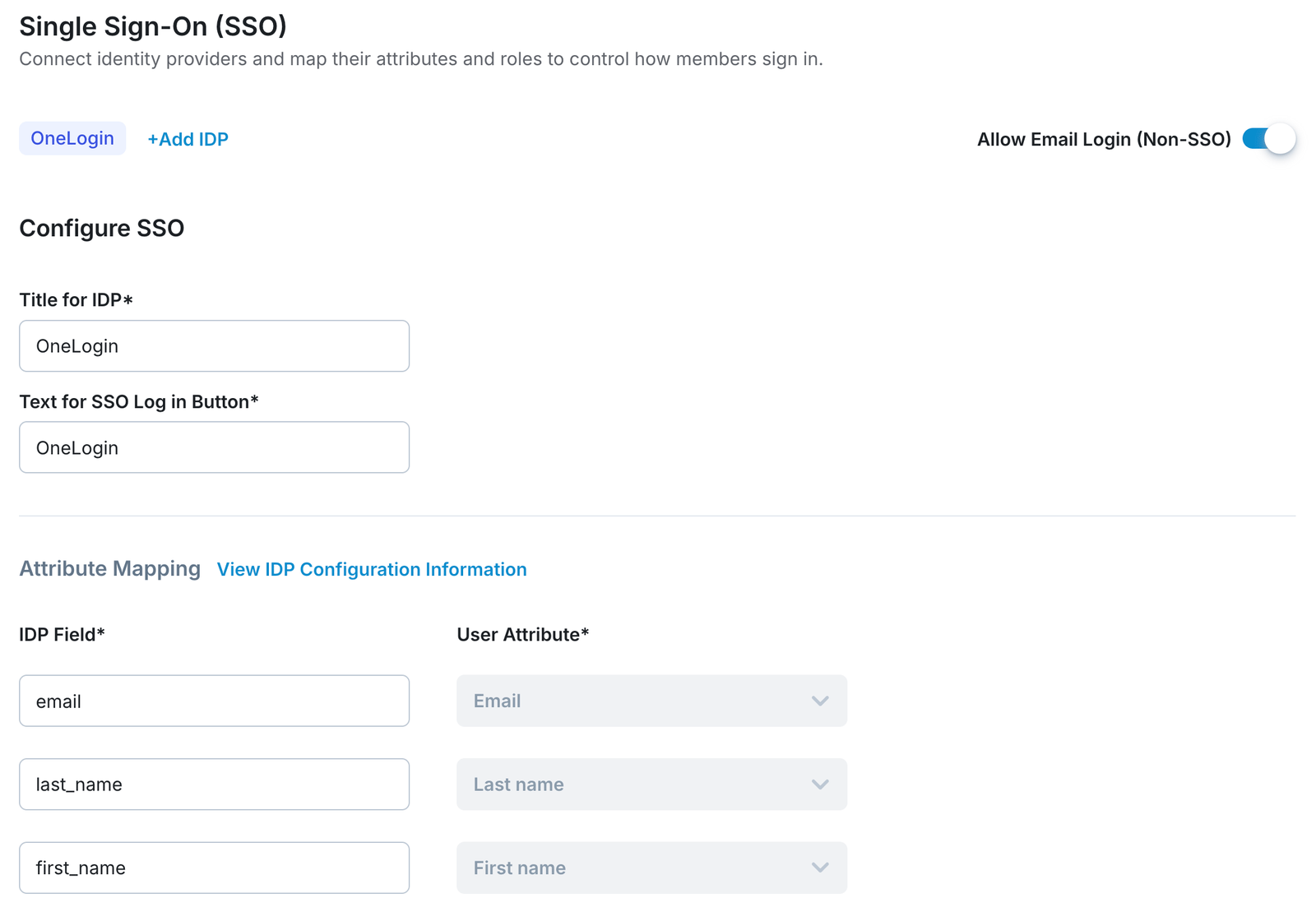
Single sign-on (SSO)
Single sign-on (SSO) lets you sign in with your company account instead of separate ITONICS credentials.
ITONICS Cloud API
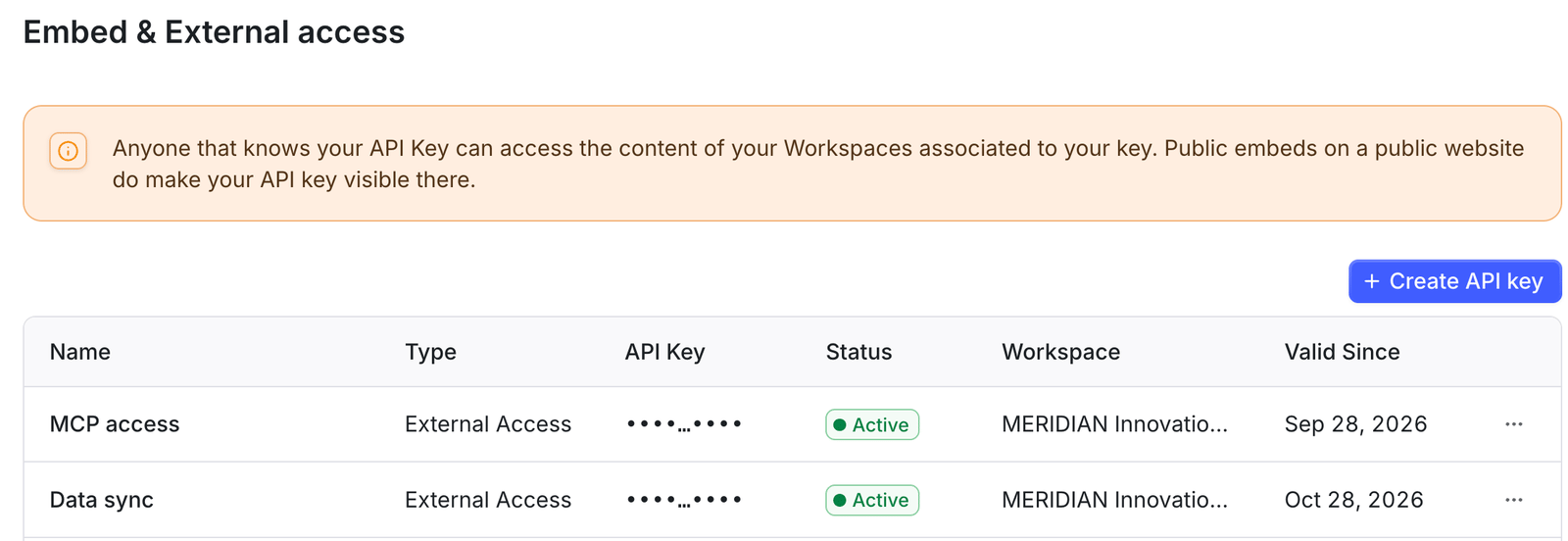
The ITONICS Cloud API is the interface for reading and writing ITONICS data from other systems.
ITONICS Cloud MCP
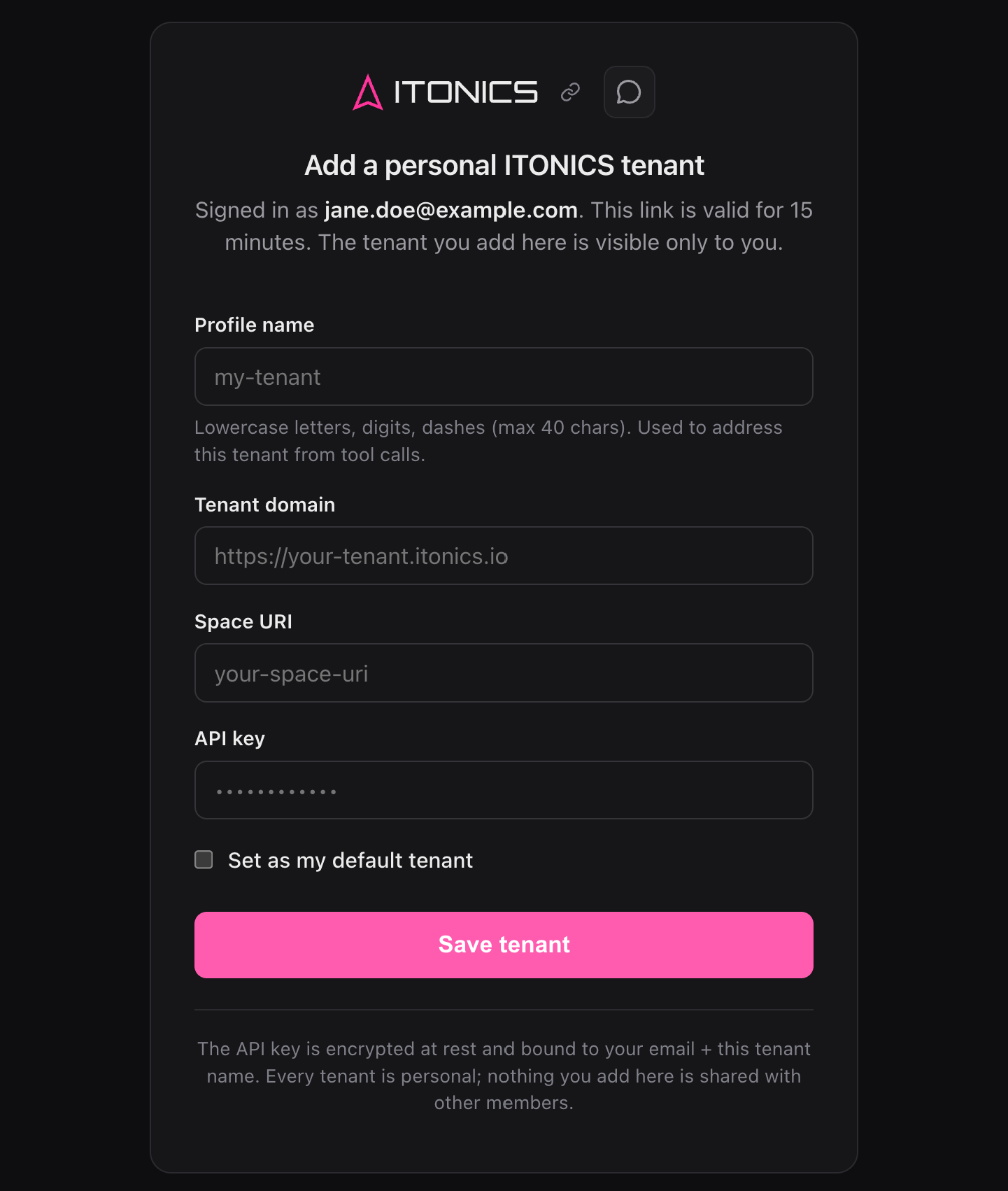
The ITONICS Cloud MCP is a server that lets external AI clients read and change ITONICS data through tools.
Webclipper
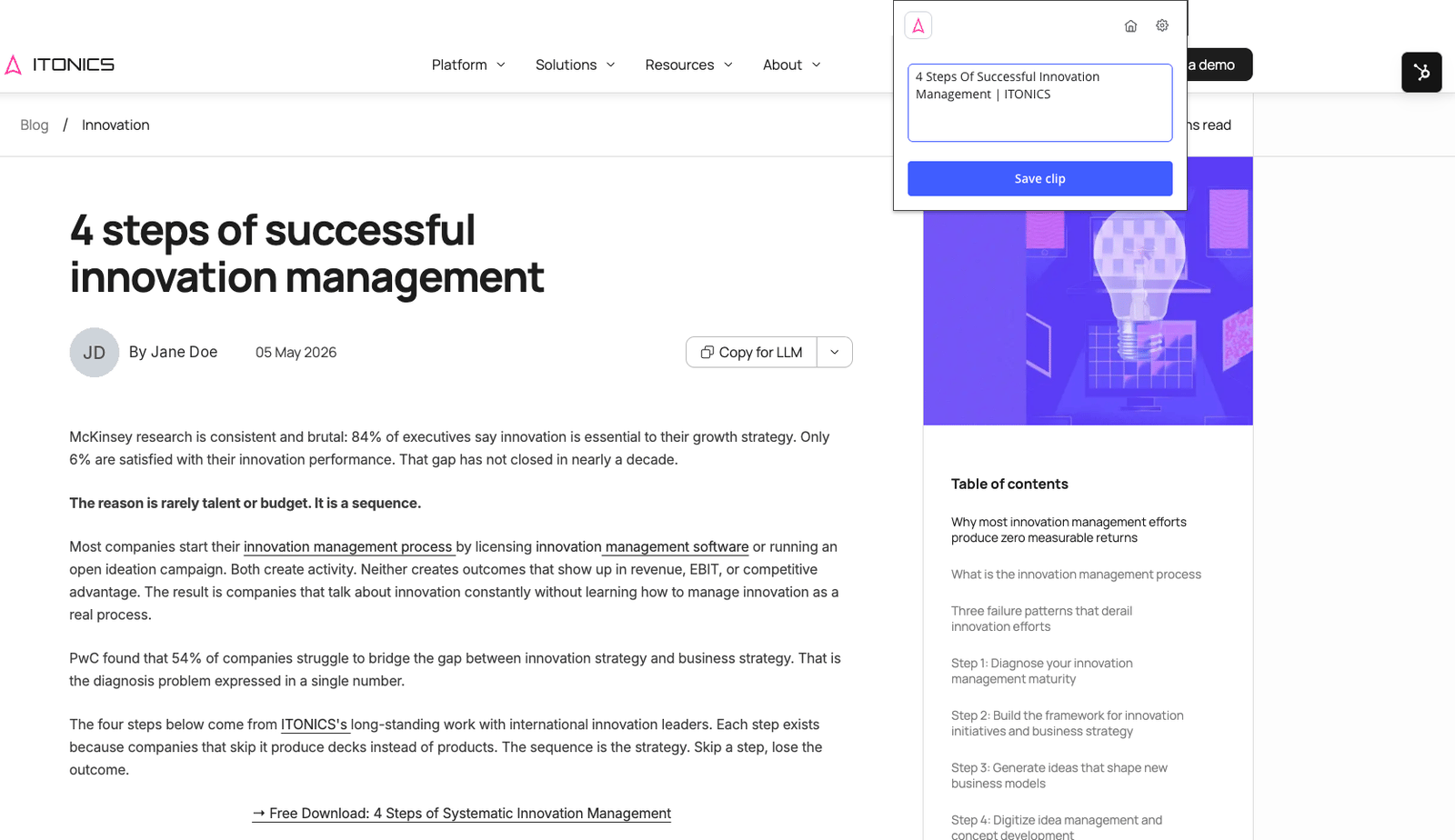
The Webclipper is a browser tool that saves content from websites as elements in ITONICS.